
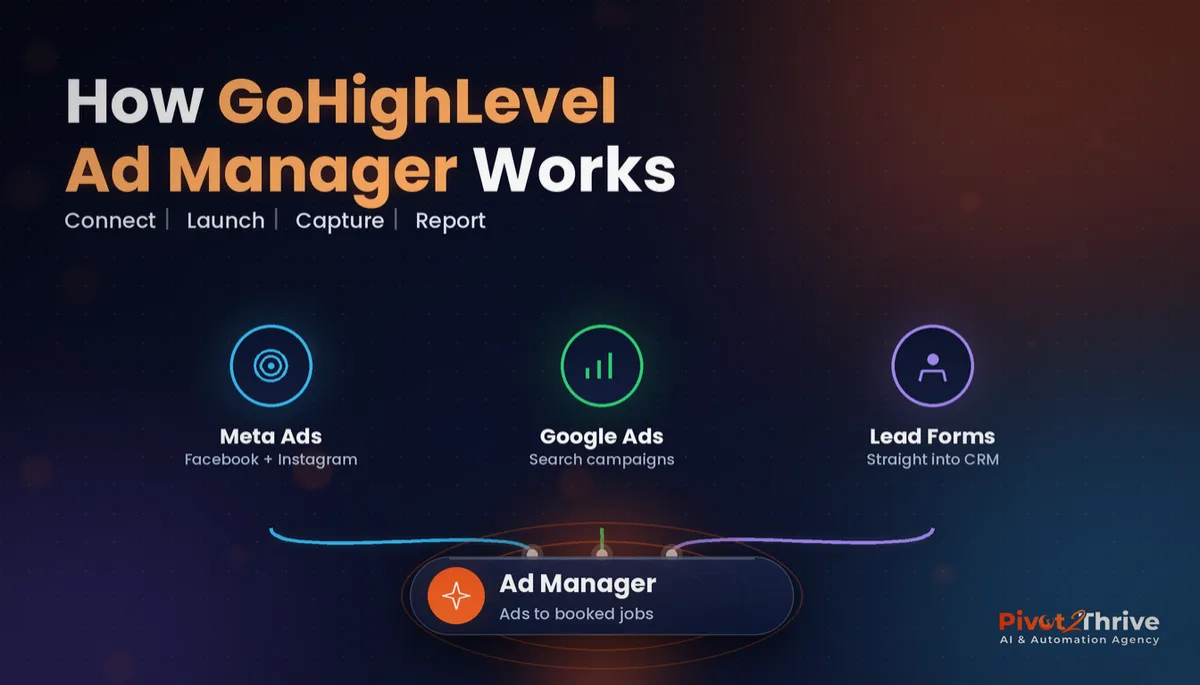
GoHighLevel Ad Manager: Run Facebook and Google Ads From Your CRM (2026 Guide)
Last updated: November 2026.
 By Dr Priya Jaganathan, Certified AI Tech Stack Consultant · Pivot 2 Thrive · Updated 1 November 2026 · 8 min read
A practical walkthrough of GoHighLevel Ad Manager: what it does, how to set it up, and how to make every ad lead land in your pipeline with a follow-up already running.
GoHighLevel Ad Manager lets you create, run and report on Facebook, Instagram and Google ads from the same account that holds your contacts, pipelines and follow-up workflows. For Australian service businesses and the agencies that run their marketing, that closes the most expensive gap in paid advertising: the space between "someone filled in the form" and "someone called them back".
Some links below are affiliate links — if you sign up through them, Pivot 2 Thrive may earn a commission at no extra cost to you. It never changes what we recommend.
GoHighLevel Ad Manager connects your Meta and Google ad accounts to your CRM so you can launch campaigns, pull lead-form leads straight into contacts and see results next to your pipeline. Set it up properly (pixel, lead-form mapping, a speed-to-lead workflow and source tags) and you judge ads on booked jobs, not clicks.
I'm Dr Priya Jaganathan — Go High Level Certified Admin, Certified AI Tech Stack Consultant and keynote speaker. At Pivot 2 Thrive I build these systems for Australian businesses every week, so this guide is written from the build, not the brochure.
GoHighLevel Ad Manager is your ad dashboard inside the CRM
GoHighLevel Ad Manager is a built-in HighLevel tool that connects your Meta (Facebook and Instagram) and Google Ads accounts to a sub-account, so you can build, edit and monitor campaigns without bouncing between three browser tabs.
Your ad spend still bills through your own Meta or Google account. Ad Manager sits on top: it syncs campaigns, ad sets and ads into one dashboard, and it lets Facebook lead-form submissions flow into HighLevel as contacts that can trigger workflows.
That last part is what matters. Ads only pay off when the lead is contacted fast, which is why Ad Manager works best alongside the follow-up logic in our speed-to-lead guide for Australian businesses.
Why running ads inside your CRM changes the numbers
Most small businesses judge ads by cost per lead, because that is the number Meta and Google show them. But a cheap lead nobody calls back is the most expensive lead you will ever buy.
When the ad, the lead and the pipeline live in one system, you can see which campaign produced booked appointments and paid invoices, not just form fills. That is a different (and usually more honest) answer about where your budget should go.
It also removes the export-import step. Leads sitting in a Facebook lead centre for two days go cold. Leads landing in HighLevel trigger an SMS, an email and a task for your team within a minute.
And for agencies, it means one login for the client conversation. You can show the campaign, the leads it produced and the outcomes side by side, which pairs well with the reporting setup in our GoHighLevel attribution reporting guide.
How to set up GoHighLevel Ad Manager in 7 steps
This is the sequence I use for Australian clients. Allow about two hours for the first sub-account, then under an hour once you have a snapshot to copy.
1. Check access and billing first. Open Marketing → Ad Manager in the sub-account. Depending on your HighLevel plan and agency settings it may need to be enabled for the sub-account first, so confirm that before booking the client session.
2. Connect the ad accounts with the right login. Connect Facebook using a profile that is an admin of the client's Business Manager, ad account and Page. For Google, authorise with the Google login that owns or manages the Ads account. Most connection errors come from logging in with the wrong personal account.
3. Set a default Page and pixel. Choose the Facebook Page the ads will run from and make sure the Meta pixel is installed on your HighLevel funnels and website. Without the pixel, Meta optimises blind.
4. Map lead-form fields to HighLevel fields. For every Facebook lead form, map name, mobile, email and each qualifying question to a HighLevel field or custom field. Unmapped answers are the number one reason teams "can't see" what the lead said.
| Lead source | Where the lead lands | Best for |
|---|---|---|
| Facebook instant lead form | HighLevel contact via Ad Manager sync | Fast, mobile-first enquiries (quotes, consults) |
| Ad to HighLevel funnel page | Contact via HighLevel form | Higher-intent leads, longer offers, booking calendars |
| Google Search ad to landing page | Contact via HighLevel form or call tracking | People actively searching for the service now |
| Click-to-message ad | HighLevel Conversations inbox | Businesses that close in chat (beauty, fitness, trades) |
5. Build the speed-to-lead workflow. Trigger on the new contact (filtered by source tag), send an instant SMS, create a call task, and notify the owner. If nobody books within a set window, add a short nurture sequence.
6. Tag every lead with campaign and ad. Add tags or custom fields for campaign name so you can segment later. This makes pipeline reports, smart lists and re-engagement campaigns possible months from now.
7. Review weekly on outcomes. Each Monday, compare spend by campaign against appointments booked and opportunities won in the pipeline. Pause anything that produces leads but no bookings, even if its cost per lead looks great.
Once those seven steps are in place, the ad account stops being a separate world and becomes the top of your pipeline.
Cost per lead is a vanity metric until you can see cost per booked job. Ad Manager earns its place the day you can see both on one screen.
Not on HighLevel yet? Start with a free 30-day trial — enough time to build everything in this guide before you pay a cent.
An Australian example: a Brisbane landscaper's spring campaign
Here is an illustrative scenario based on the kind of business we work with. A Brisbane landscaping company runs Facebook lead ads every spring for garden makeovers, and leads arrive in a spreadsheet the owner checks at night.
They connect Meta through Ad Manager, map the form questions (suburb, budget range, timeframe) to custom fields and switch on a workflow: an SMS within 60 seconds with a booking link for a site visit, plus a call task for the office manager.
Within the first fortnight, the owner can see that one ad set (budget over a set amount, within 20 km) produces most of the booked site visits, while the cheaper ad set mostly produces "just looking" enquiries.
The budget shifts to what books work. The owner stops judging the campaign by cost per lead and starts judging it by site visits booked and quotes accepted.
Common GoHighLevel Ad Manager mistakes to avoid
- Connecting with the wrong account. A login that is not an admin on the Business Manager or Google Ads account causes half-synced campaigns. Fix the permissions in Meta or Google first, then reconnect.
- Leaving form fields unmapped. The lead arrives as a name and number with none of the qualifying answers. Map every question before the campaign goes live.
- No workflow on new leads. Ad Manager brings the lead in; it does not call them. Without a speed-to-lead workflow the lead waits, and waiting kills conversion.
- Judging on Meta's numbers alone. Platform reporting tells you about clicks and leads. Pipeline reporting tells you about revenue. Use both.
- Skipping the source tag. Untagged leads cannot be traced back to a campaign later, which makes every future budget decision a guess.
If leads are coming in but not turning into conversations, our GoHighLevel lead scoring setup guide shows how to prioritise the hottest ones first.
Frequently Asked Questions
What is GoHighLevel Ad Manager?
GoHighLevel Ad Manager is a built-in HighLevel tool that connects Meta (Facebook and Instagram) and Google Ads accounts to a sub-account. It lets you create, edit and report on campaigns in one dashboard and brings Facebook lead-form leads straight into your CRM as contacts.
Does GoHighLevel Ad Manager replace Meta Ads Manager?
Not entirely. Ad Manager covers the everyday work of building, editing and monitoring campaigns, but advanced settings and some ad formats may still need Meta Ads Manager or Google Ads directly. Most businesses use Ad Manager day to day and the native platforms for occasional advanced tweaks.
Who pays for the ad spend in GoHighLevel Ad Manager?
Ad spend is billed through the connected Meta or Google ad account, the same as running ads natively. Whether Ad Manager itself is included or an add-on depends on your HighLevel plan and agency settings, so check inside your account before you start.
How do Facebook lead-form leads get into GoHighLevel?
When the Facebook account is connected through Ad Manager, lead-form submissions sync into HighLevel as contacts. Map each form question to a HighLevel field so the answers arrive with the lead, then use a workflow to contact them within minutes.
Can agencies offer GoHighLevel Ad Manager to clients?
Yes. Agencies can enable Ad Manager for client sub-accounts so the client sees campaigns and leads in the same place as their pipeline. It works well as part of a managed ads or lead-generation retainer.
What should I measure in GoHighLevel Ad Manager?
Measure spend against appointments booked and opportunities won, not just cost per lead. Tag every lead with its campaign so pipeline reports can show which ads actually produce paying customers.
Still deciding on a platform? Try HighLevel free for 30 days and connect your first ad account before you commit.
Related Articles
Our services
- PowerPivot Leads Pro — AI lead generation and follow-up
- AI Receptionist Agent — answer every call, 24/7
Keep reading
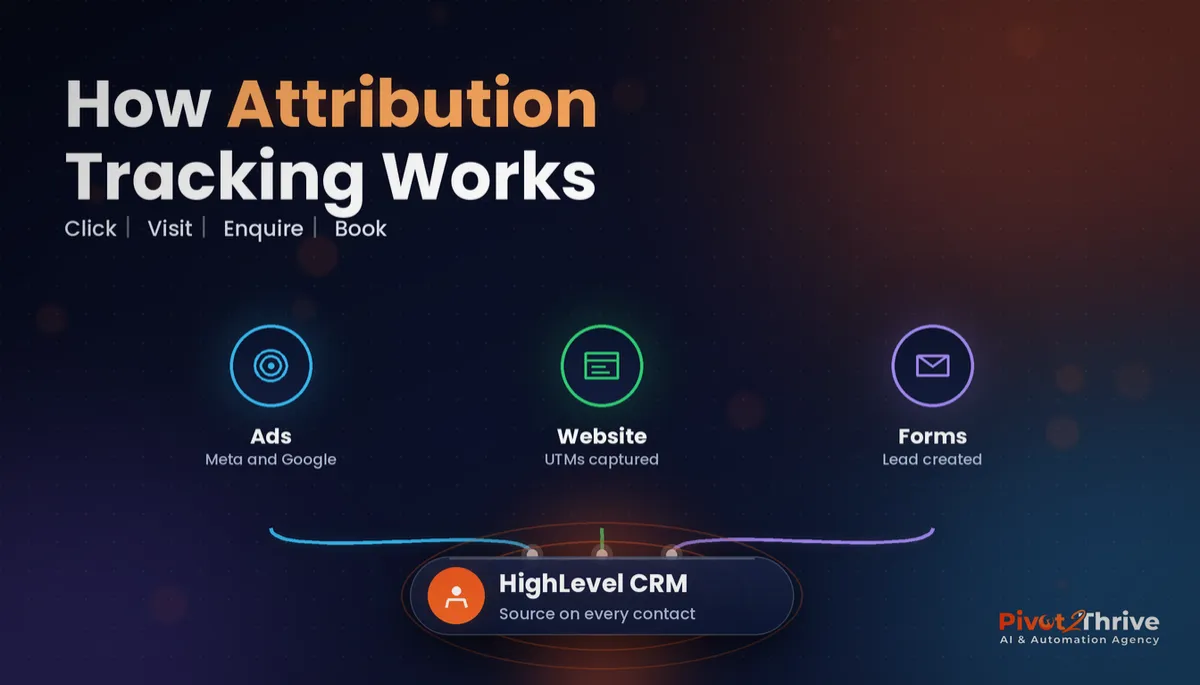 GoHighLevel Attribution Reporting: See Which Ads and Channels Actually Book Jobs
 Facebook Ads for AI Agencies in Australia
 Speed to Lead in Australia (2026)
 GoHighLevel Forms and Surveys Setup Guide
Everything else
