
GoHighLevel Phone Numbers in Australia: Buy, Verify and Register a Local Number (2026 Guide)
Last updated: November 2026.
 By Dr Priya Jaganathan, Certified AI Tech Stack Consultant · Pivot 2 Thrive · Updated 10 November 2026 · 7 min read
A step-by-step guide to getting an Australian number working in GoHighLevel: the right number type, the paperwork, SMS sender IDs and call routing.
Setting up GoHighLevel phone numbers in Australia trips up more new accounts than almost anything else. The number search looks simple, then the purchase stalls on a regulatory bundle, texts do not go out from a landline number, or branded SMS arrives labelled "Unverified".
This guide walks through it in the order I set up client accounts: choose the number type, pass verification, register sender IDs, then route calls and texts so nothing is missed.
Some links below are affiliate links — if you sign up through them, Pivot 2 Thrive may earn a commission at no extra cost to you. It never changes what we recommend.
In GoHighLevel's LC Phone, Australian numbers need an approved regulatory bundle with a real Australian street address before they go live. Choose a mobile (04) number if you need two-way SMS, register any alphanumeric sender ID with your provider because ACMA's SMS Sender ID Register applies from 1 July 2026, and set up call routing and missed-call text-back before you publish the number.
I'm Dr Priya Jaganathan — Go High Level Certified Admin, Certified AI Tech Stack Consultant and keynote speaker. I set up LC Phone for Australian client accounts every week at Pivot 2 Thrive, so these are the steps that actually get numbers approved and working.
GoHighLevel phone numbers are the LC Phone layer under your CRM
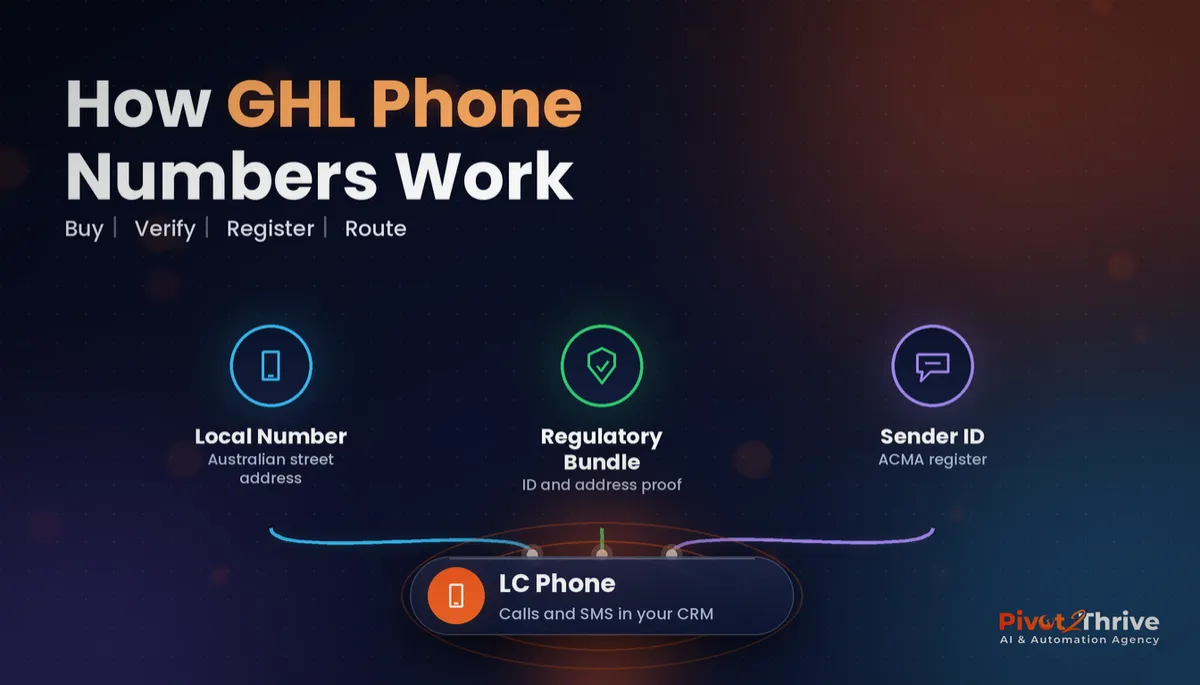
GoHighLevel phone numbers are telephone numbers bought and managed inside your sub-account through LC Phone, HighLevel's built-in phone system, which runs on Twilio's network. They handle inbound and outbound calls, SMS, call recording and the triggers your workflows use.
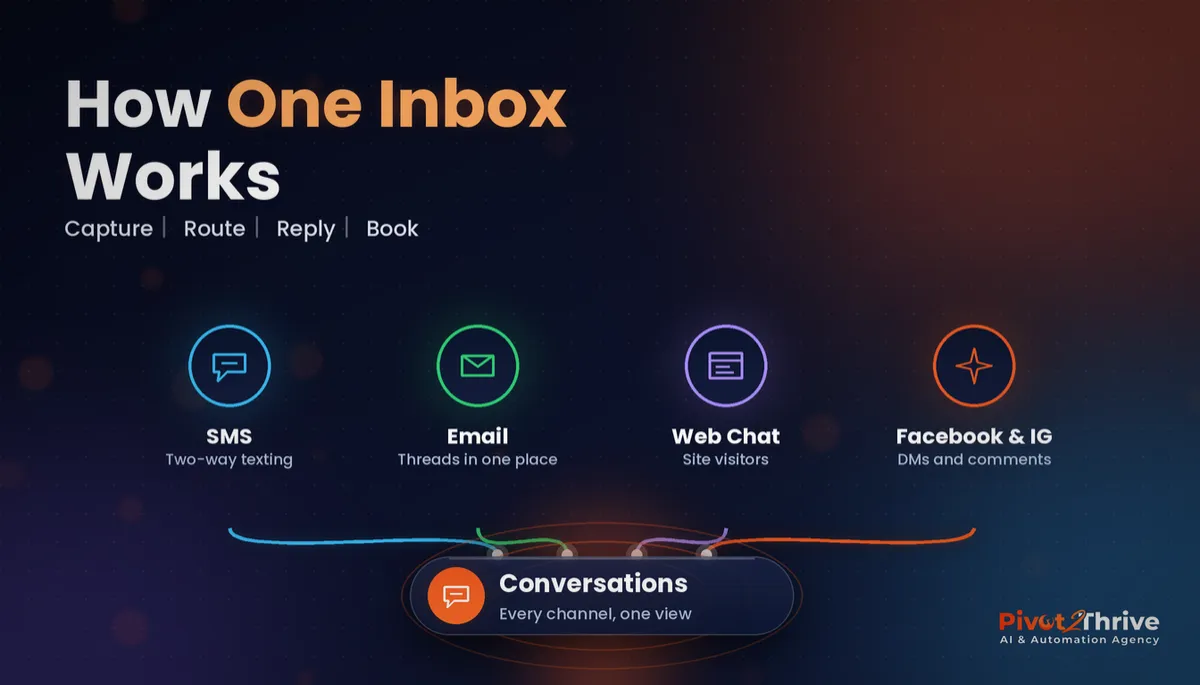
Every call and text lands in the GoHighLevel Conversations inbox, which is what makes features like missed-call text-back, the power dialer and Voice AI possible.
Because the number is tied to the sub-account, agencies usually buy one per client location rather than sharing numbers across clients.
Why Australian phone number setup in GoHighLevel needs care
Australia has stricter number rules than many markets. Twilio's Australian guidance says local and mobile numbers need an Australian street address — PO boxes are not accepted — supported by documents such as a utility bill, tax notice or government ID (Twilio, 2026). Twilio's documentation also notes that bundle reviews generally take up to three business days.
SMS branding changed this year too. The Australian Communications and Media Authority (ACMA) says that from 1 July 2026, messages sent with an unregistered alphanumeric sender ID are shown as "Unverified" under its SMS Sender ID Register, and businesses register through their SMS providers (ACMA, 2025).
Get either step wrong and your missed-call text-back, appointment reminders and follow-up sequences quietly fail or look like scams.
How to set up GoHighLevel phone numbers in Australia in 6 steps
Allow an hour of setup plus a few business days for verification. Do this before launch, not the day a campaign goes live.
1. Pick the right number type. Decide what the number must do before you search. If you need two-way SMS, choose a mobile number; local geographic numbers are generally voice-only in Australia, so check the capability icons in the number search before buying.
| Number type | Looks like | Best for | Watch out for |
|---|---|---|---|
| Mobile | 04xx xxx xxx | Two-way SMS, missed-call text-back, AI SMS assistants | Needs an approved bundle with Australian business details |
| Local (geographic) | 02, 03, 07, 08 | Inbound calls, call tracking, local trust | Generally no SMS; street address required |
| Toll-free | 1800 | National inbound lines | Higher per-minute cost; check capabilities |
| Alphanumeric sender ID | Your brand name | One-way branded SMS | Cannot receive replies; must be on ACMA's register |
2. Gather your verification documents. Have the legal business name, ABN, an Australian street address and proof of that address ready, plus ID for the authorised person. Mismatched names between your ABN and documents are the most common reason bundles are rejected.
3. Submit the regulatory bundle in LC Phone. In the sub-account, go to the phone number settings, start the Australian number purchase and complete the regulatory information. Once the bundle is approved, the number can be assigned and goes live.
4. Register any branded sender ID. If you want texts to show your business name, ask your SMS provider to register that sender ID on ACMA's register. Remember branded senders cannot receive replies, so keep a mobile number for conversations.
5. Route calls and set missed-call text-back. Forward calls to the right staff phones or an AI voice agent, set business hours, turn on call recording with a disclosure message, and switch on missed-call text-back so no caller is left hanging.
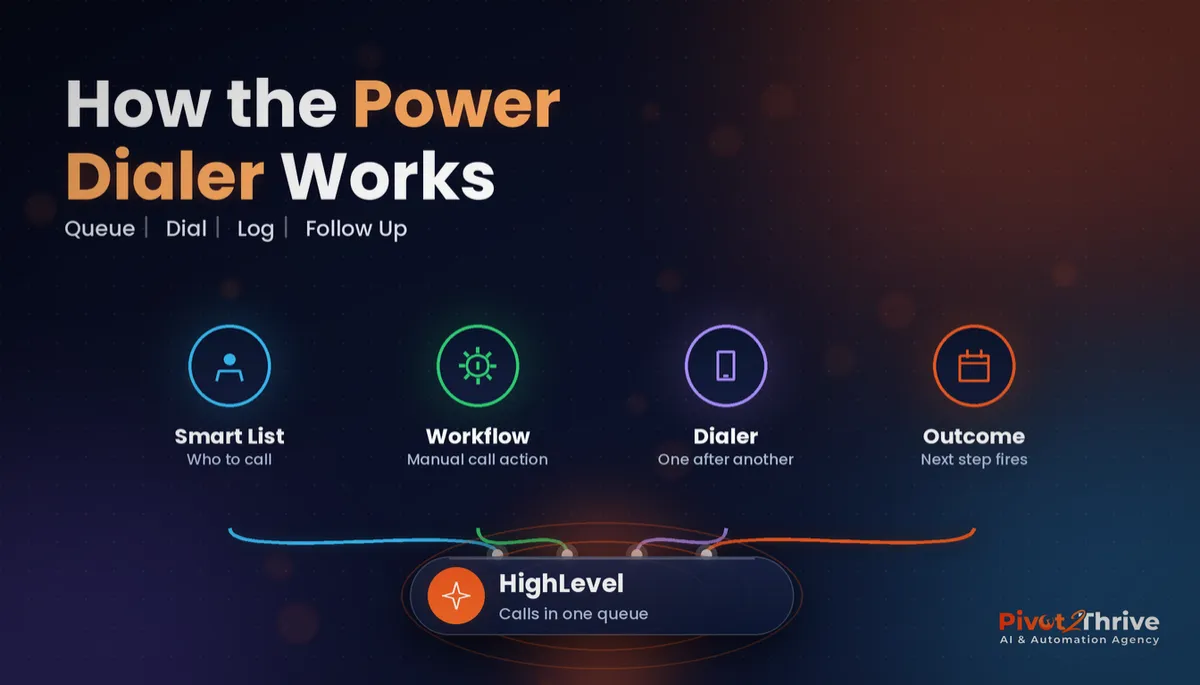
6. Test end to end, then publish the number. Call from a personal mobile, send a text, leave a missed call and check every event appears in Conversations and fires the right workflow. Only then add the number to the website, Google Business Profile and ads. If you need outbound calling, connect the GoHighLevel power dialer next.
Porting an existing number into LC Phone is also possible, but plan it separately and keep the old line active until the port completes.
The phone number is the front door of your CRM. If verification stalls or texts go out as 'Unverified', every automation behind it is wasted.
Not on HighLevel yet? Start with a free 30-day trial — enough time to build everything in this guide before you pay a cent.
An Australian example: an Adelaide clinic's new number
Here is an illustrative scenario. An allied health clinic in Adelaide moves its enquiries into GoHighLevel and wants patients to be able to text the clinic.
The first attempt buys an 08 local number, which takes calls fine but cannot send the reminder texts the clinic wanted. They keep the 08 number for the website and buy an 04 mobile number for SMS, submitting a bundle with the clinic's ABN and a utility bill for the practice address.
The bundle is approved within a few business days. Missed calls on the 08 line now trigger a text from the 04 number, and appointment reminders go out from the mobile so patients can reply to reschedule.
The practice manager notices fewer voicemails to return, and replies land in one inbox instead of a personal phone.
GoHighLevel phone number mistakes Australian businesses make
- Buying a landline number for SMS. Check capabilities first; use a mobile number for two-way texting.
- Using a PO box address. Australian bundles need a street address, and mismatched details get rejected.
- Relying on an unregistered sender ID. Since 1 July 2026 these texts show as "Unverified", which hurts trust and response.
- Publishing the number before testing. Test calls, texts and missed-call flows before the number goes on ads or your website.
- Sharing one number across clients. Keep one number per sub-account so conversations, reporting and compliance stay clean.
Once the number is live, plug it into your follow-up system; our guide to GoHighLevel estimates and quotes shows one way to put SMS to work.
Frequently Asked Questions
Can I buy an Australian phone number in GoHighLevel?
Yes. You can buy Australian mobile, local and toll-free numbers through LC Phone in your sub-account. Australian numbers require an approved regulatory bundle with your business details and an Australian street address before they can be used.
Why can't my Australian GoHighLevel number send SMS?
Australian local geographic numbers (02, 03, 07, 08) are generally voice-only. If you need two-way SMS, buy a mobile (04) number and check the SMS capability in the number search before purchasing.
How long does the Australian regulatory bundle take to approve?
Twilio's documentation says bundle reviews generally take up to three business days, though some take longer. Submitting matching business names, ABN and address documents avoids most delays.
Do I need to register my SMS sender ID in Australia?
If you send texts with your business name as the sender, yes. ACMA's SMS Sender ID Register applies from 1 July 2026, and messages from unregistered alphanumeric sender IDs are labelled Unverified. You register through your SMS provider.
Can customers reply to a branded SMS sender ID?
No. An alphanumeric sender ID is one-way, so customers cannot reply to it. Use a mobile number for conversations, reminders that need a reply and missed-call text-back.
Can I port my existing business number into GoHighLevel?
Number porting into LC Phone is possible, but it takes planning and paperwork. Keep your existing line active until the port is confirmed complete, and test calls and texts straight after the switch.
Should each client have its own phone number in GoHighLevel?
Yes. Give each client sub-account its own number so conversations, call reporting and compliance records stay separate. Sharing numbers across clients creates confusion and reporting errors.
Still deciding on a platform? Try HighLevel free for 30 days and set up your first Australian number with the steps above.
Related Articles
Our services
- PowerPivot Leads Pro — AI lead generation and follow-up
- AI Receptionist Agent — answer every call, 24/7
Keep reading
 GoHighLevel Conversations: Set Up One Inbox for SMS, Email and More
 Missed Call Text Back: The Easiest Automation Australian Agencies Can Sell
 GoHighLevel Voice AI Setup Guide for Agencies
 GoHighLevel Power Dialer: Call Through Your Lead List
 AI for Pool Builders in Australia: Turn Summer Quote Requests Into Signed Builds
Everything else