
GoHighLevel Power Dialer: Call Through Your Lead List Without the Busywork (2026 Guide)
Last updated: November 2026.
 By Dr Priya Jaganathan, Certified AI Tech Stack Consultant · Pivot 2 Thrive · Updated 9 November 2026 · 7 min read
How to turn a list of leads into a focused calling session inside HighLevel, with every call logged and the right follow-up firing on its own.
The GoHighLevel Power Dialer fixes the slowest part of phone follow-up: finding the next contact, opening their record, dialling, writing a note and deciding what happens next — forty times a day.
Most teams already own the feature and never switch it on. This guide shows how I would set it up so a salesperson or receptionist can work through a list in one sitting.
Some links below are affiliate links — if you sign up through them, Pivot 2 Thrive may earn a commission at no extra cost to you. It never changes what we recommend.
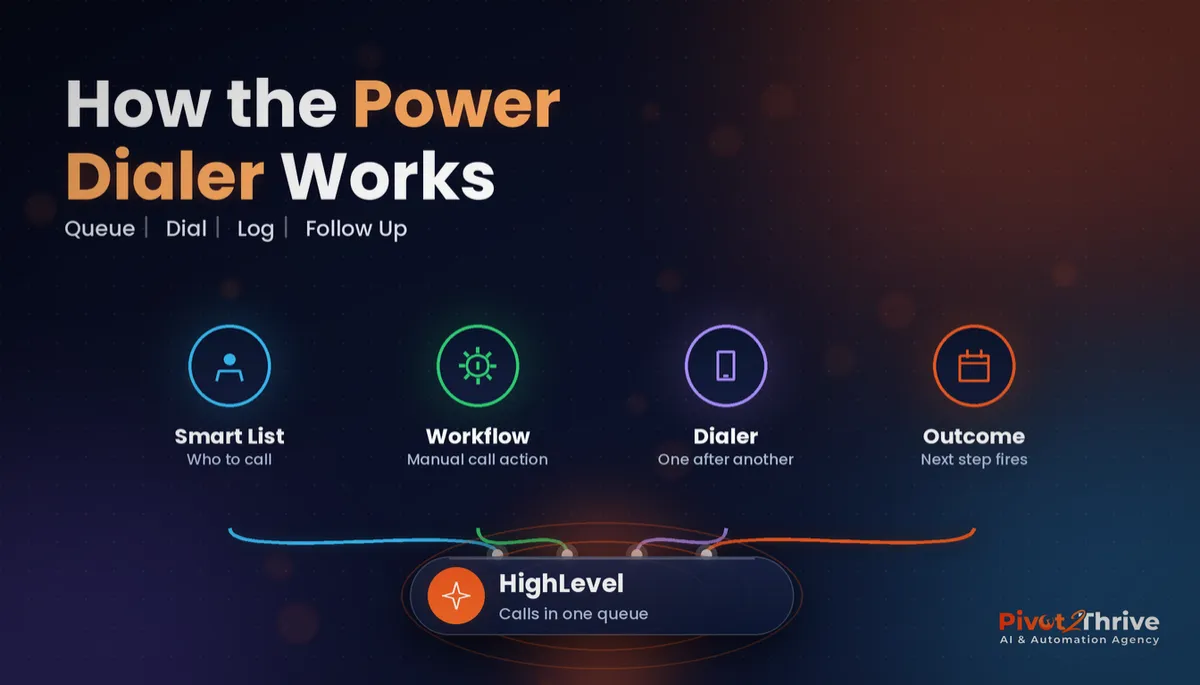
The GoHighLevel Power Dialer works through a queue of contacts one call at a time from the Manual Actions area of Conversations. You fill the queue with a workflow that adds a manual call action, then each call outcome you log can trigger the next step, such as a booking link, a nurture sequence or a callback task.
I'm Dr Priya Jaganathan — Go High Level Certified Admin, Certified AI Tech Stack Consultant and keynote speaker. I build HighLevel calling and follow-up systems for Australian businesses, so this guide is written from real call queues, not the feature announcement.
The GoHighLevel Power Dialer is a sequential call queue inside your CRM
The GoHighLevel Power Dialer is a calling mode that takes contacts from a queue and dials them one after another, showing each contact's record while you talk. HighLevel introduced it on its blog in March 2025 as a way to make calling easier for teams that spend much of the day on the phone.
It is a sequential dialer, not a predictive one. It rings one number at a time, so a person is always on the line when the customer answers — no awkward silence or dropped calls.
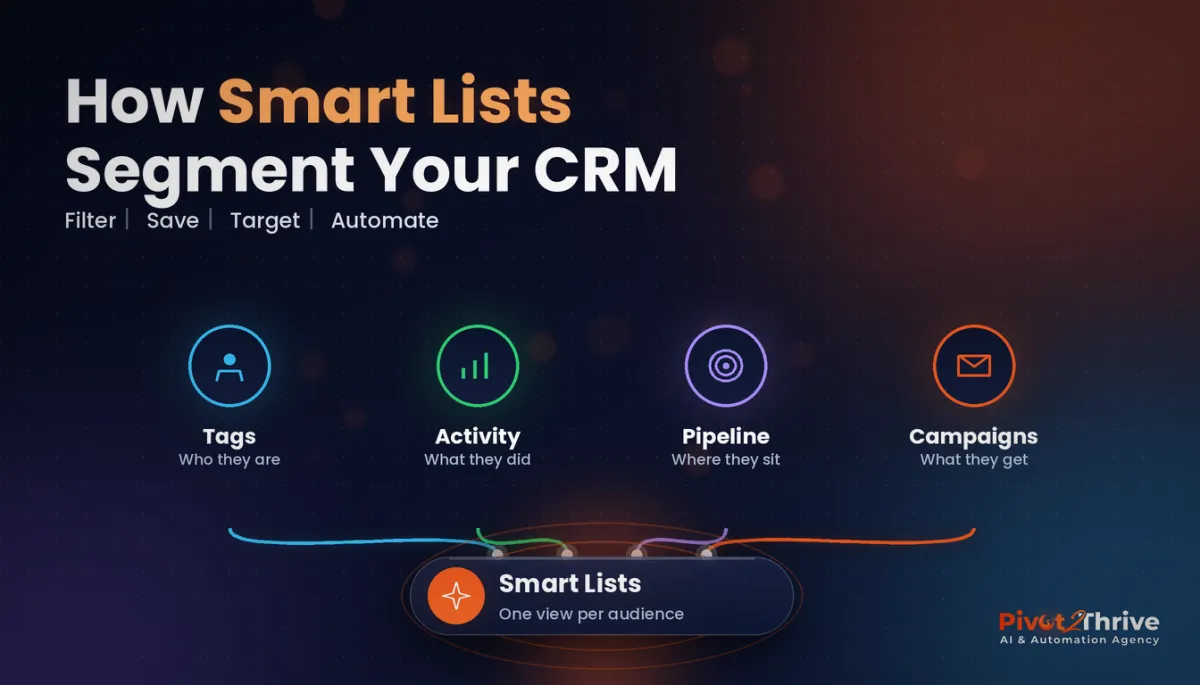
The queue is built from manual call actions in workflows, which means it sits on top of the same lists and automations you already use. If your contacts are not segmented yet, start with our GoHighLevel Smart Lists guide.
Why a GoHighLevel call queue beats dialling from a spreadsheet
Phone follow-up is where many enquiries are won or lost, yet it is the least systemised part of most businesses. A spreadsheet of numbers has no history, no notes and no next step.
A call queue in the CRM changes three things. Every call is logged against the contact, outcomes are consistent, and the follow-up fires automatically instead of depending on someone remembering it at 5pm.
It also makes old leads worth calling again. Pair the dialer with a database reactivation campaign and a quiet list becomes a morning of real conversations.
How to set up the GoHighLevel Power Dialer in 6 steps
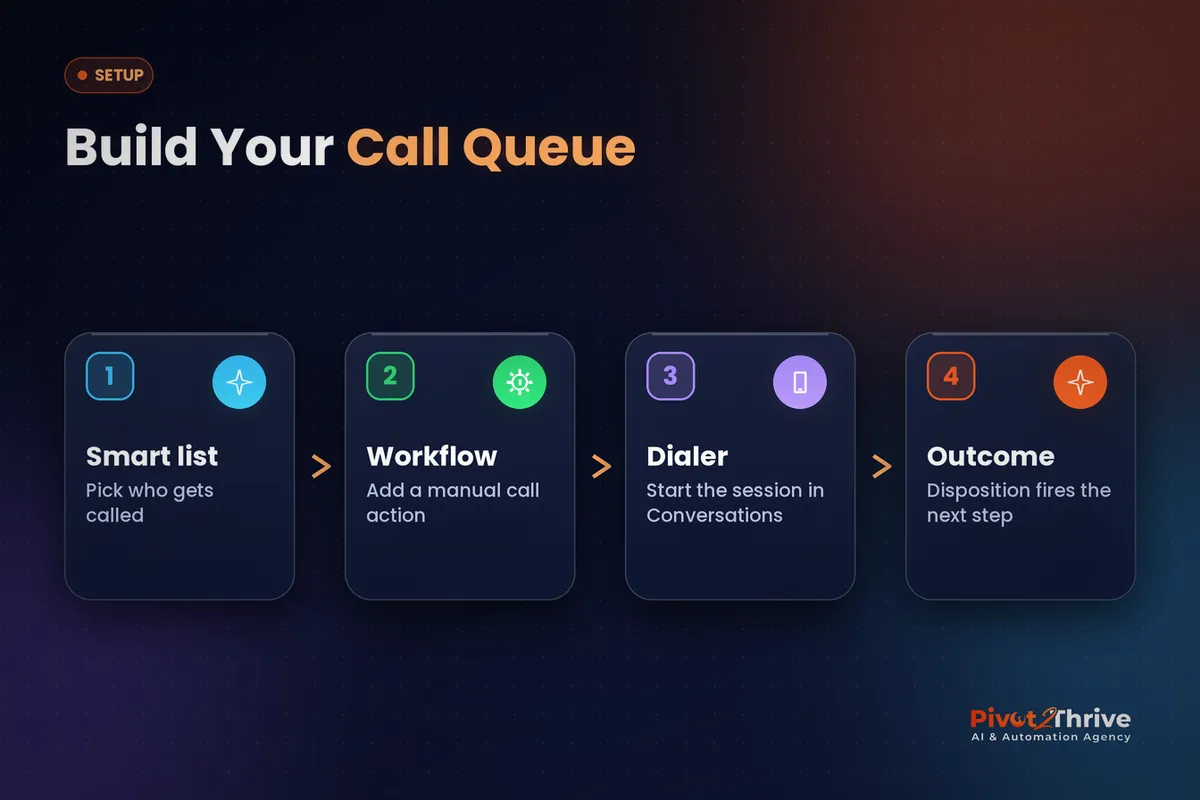
This setup suits a sales team, a receptionist doing callbacks, or an agency running calls for a client. Allow about an hour for the first queue; later ones take minutes. Menu names move around between HighLevel releases, so if a label differs slightly in your account, look for the same idea nearby.
1. Make sure calling works. Confirm the sub-account has a phone number, that outbound calling works from a contact record, and that each caller is set up as a user with access to Conversations.
2. Decide who gets called. Build a smart list or tag for the queue, such as "new web enquiry, not booked" or "quote sent, no reply after 3 days". One clear list per calling session works far better than one giant list.
3. Create a workflow with a manual call action. Trigger it from the tag, form or pipeline stage that defines the list, add a manual call action, and assign it to the right user. Each contact entering the workflow becomes a call waiting in the queue.
4. Start a calling session. Open Conversations, go to Manual Actions, and start the dialer on the call queue. The contact record, notes and recent messages appear as each call connects, so you never dial blind.
| Call outcome | What you log | What should happen next |
|---|---|---|
| Booked | Appointment set on the call | Confirmation SMS and email; move to Booked stage |
| Interested, not ready | Note with timing | Nurture sequence; callback task in 2 weeks |
| No answer | No answer | Text follow-up; retry next day, max 3 attempts |
| Wrong number or not interested | Reason | Remove from queue; tag for reporting |
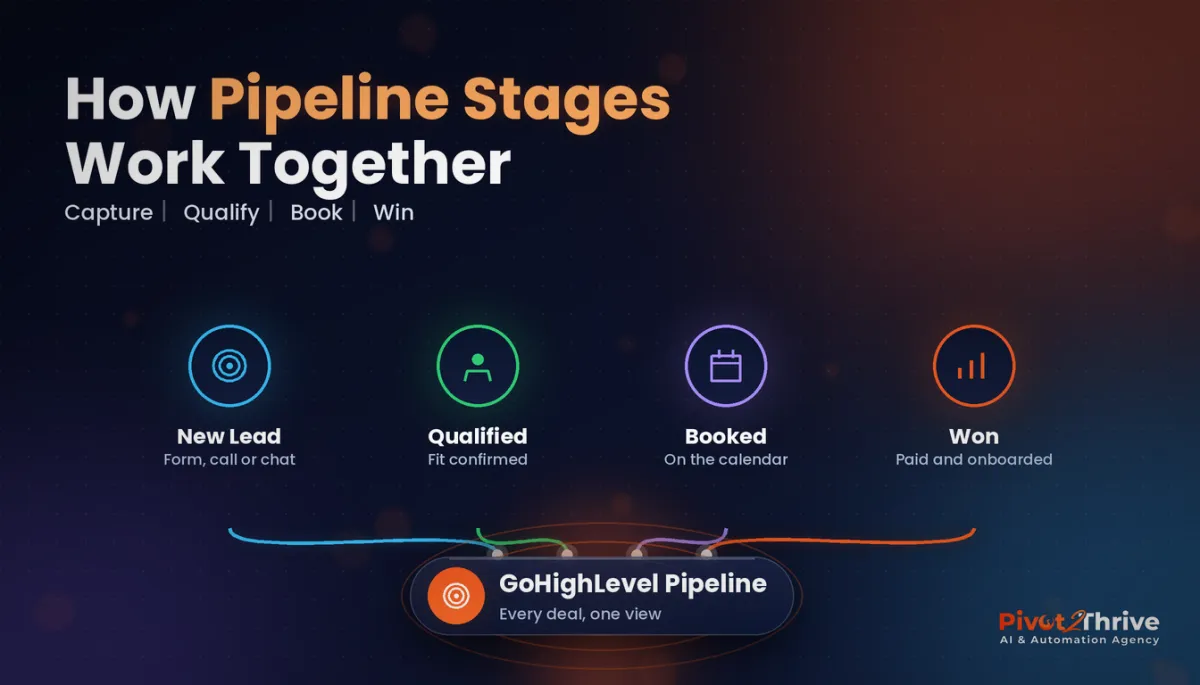
5. Map each outcome to the next step. After the manual call action, branch the workflow on the call result so a no-answer sends a polite text and requeues the contact, and a booking moves the opportunity forward. Our pipeline stages guide shows how to name those stages cleanly.
6. Review the queue weekly. Check how many calls were made, connected and booked, and prune contacts who have had three attempts. A short weekly review keeps the queue honest.
Once this runs smoothly, the same structure works for appointment confirmations, review requests and renewal calls.
A power dialer does not make your team call more. It removes every reason they had for calling less.
Not on HighLevel yet? Start with a free 30-day trial — enough time to build everything in this guide before you pay a cent.
An Australian example: a Perth solar retailer's callback queue
Here is an illustrative scenario, not a real client. A Perth solar and battery retailer gets a steady flow of web enquiries, but its two sales consultants call them back from a shared spreadsheet whenever they are between site visits.
They set up a workflow that adds a manual call action for every new enquiry and every quote with no reply after three days. Each morning, one consultant runs a power dialer session for an hour before heading out.
Outcomes are logged on every call: booked site assessments go straight into the calendar with a confirmation text, no-answers get an SMS and a retry the next day, and "not now" leads drop into a monthly nurture email.
The owner notices the change in the pipeline view: fewer enquiries sitting untouched for a week, and a clear record of who was called, when and what happened.
GoHighLevel Power Dialer mistakes to avoid
- One giant queue. Mixing hot enquiries with year-old leads wastes your best calling time. Build separate queues and call the hottest first.
- No outcome mapping. If call results do not trigger anything, the dialer is just a faster phone. Branch the workflow on every outcome.
- Unlimited retries. Calling the same person every day damages your brand. Cap attempts at three and switch to SMS or email.
- Ignoring Australian rules. Check the Do Not Call Register before cold calling, honour opt-outs, and get recording consent right — our guide to call recording consent laws in Australia covers the basics.
If inbound calls are the bigger headache, pair the dialer with a GoHighLevel IVR phone menu so every call reaches the right person.
Frequently Asked Questions
What is the GoHighLevel Power Dialer?
It is a sequential calling mode inside HighLevel that dials contacts from a queue one after another while showing each contact's record. The queue is built from manual call actions in workflows, and you run the session from the Manual Actions area of Conversations.
Is the GoHighLevel Power Dialer a predictive dialer?
No. It dials one contact at a time, so a person is always ready when the customer answers. That avoids the silent or dropped calls that predictive dialers can create, which matters for small teams and for customer experience.
How do I add contacts to the GoHighLevel call queue?
Create a workflow triggered by a tag, form, smart list criteria or pipeline stage, and add a manual call action assigned to the right user. Every contact who enters the workflow becomes a call waiting in that user's queue.
Can call outcomes trigger automations in GoHighLevel?
Yes. After the manual call action you can branch the workflow on the result you log, for example sending a confirmation when a call is booked or a follow-up text and retry when nobody answers.
Do I need extra software to use the Power Dialer?
No, it is built into HighLevel and uses your existing phone setup. Some teams add third-party dialers for features like parallel dialling, but most small Australian businesses only need the native option.
Are there rules for outbound calling in Australia?
Yes. Businesses making telemarketing calls must respect the Do Not Call Register, honour opt-out requests and follow call recording consent rules. Calling people who enquired with you is generally different from cold calling, but get advice for your situation.
Still deciding on a platform? Try HighLevel free for 30 days and build your first call queue before you commit.
Related Articles
Our services
- PowerPivot Leads Pro — AI lead generation and follow-up
- AI Receptionist Agent — answer every call, 24/7
Keep reading
 GoHighLevel Smart Lists: Segment Your Contacts So Every Campaign Lands
 GoHighLevel Database Reactivation Campaigns
 GoHighLevel Pipeline Stages: Setup Guide
 AI for Bakeries and Cake Makers in Australia
 AI Agency Government Tenders: Should You Bid?
Everything else