How to Troubleshoot GoHighLevel Workflows: Find and Fix Broken Automations Fast (2026 Guide)
Last updated: October 2026.
GoHighLevel workflow troubleshooting is the skill nobody teaches until a client rings to say leads aren't getting their text, or the AI agent stopped booking appointments last Tuesday. Workflows rarely break loudly. They break quietly — a filter excludes the wrong contacts, a trigger never fires, an action errors on one bad phone number — and the revenue leak goes unnoticed for weeks.
This guide gives you a repeatable method to find the break, fix it and stop it happening again, whether you run one account or fifty client sub-accounts.
Some links below are affiliate links — if you sign up through them, Pivot 2 Thrive may earn a commission at no extra cost to you. It never changes what we recommend.
Key takeaway: To troubleshoot a GoHighLevel workflow, work in order: confirm the workflow is published, check whether the trigger fired for the contact, check whether trigger filters or If/Else branches excluded them, then open the execution logs to find the exact action that errored. Fix the root cause, retest with a real test contact, and add an alert so the next failure is caught in minutes, not weeks.
On This Page
This guide is written by Dr Priya Jaganathan — Go High Level Certified Admin, Certified AI Tech Stack Consultant and keynote speaker — who has helped Australian business owners build, price and protect AI agencies through Pivot 2 Thrive.
GoHighLevel Workflow Troubleshooting: What It Really Involves
GoHighLevel workflow troubleshooting is the process of working out why an automation didn't do what you expected for a specific contact, then fixing the cause rather than the symptom.
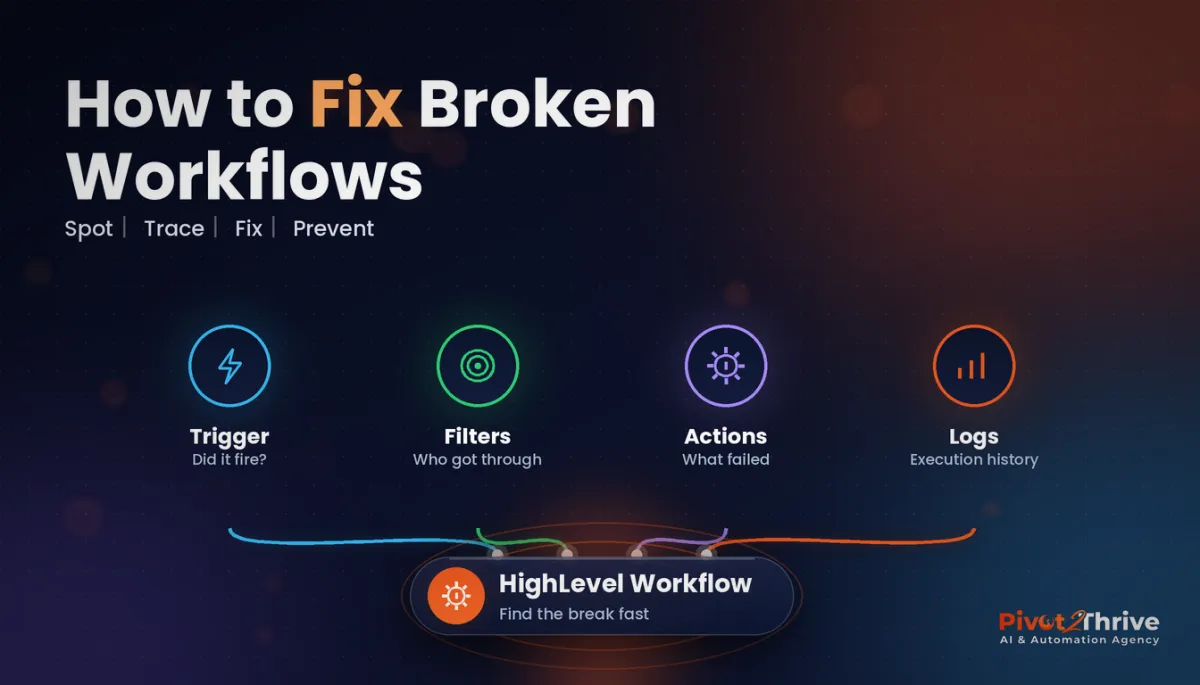
Every workflow has the same four moving parts: a trigger (what starts it), filters and conditions (who is allowed through), actions (what it does) and settings (re-entry, timing windows, stop-on-response). A fault in any one of them can look identical from the outside: "the text didn't send".
Troubleshooting is simply checking those parts in a fixed order so you stop guessing.
Why Fast Workflow Fixes Matter for Revenue
Most HighLevel workflows sit in the path of a lead: instant SMS replies, AI agent hand-offs, booking confirmations, missed-call text-backs. When one breaks, the cost is response time.
A widely cited 2011 Harvard Business Review analysis of 1.25 million online sales leads found that companies contacting a lead within an hour were nearly seven times as likely to qualify it as those that waited even an hour longer, and more than 60 times as likely as those that waited 24 hours or more. A workflow that silently fails turns a one-minute response into no response at all. We cover the build side in our guide to speed to lead in GoHighLevel.
For agencies there is a second cost: trust. Clients forgive a bug you catch and fix. They don't forgive one they find first.
How to Fix a Broken GoHighLevel Workflow: 7 Steps
Pick one specific contact the workflow failed for. Troubleshooting "it's not working" in general wastes hours; troubleshooting this contact, at this time takes minutes.
1. Confirm the workflow is published
It sounds obvious, but a workflow left in Draft, or a copy that was published while the original was edited, is one of the most common causes. Check the status toggle and make sure you're editing the version that is live.
2. Check whether the trigger fired
Open the workflow's enrolment history and search for the contact. If they were never enrolled, the problem is the trigger: wrong form or calendar selected, a tag added with different spelling, an event that happened before the workflow was published, or a trigger filter that excluded them.
3. Check the settings that block enrolment
Look at Allow re-entry (a contact who went through once may be blocked from a second run), the time window settings, and whether the contact is marked Do Not Disturb for that channel. DND will stop SMS and email actions even when everything else is right.
4. Trace the path through conditions
If the contact enrolled but nothing happened, follow their path through every If/Else branch and wait step. A condition checking a custom field that is empty — or formatted differently from what you expect — will route people down the wrong branch.
5. Read the execution logs for the failed action
The execution logs show each action, whether it ran, and the error if it didn't. Typical culprits: phone numbers not in international format (Australian mobiles need the +61 format), a missing email address, an invalid custom value, an expired integration, or a webhook endpoint that returned an error.
6. Fix the root cause, not the contact
Manually re-sending one SMS fixes one lead. Fixing the form that collects phone numbers in the wrong format fixes every lead after it. Make the structural fix, then re-enrol affected contacts deliberately.
7. Retest with a real test contact — then add an alarm
Use a test contact with your own phone and email and walk the exact path a lead takes. Then add monitoring: an internal notification when a key workflow errors, or a daily check that new leads received their first message. Our AI agency delivery QA checklist includes the tests we run before any client go-live.
| Symptom | Most likely cause | Where to look |
|---|---|---|
| Contact never enrolled | Wrong trigger, trigger filter, workflow in Draft | Trigger settings, enrolment history |
| Enrolled once, not again | Re-entry turned off | Workflow settings |
| SMS or email not sent | DND, bad phone format, missing email | Contact record, execution logs |
| Wrong message sent | If/Else condition on empty or mismatched field | Branch conditions, contact custom fields |
| AI agent stopped replying | Bot turned off, hand-off rule fired, knowledge gap | Conversation AI settings, conversation history |
| Webhook or integration failed | Expired connection or endpoint error | Execution logs, integration settings |
Inherited a messy HighLevel account full of half-working automations? Book a strategy call with Pivot 2 Thrive and we will audit your workflows and rebuild the ones costing you leads.
Not on HighLevel yet? Start with a free 30-day trial — enough time to build everything in this guide before you pay a cent.
A Real-World Australian Example
An agency in Perth manages HighLevel for a group of dental practices. One clinic reports that new-patient enquiries from their website have stopped getting the instant SMS reply.
Following the method, the agency picks one affected enquiry. The workflow is published and the contact enrolled, so the trigger is fine. The execution log shows the SMS action failing with an invalid phone number. The cause: the clinic's web developer had replaced the form, and the new phone field accepted numbers like "0412 345 678" with spaces and no country code.
The fix is a properly configured phone field that stores numbers in international format, then a deliberate re-enrolment of the affected leads with a personal follow-up. Total time to diagnosis: about fifteen minutes. The agency then adds an internal alert on failed SMS actions across every clinic, so the next problem is caught the same day. If you are building these automations from scratch, start with our GoHighLevel workflow templates for Australian agencies and the AI lead qualification workflow.
Common GoHighLevel Workflow Mistakes
- Editing a live workflow without testing. Duplicate it, test the copy, then switch over.
- Stacking workflows on the same trigger. Two workflows firing on one form submission can send duplicate messages or overwrite each other's field updates.
- Relying on tags typed by hand. One spelling difference breaks the trigger. Use consistent naming and pick tags from a list.
- Treating AI agent gaps as workflow bugs. If the bot gives wrong answers, the fix is usually its knowledge base — see our guide to building an AI agent knowledge base in GoHighLevel.
- No monitoring. If the only alarm is an unhappy client, you are finding bugs weeks late.
Frequently Asked Questions
Why is my GoHighLevel workflow not triggering?
The most common reasons are that the workflow is still in Draft, the trigger points to the wrong form, calendar or tag, a trigger filter excludes the contact, or re-entry is switched off for a contact who has already been through. Check the workflow status and enrolment history for one specific contact first.
Where can I see why a GoHighLevel workflow action failed?
Open the workflow and review its execution logs. They show each action a contact reached, whether it ran successfully, and the error message if it failed, such as an invalid phone number, a missing email address or an integration error.
Why are SMS messages not sending from my HighLevel workflow?
Check whether the contact has Do Not Disturb enabled for SMS, whether their phone number is stored in international format such as +61 for Australian numbers, and whether your phone number and messaging setup are active. The execution log for that action usually names the exact cause.
Should I edit a live GoHighLevel workflow?
It is safer to duplicate the workflow, make and test your changes on the copy with a test contact, and then switch the live traffic over. Editing a live workflow can affect contacts who are already part-way through it.
How do I stop GoHighLevel workflow failures going unnoticed?
Add monitoring. Send an internal notification when a critical workflow action fails, and run a simple daily check that every new lead received its first message. Pair that with a pre-launch QA test using a real test contact.
How long does it take to troubleshoot a GoHighLevel workflow?
With a clear method — checking status, trigger, settings, conditions and execution logs in order for one specific contact — most faults can be diagnosed in under half an hour. Complex integrations or webhooks may take longer if an external system is involved.
Reliable automations are what clients actually pay for. If you want your HighLevel workflows audited, rebuilt or monitored properly, book a call with Pivot 2 Thrive or visit pivot2thrive.com.au. Still setting up your own account? Try HighLevel free for 30 days.
Related Articles
Pivot 2 Thrive services
Keep reading
- GoHighLevel Workflow Templates Every Australian Agency Should Build First
- AI Lead Qualification Workflow in GoHighLevel
- How to Build an AI Agent Knowledge Base in GoHighLevel
- AI Agency Delivery QA: The Checklist That Stops Rebuilds
- Professional Indemnity Insurance for AI Agencies in Australia
Everything else
