
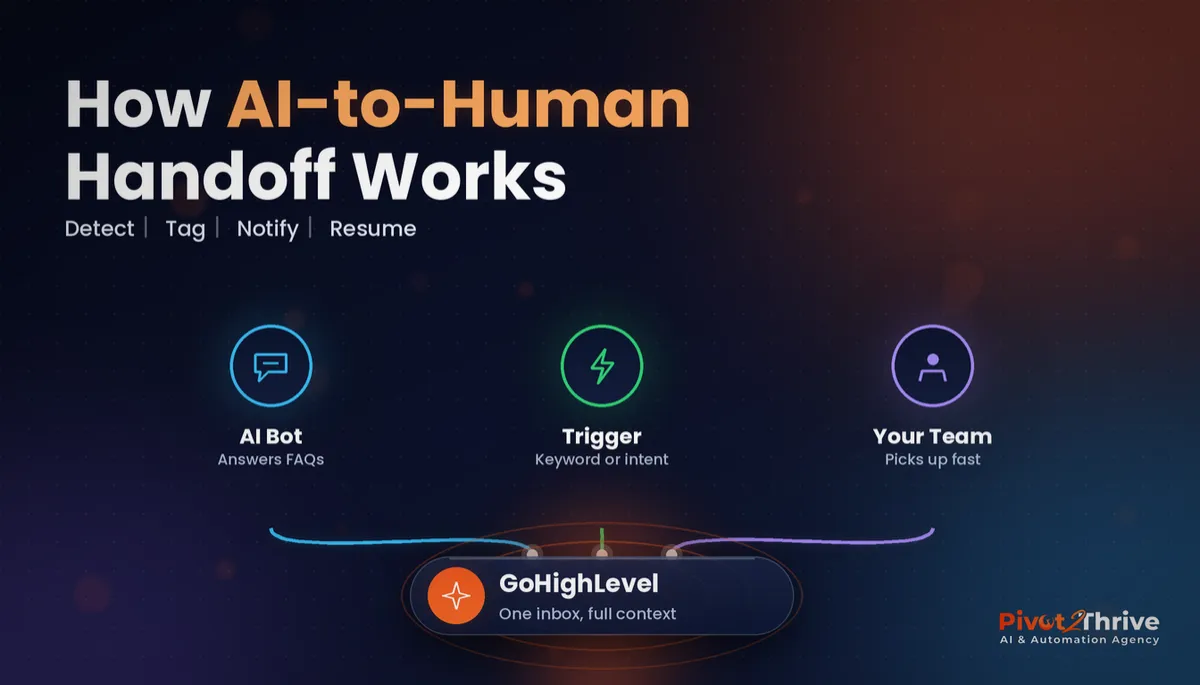
GoHighLevel AI-to-Human Handoff: When Your Bot Should Pass Chats to a Person (2026 Guide)
Last updated: October 2026.
 By Dr Priya Jaganathan, Certified AI Tech Stack Consultant · Pivot 2 Thrive · Updated 29 October 2026 · 8 min read
A practical setup for deciding when your GoHighLevel AI bot hands a conversation to a real person, and how to make that handover fast, visible and impossible to drop.
A GoHighLevel AI human handoff is the moment your Conversation AI bot stops talking and a person on your team picks the chat up. Most Australian businesses switch the bot on, then discover the hard way that nobody defined that moment. The bot keeps answering a complaint it should have escalated, or it hands over and nobody notices for six hours.
This guide fixes that. You will set clear handoff triggers, route the conversation to a named owner, alert them on their phone and measure how fast they respond.
Some links below are affiliate links — if you sign up through them, Pivot 2 Thrive may earn a commission at no extra cost to you. It never changes what we recommend.
Your bot should hand a conversation to a person when the lead asks for one, shows buying intent above a set threshold, raises a complaint or sensitive issue, or when the bot fails to answer twice. In GoHighLevel, use a tag plus a workflow to pause the bot, assign a user and send an internal alert, then track time-to-human-reply weekly.
I'm Dr Priya Jaganathan — Go High Level Certified Admin, Certified AI Tech Stack Consultant and keynote speaker. I set up Conversation AI and voice agents for Australian service businesses every week, and the handoff is where most of the revenue is won or lost.
An AI-to-human handoff is the bot knowing when to step aside
An AI-to-human handoff is a rule-based transfer of a live conversation from an automated agent to a person, with the full history attached. The person sees what the lead asked, what the bot said and why the transfer happened.
In practice it has three parts: a trigger, an owner and an alert. Miss any one and the lead sits in limbo.
It sits on top of the bot setup itself. If you have not built the bot yet, start with our GoHighLevel Conversation AI setup guide and come back for the handoff layer.
Why the GoHighLevel bot handoff decides whether AI wins or loses you leads
People still want a human when it matters. A 2024 Five9 consumer study found 75% of respondents prefer talking to a real person for customer service, and 48% said they do not trust information from AI-powered customer service bots.
That does not mean bots fail. It means the bot handles the routine questions and bookings, and the handoff catches everything with money, emotion or risk attached.
A bot without a clean exit also creates a new kind of slow follow-up. The lead thinks they are talking to the business, but nobody is watching. That is the same leak we flag in a lead follow-up audit.
When a bot does get something wrong, the handoff is your safety net too — see what to do when an AI agent gets it wrong.
How to set up an AI human handoff in GoHighLevel in 6 steps
This is for business owners and agencies running Conversation AI on web chat, SMS, Facebook or Instagram. Allow about two hours for the first build and a week of monitoring.
1. Write your handoff rules first. List the four or five situations where a human must take over. Do this on paper before you touch a workflow, and get the business owner to sign off.
| Handoff trigger | Example message | Who takes it | Target reply time |
|---|---|---|---|
| Asks for a person | "Can I speak to someone?" | Front desk / sales | Within 5 minutes in hours |
| High buying intent | "What's the earliest you can start?" | Sales owner | Within 5 minutes in hours |
| Complaint or refund | "This is the second time..." | Manager | Within 1 hour |
| Sensitive or regulated topic | Health, legal or financial detail | Qualified staff member | Same business day |
| Bot fails twice | Two unanswered or off-topic replies | Front desk | Within 15 minutes in hours |
2. Teach the bot to recognise the triggers. In your bot's instructions, tell it plainly: if the lead asks for a person, complains, or raises a health, legal or money question, say a team member will reply shortly and stop answering. Keep the instruction short and test it with real phrasing. Your AI agent knowledge base should never try to answer what the handoff rules reserve for people.
3. Pause the bot with a tag. Use the bot's built-in human handover action where your account offers it, or have the bot (or a keyword-based workflow) add a tag such as handoff-human. A workflow triggered by that tag then turns the bot off for that contact, so it cannot talk over your staff.
4. Assign a named owner. In the same workflow, assign the contact and conversation to a specific user, or round-robin across the sales team. "The team" is not an owner; a person is.
5. Alert them where they actually look. Add an internal notification by SMS or app push, not just email. Include the contact name, the trigger and a link to the conversation, so the owner can reply from the GoHighLevel mobile app in under a minute.
6. Escalate if nobody replies. Add a wait step (for example 10 minutes in business hours), then check whether a user has replied. If not, alert a second person. Out of hours, have the bot tell the lead exactly when a person will reply and create a task for first thing next morning.
Then test every trigger yourself from a personal phone before launch. If something does not fire, the GoHighLevel workflow troubleshooting guide covers the usual culprits.
A bot that never hands over is not saving you time. It is quietly deciding which customers you lose.
Not on HighLevel yet? Start with a free 30-day trial — enough time to build everything in this guide before you pay a cent.
An Australian example: a Brisbane renovation business
Here is an illustrative scenario. A Brisbane bathroom renovation company runs a web chat bot that answers questions about timelines, suburbs serviced and how quotes work.
They set three triggers: asking for a person, mentioning a budget or start date, and any complaint. Each one tags the contact, pauses the bot, assigns the estimator and sends a push alert.
Day to day, the bot handles the "do you service Redcliffe?" questions at 9pm, and the estimator gets a buzz only when someone says "we want to start in February, what would a full reno cost?"
The owner notices two things within a month: no more "I messaged and nobody replied" complaints, and the estimator spends time on qualified conversations instead of reading every chat.
AI human handoff mistakes to avoid
- Letting the bot keep talking after handover. If the bot and a person reply at once, the lead gets confused. Always pause the bot for that contact.
- Alerts only by email. Email is read hours later. Use SMS or app push for anything with a five-minute target.
- No out-of-hours script. Silence at 8pm feels like a dead line. Tell the lead when a person will reply, then keep that promise.
- Never turning the bot back on. Remove the handoff tag when the conversation is resolved, or the contact gets no automated follow-up ever again.
- Not measuring time-to-human-reply. Review it weekly in your conversation reports. What is not measured slips.
If you run the bot on your website, pair this with the GoHighLevel web chat widget setup so the chat itself is set up properly. Health practices need the strictest rules of all — our guide to AI for hearing clinics shows how a clinic hands clinical questions to the audiologist.
Frequently Asked Questions
When should an AI chatbot hand over to a human?
An AI chatbot should hand over when the customer asks for a person, shows strong buying intent, raises a complaint, mentions a sensitive health, legal or financial matter, or when the bot fails to answer twice. Write these rules down before building anything so the bot and the team follow the same logic.
Can GoHighLevel Conversation AI transfer a chat to a person?
Yes. GoHighLevel lets you stop the bot for a contact and route the conversation to a team member, either through the bot's handover action where available or with a tag-triggered workflow that pauses the bot, assigns a user and sends an internal notification. The person then replies from the same conversation thread with full history.
How fast should a human respond after a bot handoff?
For sales enquiries in business hours, aim for a human reply within five minutes, because interest drops quickly once a lead is left waiting. Complaints can sit within an hour, but out of hours the bot should tell the lead exactly when a person will reply.
How do I stop the bot replying after a human takes over?
Add a workflow step that turns the bot off for that contact as soon as the handoff tag is applied. Remove the tag when the conversation is resolved so normal automations resume.
Do Australian customers mind talking to an AI bot?
Many customers are happy to use a bot for simple questions like hours, locations or bookings, but surveys such as Five9's 2024 study show most still prefer a real person for customer service. The best results come from a bot that handles routine questions and passes anything important to a person quickly.
What should a handoff alert include?
A good handoff alert includes the contact's name, the reason for the handoff, a short summary or the last message, and a direct link to the conversation. Send it by SMS or app push so the owner sees it within minutes.
Still deciding on a platform? Try HighLevel free for 30 days and build your first handoff workflow this week.
Related Articles
Our services
- PowerPivot Leads Pro — AI lead generation and follow-up
- AI Receptionist Agent — answer every call, 24/7
Keep reading
 GoHighLevel Conversation AI Setup Guide (2026)
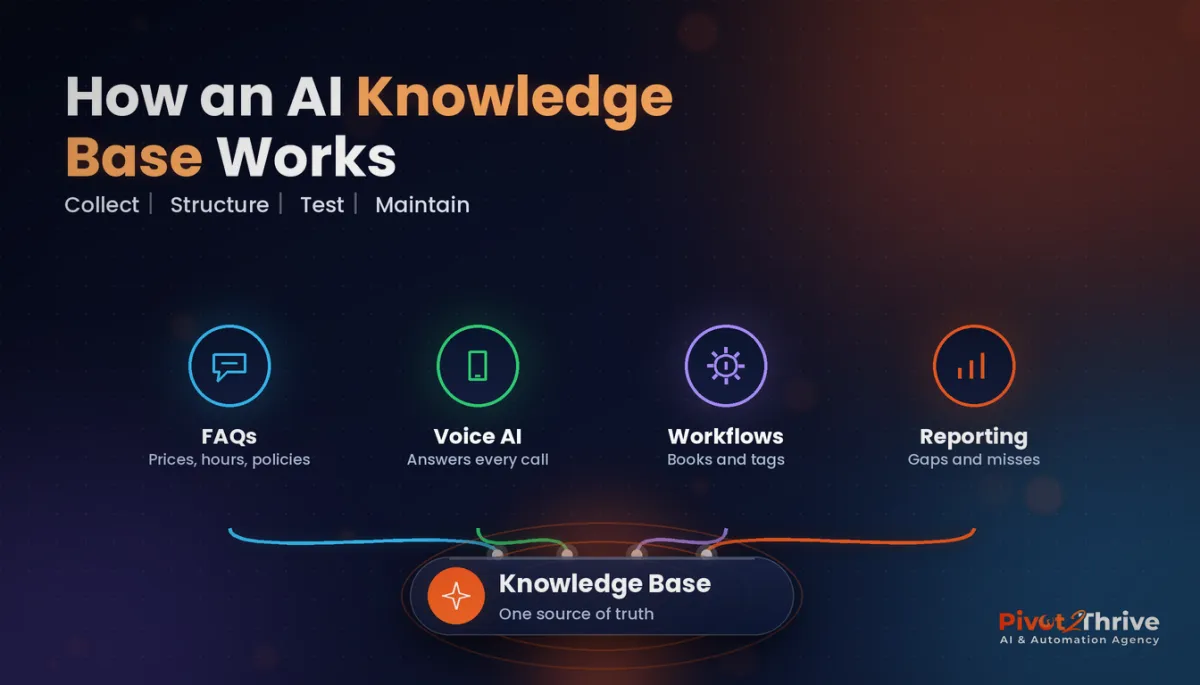 How to Build an AI Agent Knowledge Base in GoHighLevel
 What to Do When Your AI Agent Gets It Wrong
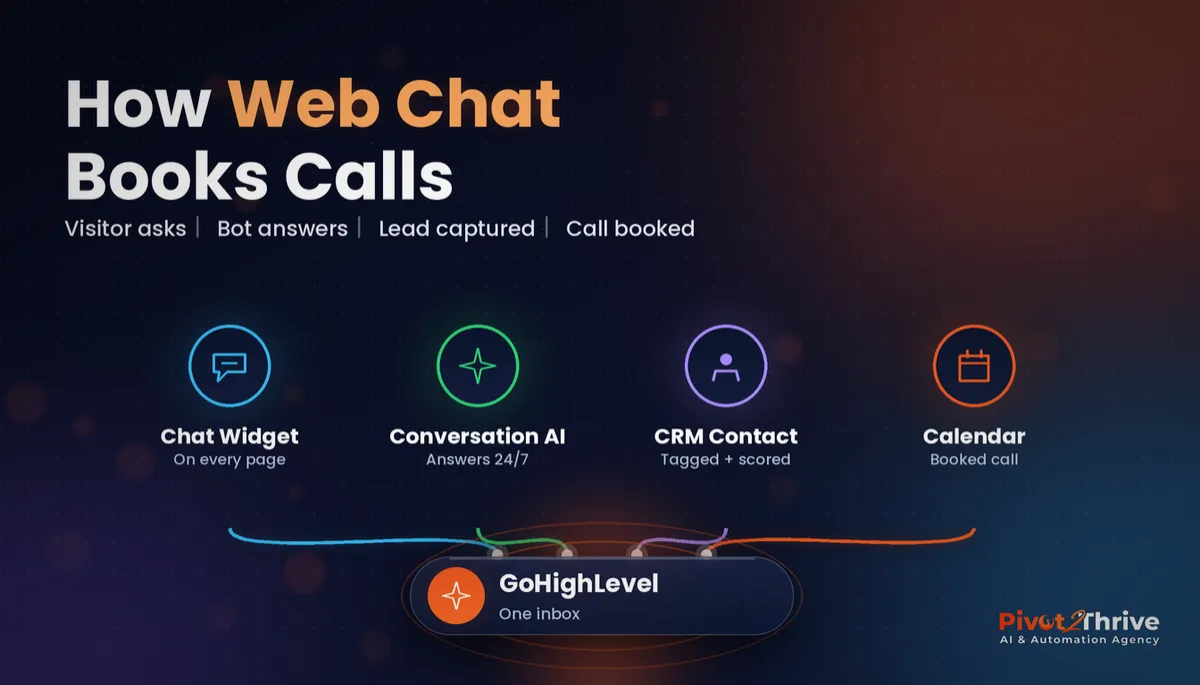 GoHighLevel Web Chat Widget Setup Guide
Everything else
