
GoHighLevel Quizzes: Build a Lead-Qualifying Quiz That Books Calls (2026 Guide)
Last updated: October 2026.
 By Dr Priya Jaganathan, Certified AI Tech Stack Consultant · Pivot 2 Thrive · Updated 30 October 2026 · 7 min read
How to plan, build and automate a GoHighLevel quiz so every answer tags the lead and the best prospects book themselves in.
GoHighLevel quizzes are one of the most underused lead tools in the platform. A plain contact form tells you a name and a phone number; a good quiz tells you who the person is, what they need and how ready they are to buy, before anyone on your team picks up the phone.
The catch is that most quizzes stop at the thank-you page. The value comes from wiring the answers into tags, scores, workflows and your calendar.
Some links below are affiliate links — if you sign up through them, Pivot 2 Thrive may earn a commission at no extra cost to you. It never changes what we recommend.
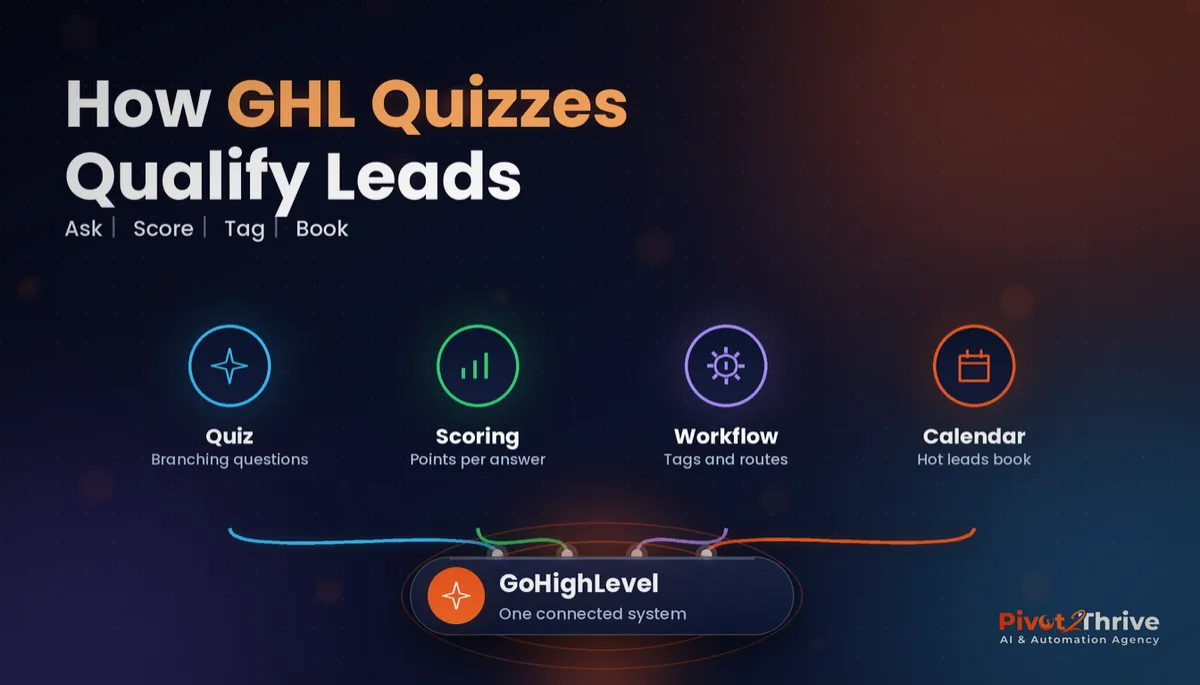
A GoHighLevel quiz is built in Sites, under Quizzes, using the same builder as surveys, with scoring and branching added. To make it qualify leads, map each answer to a score or tag, trigger a workflow on submission, and send high scorers straight to a booking calendar while lower scorers get nurture.
I'm Dr Priya Jaganathan — Go High Level Certified Admin, Certified AI Tech Stack Consultant and keynote speaker. At Pivot 2 Thrive I build these systems for Australian businesses every week, so this guide is written from the build, not the brochure.
GoHighLevel quizzes are scored surveys that sort your leads for you
GoHighLevel quizzes are interactive question flows, built under Sites, that score each answer and show a result at the end. They use the same drag-and-drop builder as GHL surveys, with scoring and conditional logic layered on top.
Because the quiz writes into the contact record, every answer can become a tag, a custom field value or part of a lead score. That is what makes it a qualification tool rather than a novelty.
If you have already built a standard form, our GoHighLevel forms and surveys guide covers the basics; quizzes add the scoring and the outcome screen.
Why GoHighLevel quizzes beat a plain enquiry form
People answer questions about themselves more willingly than they fill in a blank "tell us about your project" box. A quiz feels like getting something useful, a result or a recommendation, rather than handing over details to be sold to.
For your team, the difference is context. Instead of ringing every enquiry cold, you see budget, timing and fit before the first call, and you can let the least ready leads nurture on autopilot.
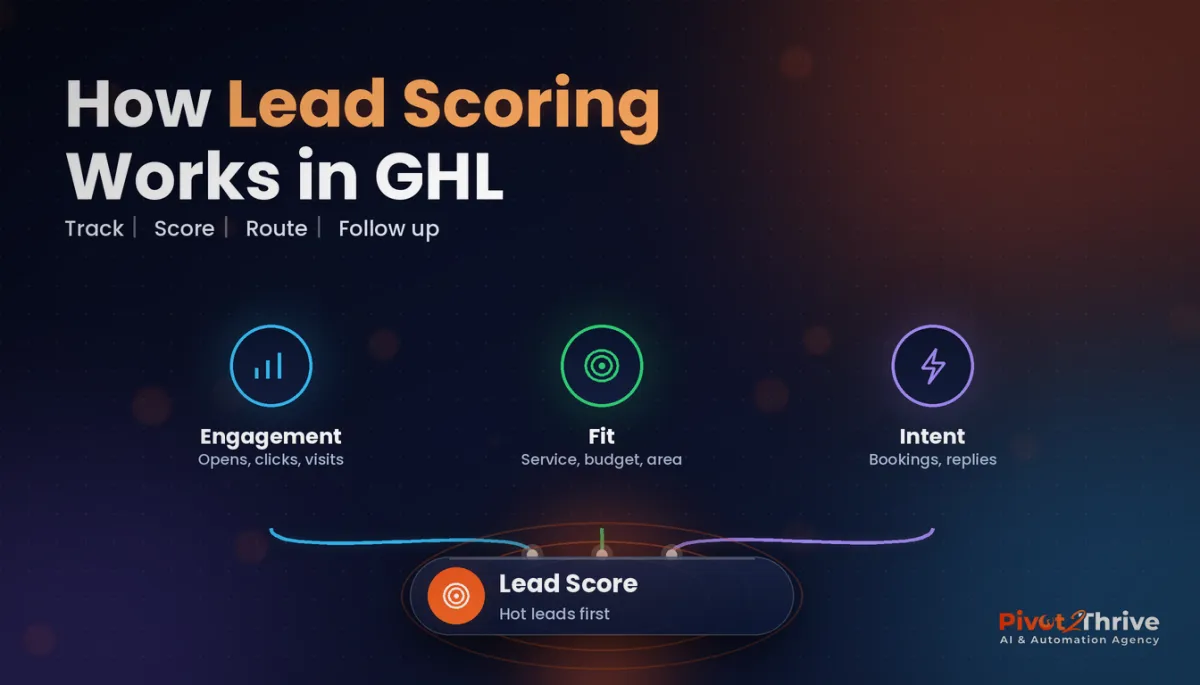
It also pairs neatly with GoHighLevel lead scoring: the quiz supplies the first, most honest set of points, and behaviour adds to it later.
How to build a lead-qualifying GoHighLevel quiz in 7 steps
This is for agencies and service businesses already on GoHighLevel. Expect a few hours to build and test your first quiz; the next one takes far less because you can copy the workflow.
1. Decide what "qualified" means. Write down the three or four facts that decide whether a lead is worth a sales call: budget range, timing, location or service area, and the problem they want solved. Every question should map to one of these.
2. Create custom fields first. Before building the quiz, add custom fields for each fact (for example "Budget range" and "Start timing") so answers land somewhere you can filter and report on.
3. Build the quiz in Sites. Go to Sites, then Quizzes, and start from a blank quiz or a template. Keep it to five to eight questions, one per screen, with the contact details step near the end so people are invested before you ask for a phone number.
4. Add scoring and branching. Give each answer points: a budget that fits your offer scores high, "just researching" scores low. Use branching so irrelevant questions are skipped, for example skipping commercial questions for homeowners.
| Score band | What it means | Tag to apply | Next action |
|---|---|---|---|
| High | Right budget, ready within 3 months | quiz-hot | Show the booking calendar on the result page |
| Medium | Good fit, longer timeline | quiz-warm | Email and SMS nurture, call within a week |
| Low | Early research or outside your scope | quiz-cold | Send a helpful guide, monthly newsletter |
5. Trigger a workflow on submission. Create a workflow with the quiz submitted trigger. Use if/else branches on the score or answers to add the tags above, update the pipeline stage and notify the right team member.
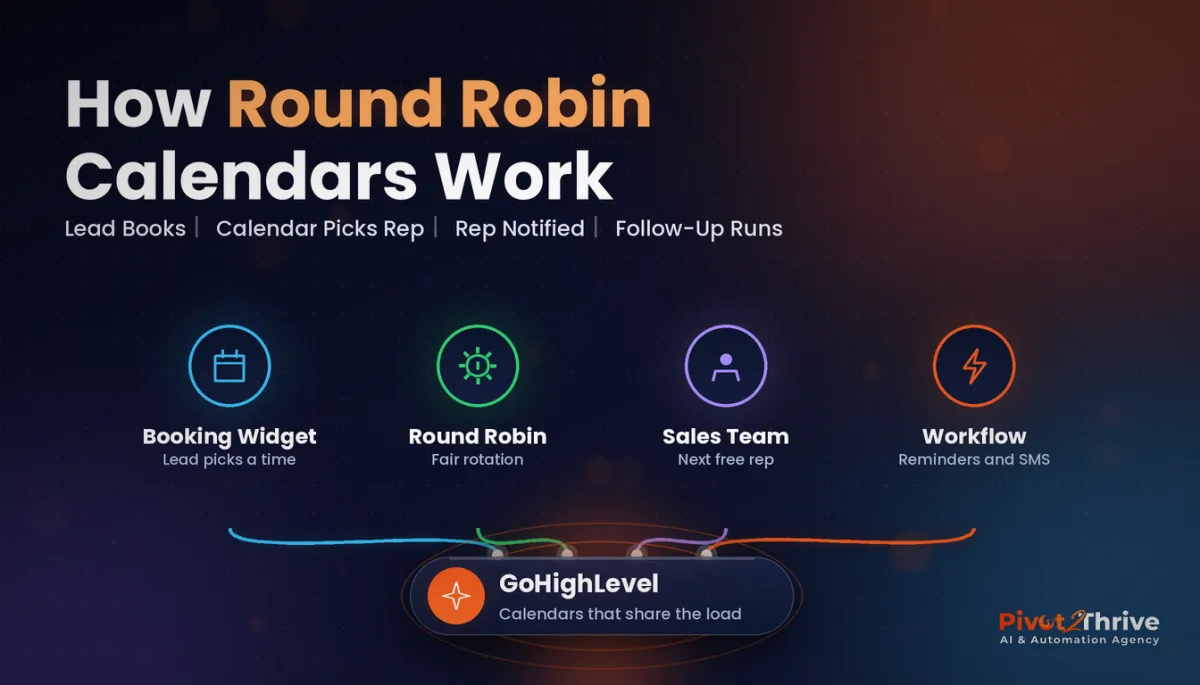
6. Send hot leads straight to a calendar. On the result screen or the redirect page, show a booking calendar only to high scorers. If several people take sales calls, use a round robin calendar so bookings are shared fairly.
7. Test, then segment. Submit the quiz yourself with high, medium and low answers and check every tag, field and notification fires. Then build a smart list for each band so you can see how many leads land in each.
Once those seven steps are live, the quiz runs as a 24/7 qualifier: every visitor who finishes it arrives in your CRM already sorted.
A quiz that ends on a thank-you page is a form in disguise. The qualification only happens when the answers drive the next action.
Not on HighLevel yet? Start with a free 30-day trial — enough time to build everything in this guide before you pay a cent.
An Australian example: a renovation quiz for a Sydney trades business
Here is an illustrative scenario, not a real client. A kitchen and bathroom renovation business in Sydney's north replaces its "request a quote" form with a six-question quiz: "What's your renovation readiness?"
The quiz asks which room, the suburb, budget range, when they hope to start, whether plans exist, and how they prefer to be contacted. Budgets above the business's minimum and a start within three months score highest.
High scorers see the owner's measure-up calendar on the result page. Warm leads get a short email series with past projects and a cost guide; cold leads get the monthly newsletter.
The owner notices that site visits are now mostly with people ready to go ahead, and the phone list each morning is shorter but better. The same approach suits the businesses in our AI for bathroom renovators guide.
GoHighLevel quiz mistakes to avoid
- Too many questions. Every extra screen loses people. Keep to what you will actually use for routing.
- Answers that go nowhere. If an answer does not map to a field, tag or score, cut the question.
- Asking for contact details first. Put the details step near the end, once the visitor wants their result.
- One result for everyone. Different scores should see different next steps, otherwise the scoring is wasted.
- No testing. A broken trigger means leads silently skip your follow-up. Test every score band before you launch.
If you sell this as an agency service, a quiz makes an easy productised add-on; our guide to AI agency guarantees covers how to promise delivery without promising the client's results.
Frequently Asked Questions
Where are quizzes in GoHighLevel?
Quizzes are in the Sites section of GoHighLevel, under Quizzes. They are built with the same drag-and-drop builder as surveys, with scoring, branching and a result screen added. Menu names can change with updates, so check the current Sites menu in your account.
What is the difference between a GoHighLevel quiz and a survey?
Both use the same builder and collect answers into the contact record. A quiz adds scoring and an outcome or result screen, which makes it suited to qualifying leads. A survey is better for collecting information without a scored result.
How do I score leads with a GoHighLevel quiz?
Give each answer a point value in the quiz builder, then use a workflow triggered by the quiz submission to branch on the score or specific answers. Apply tags such as hot, warm and cold, and move the contact to the right pipeline stage.
Can a GoHighLevel quiz book appointments?
Yes, indirectly. Send high scorers to a result or redirect page that shows a GoHighLevel booking calendar, and use the workflow to remind them if they do not book. Lower scorers can be sent to a nurture sequence instead.
How many questions should a lead quiz have?
Five to eight questions is a good range for most service businesses. Each question should map to a fact you use for routing, such as budget, timing or location. Cut any question whose answer does not change what happens next.
Do I need a third-party quiz tool with GoHighLevel?
Most service businesses do not, because the native quiz builder handles scoring, branching and contact capture. Third-party tools can help if you need highly personalised result pages or complex product recommendations, and they can pass answers into GoHighLevel.
Still deciding on a platform? Try HighLevel free for 30 days and build your first quiz before you commit.
Related Articles
Our services
- PowerPivot Leads Pro — AI lead generation and follow-up
- AI Receptionist Agent — answer every call, 24/7
Keep reading
 GoHighLevel Forms and Surveys Setup Guide
 GoHighLevel Lead Scoring Setup Guide
 GoHighLevel Round Robin Calendars
 AI for Bathroom Renovators in Australia
Everything else
