
GoHighLevel Call Tracking: See Which Ads and Listings Make Your Phone Ring (2026 Guide)
Last updated: November 2026.
 By Dr Priya Jaganathan, Certified AI Tech Stack Consultant · Pivot 2 Thrive · Updated 18 November 2026 · 7 min read
A step-by-step setup for tracking numbers and number pools in HighLevel, so you know which ad, listing or flyer is actually making the phone ring.
GoHighLevel call tracking answers the question every business owner asks about their marketing: which of it actually makes the phone ring? For most Australian service businesses, phone calls are still the highest-value leads, yet they are the ones least often tied back to a source.
Form fills carry UTM tags. Calls usually arrive as "unknown". This guide fixes that inside HighLevel.
Some links below are affiliate links — if you sign up through them, Pivot 2 Thrive may earn a commission at no extra cost to you. It never changes what we recommend.
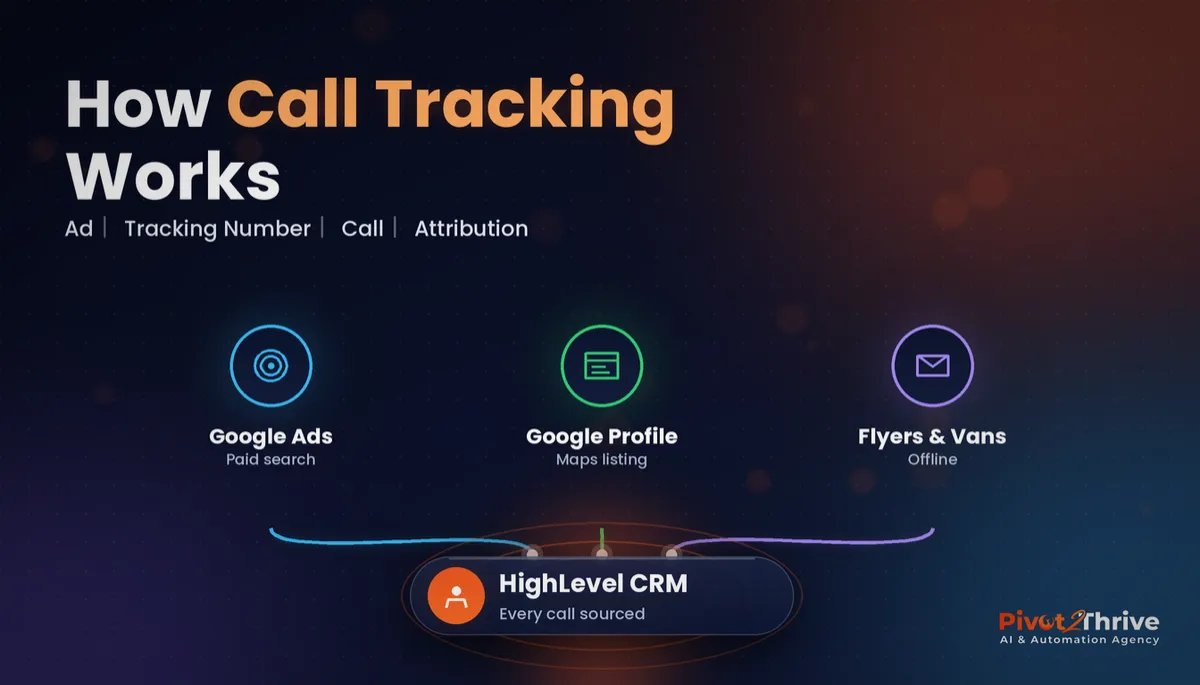
GoHighLevel call tracking gives each marketing source its own phone number, or swaps numbers dynamically on your website with a number pool, so every call is logged against the ad, listing or flyer that produced it. Set up one static number per offline source and a number pool for paid traffic, then report on calls and bookings by source.
I'm Dr Priya Jaganathan — Go High Level Certified Admin, Certified AI Tech Stack Consultant and keynote speaker. At Pivot 2 Thrive I build these systems for Australian businesses every week, so this guide is written from the build, not the brochure.
GoHighLevel call tracking is source attribution for phone calls
GoHighLevel call tracking is the use of dedicated tracking numbers, and dynamic number pools, inside HighLevel so each inbound call is recorded against the marketing source that drove it.
There are two kinds. A static tracking number is printed on one source, such as a van, a flyer or your Google Business Profile. A number pool is a group of numbers your website swaps in for visitors from paid campaigns, so each visit can be tied to the call that follows.
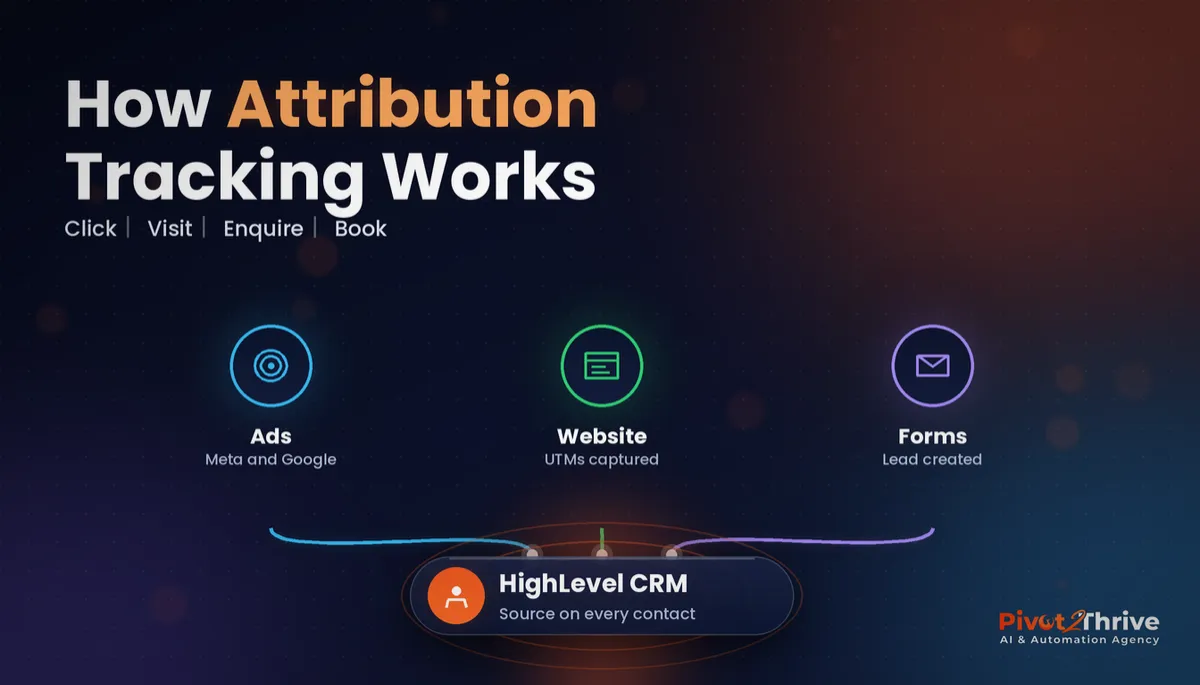
Call tracking is the phone half of your reporting. The form and booking half is covered in my guide to GoHighLevel attribution reporting.
Why GoHighLevel call tracking matters for Australian service businesses
Trades, clinics and local services get many of their best leads by phone. If those calls are not attributed, your reports undercount the channels that work and you cut the wrong budget.
HighLevel's own help article, "How to Set Up Call Tracking (Number Pool)" (last updated April 2025), explains that number pools let you attribute calls from paid campaigns to the specific tracking number a lead saw on your landing page or website. The tracking snippet swaps in a pool number, and when the visitor calls, the number is matched to their website session so the call can be credited to the right source.
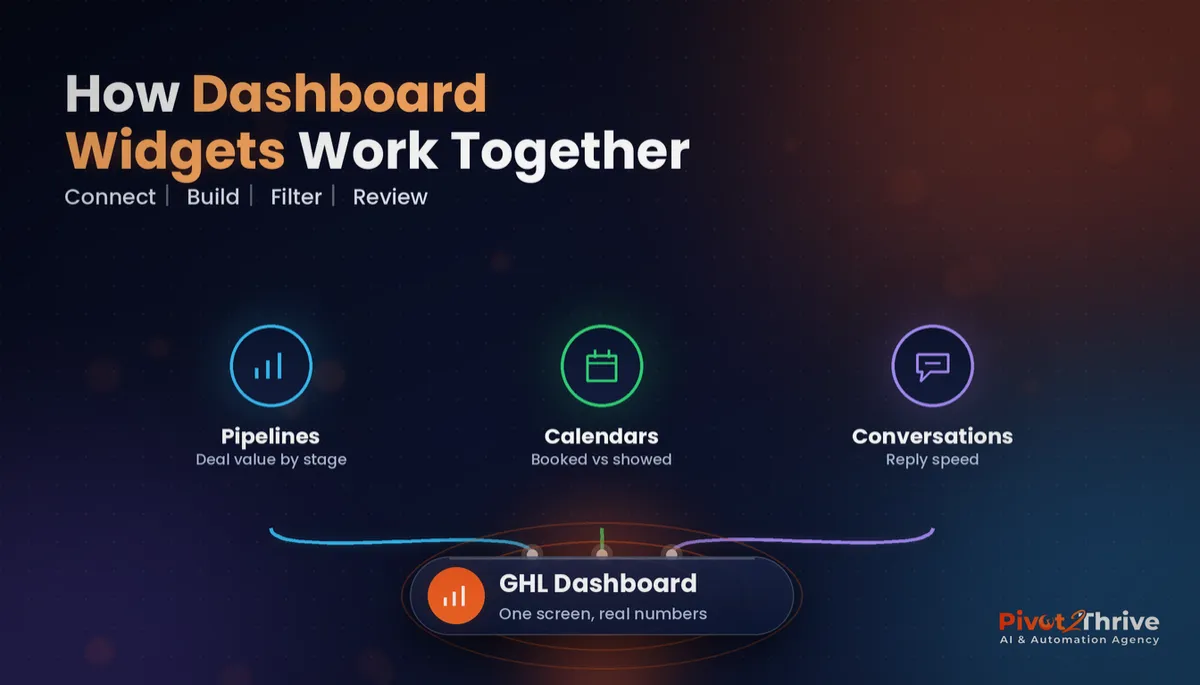
It also changes what agencies can prove. When a client can see that Google Ads produced a set of booked calls last month, renewals stop being a debate. Pair it with a GoHighLevel reporting dashboard so the numbers are always in front of them.
How to set up GoHighLevel call tracking in 6 steps
This setup suits a single business or an agency sub-account with at least two marketing channels. Allow half a day, plus time for Australian number registration if you have not done it yet.
1. List every source that shows a phone number. Write down your website, Google Ads, Google Business Profile, Facebook ads, directories, flyers, vehicle signage and email signature. Each source you want to measure needs its own number or a pool.
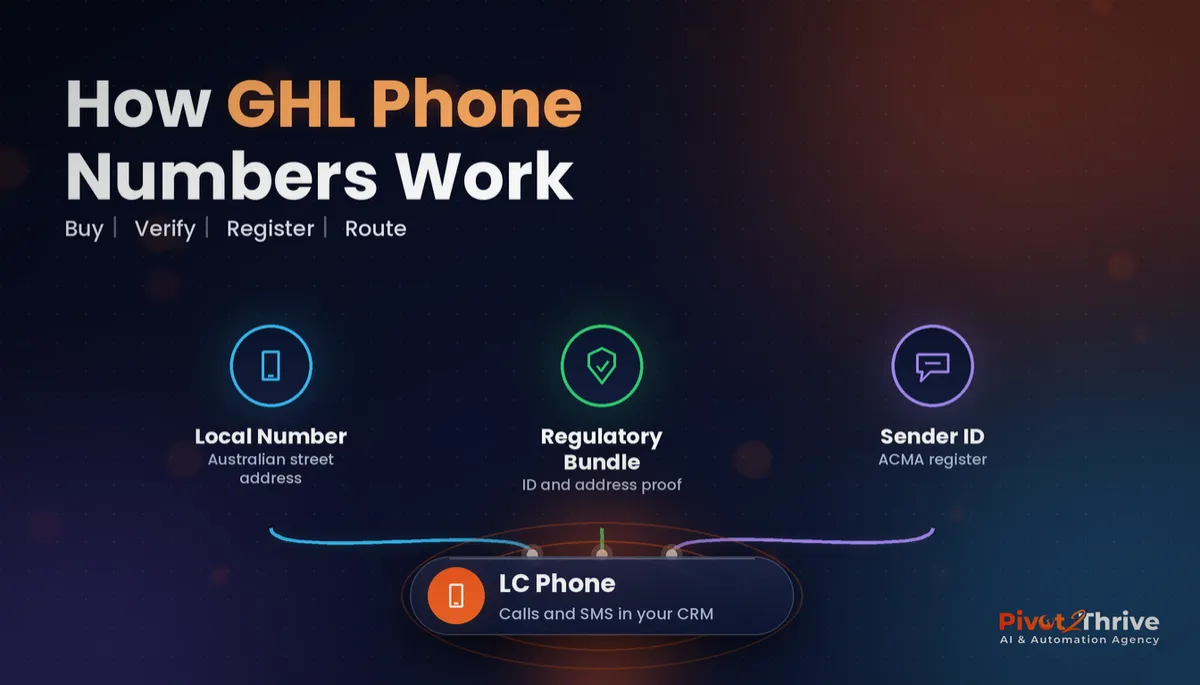
2. Get your Australian numbers ready. Buy local or mobile numbers in HighLevel's phone system and complete the Australian regulatory requirements first. My guide to GoHighLevel phone numbers in Australia walks through buying, verifying and registering them.
3. Assign static numbers to offline and fixed sources. Give your Google Business Profile, van signage and print flyers their own numbers. Name each number clearly in HighLevel (for example "GBP – Main", "Van – Ute 1") and set them all to forward to your main line or AI receptionist.
| Source | Tracking method | Why | What you learn |
|---|---|---|---|
| Google Ads and Meta ads | Number pool on website | Visitors arrive from many campaigns and keywords | Calls by campaign and session source |
| Google Business Profile | Static number | The listing shows one fixed number | How many calls Maps produces |
| Flyers, vans, signage | Static number per item | Offline sources cannot use web tracking | Whether print and signage pay off |
| Organic website visitors | Default site number | Baseline for everyone else | Calls not tied to a paid source |
4. Build a number pool for paid traffic. Create a pool in HighLevel's phone settings, choose how many numbers it holds and copy the swap snippet into your funnel, website or landing-page tracking code. Size the pool to your concurrent paid visitors, so each visitor sees a number that can be matched back to their session.
5. Route every call through one workflow. Use a call trigger to tag the contact with the source, create or move the opportunity in your pipeline and alert the right person. Add a missed call text back so unanswered tracked calls still turn into conversations.
6. Test, then report weekly. Call each number from a mobile, visit the site from a test ad link and confirm the source lands on the contact record. Then review calls, answered rate and bookings by source every week.
Once the data is flowing, cut spend on sources that ring but never book, and put it into the ones that do.
If your calls arrive as "unknown", your reports are lying to you. Give every source its own number and the budget decisions start making themselves.
Not on HighLevel yet? Start with a free 30-day trial — enough time to build everything in this guide before you pay a cent.
An Australian example: a Melbourne plumbing business
Here is an illustrative scenario. A Melbourne plumber spends on Google Ads, has a strong Google Business Profile and runs three signwritten utes. Every call goes to one number, so the owner has no idea which channel works.
They set up a number pool on the website for paid traffic, a static number on the Google profile and a different static number on each ute.
After a month, the reports show where booked jobs really come from. One ute in a busy suburb produces steady calls, while some ad campaigns produce calls that rarely book.
The owner moves budget from the weak campaigns into the profile and the strong area, and finally has numbers to back the decision.
GoHighLevel call tracking mistakes to avoid
- Changing the number on your Google Business Profile without care. Your listing number should stay consistent with your website and directories. Keep your main number visible and add the tracking number as the primary only if you can keep listings consistent.
- Making the number pool too small. If more visitors are on the site than there are pool numbers, numbers get shared and attribution blurs. Size the pool to your paid traffic.
- Using one number for all print. You will never know whether the flyer or the van worked. One number per offline item.
- Tracking calls but not bookings. A call is not a customer. Connect calls to pipeline stages so you report on booked jobs.
- Skipping testing. Snippets break when pages change. Re-test after every website update.
Once your tracked calls are flowing, the GoHighLevel power dialer helps you call back the leads that did not book. Local businesses like window tinters use the same setup, and agencies can use the data to fill their December pipeline with proof.
Frequently Asked Questions
Does GoHighLevel have built-in call tracking?
Yes. HighLevel includes call tracking through its phone system, using static tracking numbers and number pools. Calls are logged on the contact record and can trigger workflows, so you do not need a separate call tracking tool for most small businesses.
What is a number pool in GoHighLevel?
A number pool is a group of tracking numbers that HighLevel's website snippet swaps in for visitors from paid campaigns. When a visitor calls the number they saw, the call is matched to their website session so it can be attributed to the right source.
Should I use a number pool or a static tracking number?
Use a number pool for website visitors from paid ads, because they arrive from many campaigns. Use static numbers for fixed and offline sources such as your Google Business Profile, flyers and vehicle signage.
Can I use GoHighLevel call tracking with Australian phone numbers?
Yes, but you need to buy Australian numbers in HighLevel's phone system and complete the Australian regulatory requirements before they go live. Allow time for that verification before launching campaigns.
How many numbers do I need in a GoHighLevel number pool?
Size the pool to the number of paid visitors who are on your site at the same time. If the pool is too small, numbers are shared between visitors and attribution becomes less accurate.
Can tracked calls trigger automations in GoHighLevel?
Yes. A call can trigger a workflow that tags the contact with the source, creates or moves an opportunity and alerts your team. Adding a missed call text back means unanswered tracked calls still become conversations.
Still deciding on a platform? Try HighLevel free for 30 days and set up your first tracking number before your next ad campaign goes live.
Related Articles
Our services
- PowerPivot Leads Pro — AI lead generation and follow-up
- AI Receptionist Agent — answer every call, 24/7
Keep reading
 GoHighLevel Attribution Reporting: See Which Ads and Channels Actually Book Jobs
 GoHighLevel Phone Numbers in Australia: Buy, Verify and Register a Local Number
 GoHighLevel Dashboards: Build a Reporting View That Shows What Is Working
 AI Agency December Pipeline: Book January Discovery Calls Before the Break
Everything else