GoHighLevel Dashboards: Build a Reporting View That Shows What Is Actually Working (2026 Guide)
Last updated: October 2026.
GoHighLevel dashboards are where your CRM either earns its keep or quietly becomes an expensive address book. Most accounts I audit have a default dashboard nobody opens, while the owner still asks the team on Monday morning, "How many leads did we get last week?"
This guide shows you how to build a dashboard that answers that question before anyone has to ask it.
Some links below are affiliate links — if you sign up through them, Pivot 2 Thrive may earn a commission at no extra cost to you. It never changes what we recommend.
Key takeaway: A useful GoHighLevel dashboard tracks five to eight numbers tied to decisions: new leads, response speed, bookings, show rate, pipeline value and won revenue. Build one dashboard per audience (owner, sales team, client), filter by date and source, and review it on a fixed weekly rhythm.
On This Page
- What GoHighLevel Dashboards Are (and What They Are Not)
- Why a CRM Dashboard Matters More Than Another Automation
- How to Build a GoHighLevel Dashboard in 7 Steps
- A Real-World Australian Example: A Brisbane Allied Health Clinic
- Common GoHighLevel Dashboard Mistakes to Avoid
- Frequently Asked Questions
- Related Articles
I'm Dr Priya Jaganathan, a Go High Level Certified Admin, Certified AI Tech Stack Consultant and keynote speaker. At Pivot 2 Thrive we build HighLevel accounts for Australian businesses and agencies, and the reporting layer is the part clients thank us for most once the automations are live.
What GoHighLevel Dashboards Are (and What They Are Not)
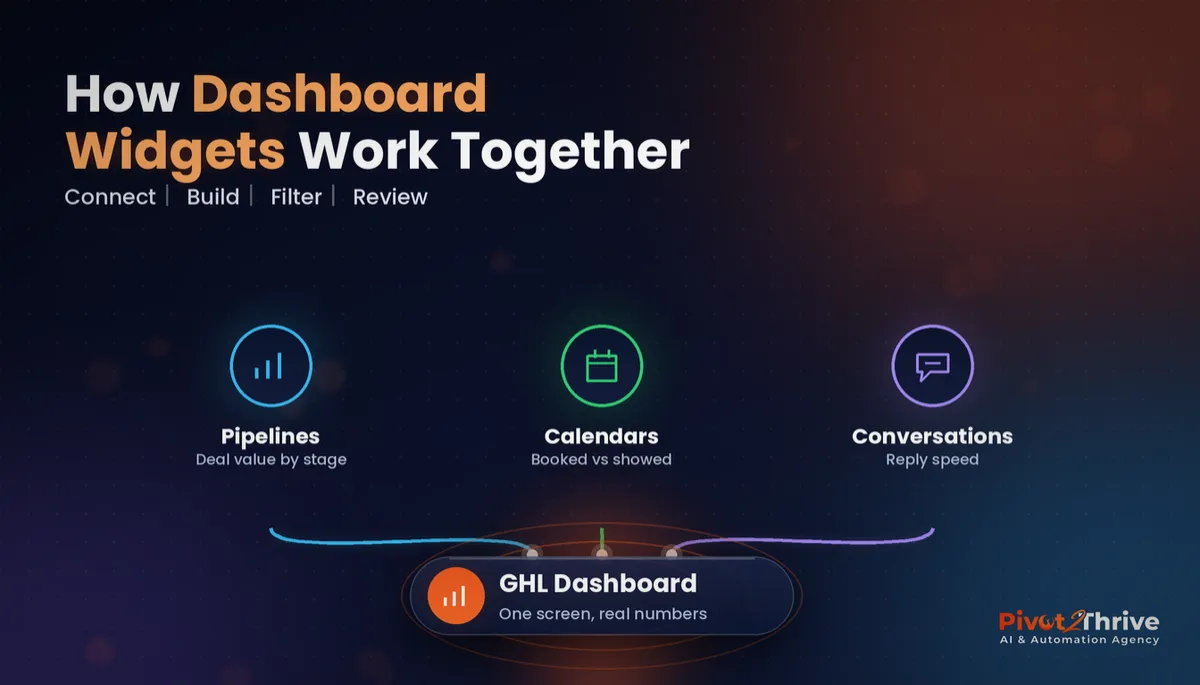
GoHighLevel dashboards are configurable reporting screens made of widgets. Each widget pulls live data from one part of the account — opportunities, calendars, conversations, contacts, payments — and shows it as a number, chart or table.
They are not a full business-intelligence tool. You will not join your accounting data to your ad spend here. What you get is a fast, honest view of the front end of your business: who came in, who got contacted, who booked and who paid.
The key shift in recent versions is that you are no longer stuck with one default view. You can build several dashboards, name them for their audience and control who sees each one.
Why a CRM Dashboard Matters More Than Another Automation
Automations without reporting are a black box. You know the workflow fired, but not whether it moved a lead closer to paying you.
Small businesses are adopting AI and automation quickly. The National AI Centre's AI Adoption Tracker reported 43% of Australian SMEs adopting AI in the December 2025 to February 2026 quarter. More tools running means more places for leads to leak, and a dashboard is how you see the leak.
It also changes team behaviour. When response time sits on a screen everyone can see, it improves without a single meeting about it.
How to Build a GoHighLevel Dashboard in 7 Steps
Here is the build order I use on client accounts. It takes about an hour once your pipelines and calendars are set up properly.
1. Decide who the dashboard is for
An owner needs revenue and conversion. A sales rep needs today's tasks and their own pipeline. A client of an agency needs proof that leads and bookings are coming in. One dashboard per audience beats one cluttered screen for everybody.
2. Pick five to eight numbers, tied to decisions
For every widget, ask: "If this number moved, what would I do differently?" If the answer is nothing, leave it off. Vanity counts like total contacts rarely survive this test.
3. Clean the data underneath first
Dashboards only reflect what the account records. Make sure your pipeline stages are set up so deals cannot skip steps, opportunities carry a monetary value, and lead source is captured in a consistent custom field structure.
4. Add the core widgets
Start with this set, then adjust for the business:
| Widget | What it answers | Decision it drives |
|---|---|---|
| New leads by source | Where are enquiries coming from? | Shift ad spend or referral effort |
| First response time | How fast do we reply? | Fix staffing or add an AI responder |
| Appointments booked vs showed | Are bookings turning into meetings? | Tighten reminders and confirmation |
| Pipeline value by stage | Where do deals stall? | Coach the stage with the biggest drop |
| Won revenue this period | Is the work paying? | Forecast cash flow and hiring |
| Missed calls | How many people could not reach us? | Turn on missed-call text-back |
5. Set the date range and filters
Default most widgets to the last 7 or 30 days and compare with the previous period. Filter by pipeline, user or source so a rep sees their own numbers, not the whole company's.
6. Control who can see what
Share each dashboard only with the people who need it. Pair this with your GoHighLevel user roles and permissions so a junior staff member is not looking at company revenue.
7. Put it on a weekly rhythm
A dashboard nobody reviews is decoration. Book a 15-minute Monday review: what moved, why, and one action for the week. That habit is what turns reporting into results.
Want this built for you? We set up GoHighLevel dashboards, pipelines and the automations that feed them. Book a free CRM strategy call and we will map the five numbers your business should be watching.
Not on HighLevel yet? Start with a free 30-day trial — enough time to build everything in this guide before you pay a cent.
A Real-World Australian Example: A Brisbane Allied Health Clinic
Picture a three-practitioner physio clinic in Brisbane running Google Ads and a website booking form. The owner believed ads were the problem because "the phone is quiet".
Once the dashboard was live, the picture changed. Leads were steady, but first response time on web forms sat at several hours during busy clinic days, and the booked-versus-showed widget showed a clear gap between bookings and attendance.
The fix was not more ads. It was an instant SMS reply, a 60-second speed-to-lead rule and a reminder sequence. The dashboard then showed the improvement week by week, which kept the owner committed to the process.
Common GoHighLevel Dashboard Mistakes to Avoid
- Too many widgets. Twenty charts hide the three that matter.
- Opportunities with no value. Pipeline value reads $0 and the widget becomes useless.
- No lead source captured. You cannot tell which channel works, so budget decisions are guesses.
- One dashboard for everyone. Clients see internal noise and staff see numbers they should not.
- Never reviewing it. Without a weekly slot, the dashboard goes stale within a month.
If you run an agency, the client-facing version of this dashboard feeds straight into your monthly client reporting — and an internal version helps with capacity planning for your agency.
Frequently Asked Questions
Can I create more than one dashboard in GoHighLevel?
Yes. Current versions of GoHighLevel let you build multiple dashboards inside a sub-account, name them and choose who can see each one. Most businesses do well with three: owner, sales team and, for agencies, a client view.
What should a GoHighLevel dashboard track?
Track five to eight numbers tied to decisions: new leads by source, first response time, appointments booked versus showed, pipeline value by stage, won revenue and missed calls. Leave off anything that would not change what you do.
Why does my pipeline value show $0 on the dashboard?
Pipeline value widgets add up the monetary value on each opportunity. If opportunities are created without a value, the total reads $0. Set a default value in the workflow that creates the opportunity, or require it when staff move a deal.
Can clients see a GoHighLevel dashboard?
Yes, if they have a user login with access to that dashboard. Agencies usually give clients a limited user role and share only a client-facing dashboard, keeping internal and financial views private.
How often should I review my CRM dashboard?
Weekly is the sweet spot for most small businesses. A 15-minute Monday review of what moved, why it moved and one action for the week is enough to keep the data clean and the team accountable.
Do I need a separate reporting tool as well?
Not to start. GoHighLevel dashboards cover the front end of the business well: leads, speed, bookings and revenue. Add a separate business-intelligence tool only when you need to combine CRM data with accounting or ad-platform data.
A good dashboard turns your CRM from a place you store contacts into a place you run the business. If you want it built properly, with the pipelines and automations underneath it working, book a free strategy call with our team or explore more at Pivot 2 Thrive.
Want to build this yourself first? Try HighLevel free for 30 days.
Related Articles
Pivot 2 Thrive services
- PowerPivot Leads Pro — done-for-you lead generation and follow-up
- AI Receptionist Agent — answer every call and enquiry 24/7
Keep reading
- GoHighLevel Pipeline Stages: How to Set Them Up So You Can See Where Deals Stall
- GoHighLevel Lead Scoring: Set It Up So Hot Leads Get Called First
- GoHighLevel Smart Lists: How to Segment Your Contacts So Every Campaign Lands
- AI Agency Client Reporting in Australia
- AI Agency Capacity Planning: How Many Clients Can You Really Handle?
More guides
