GoHighLevel Documents and Contracts: Send Proposals Clients Sign the Same Day (2026 Guide)
Last updated: October 2026.
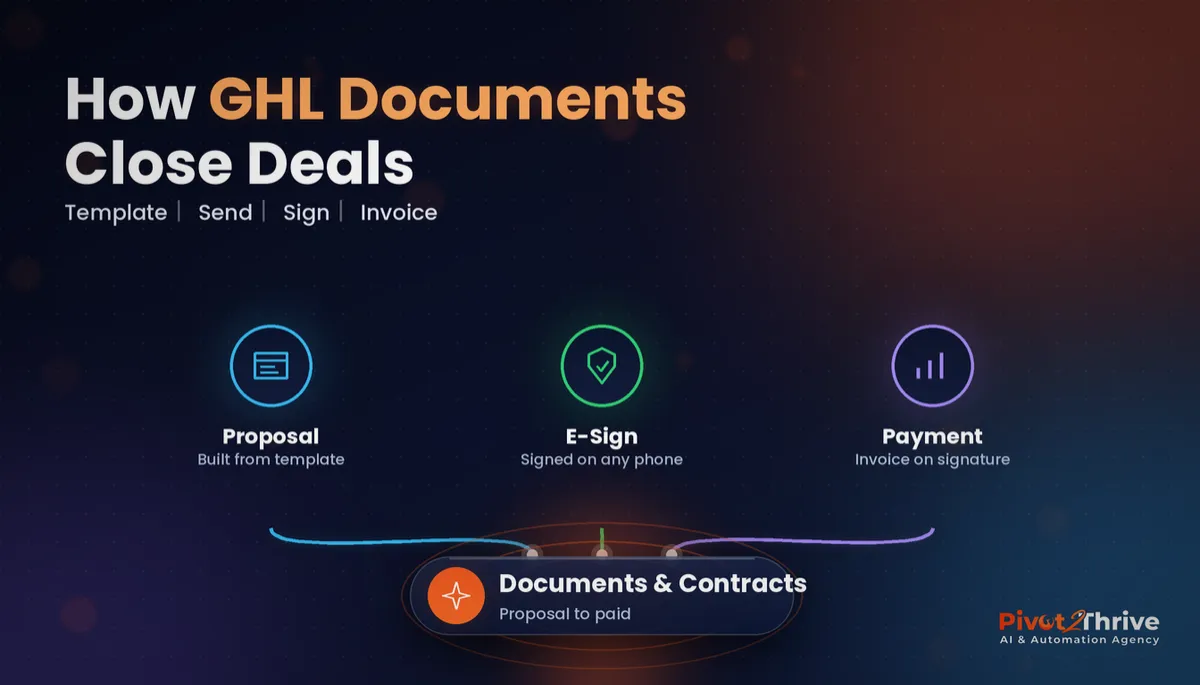
GoHighLevel Documents and Contracts lets you build a proposal, collect an e-signature and raise the first invoice from the same place your leads already live. Set it up properly and most clients sign the same day — no PDFs, printers or chasing emails.
Some links below are affiliate links — if you sign up through them, Pivot 2 Thrive may earn a commission at no extra cost to you. It never changes what we recommend.
Key takeaway: Build one master proposal template with merge fields, custom values and separate pricing lines, set a 7–14 day expiry, create the invoice on acceptance and let a workflow start onboarding. Test the full path with a dummy contact first.
On This Page
- GoHighLevel Documents and Contracts Is Your Proposal, E-Signature and Invoice Tool in One
- Why Signing Inside GoHighLevel Shortens Your Sales Cycle
- How to Set Up GoHighLevel Documents and Contracts in 7 Steps
- An Australian Example: A Melbourne Bookkeeping Firm
- 5 GoHighLevel Contract Mistakes to Avoid
- Frequently Asked Questions
- Related Articles
I'm Dr Priya Jaganathan — Go High Level Certified Admin, Certified AI Tech Stack Consultant and keynote speaker on practical AI for Australian business. I set up HighLevel sales systems for Australian agencies and service businesses, and Documents and Contracts is one of the quickest wins.
GoHighLevel Documents and Contracts Is Your Proposal, E-Signature and Invoice Tool in One
GoHighLevel Documents and Contracts is the HighLevel feature that lets you build a proposal, send it, collect a signature and invoice the client without leaving the CRM.
You design reusable templates with text, images, pricing tables and signature fields. Contact details fill in automatically from the record, so a proposal takes minutes rather than an afternoon in Word.
Because the document is tied to the contact and the opportunity, everything that happens to it — viewed, signed, expired — can drive the next step in your pipeline.
Why Signing Inside GoHighLevel Shortens Your Sales Cycle
Deals rarely die because the client said no. They die in the gap between "send me something" and the signature, while a PDF sits unread.
Signing electronically is not a legal grey area for most business agreements. The Electronic Transactions Act 1999 (Cth), together with the matching state and territory acts, recognises electronic signatures where the signer is identified, intends to sign and the method is reliable and agreed to.
When the proposal, signature and payment live in the same system, you can see exactly where a deal is stuck and act on it — which is the whole point of well-designed pipeline stages.
How to Set Up GoHighLevel Documents and Contracts in 7 Steps
This is the setup I would use for an Australian agency or service business sending proposals every week.
1. Get your data ready first. Add your services to the product list with prices ex-GST, and make sure the custom fields you want on the proposal exist. My custom fields setup guide covers naming.
2. Build one master template. Cover page, the client's problem in their words, your solution, scope, timeline, pricing, terms and signature block. Resist building ten templates; start with one and clone it.
3. Use merge fields and custom values. Contact name, business name and address pull from the record. Your ABN, payment terms and support hours should come from custom values so one update changes every template — see custom values and trigger links.
4. Add pricing with separate lines. Put the build fee, monthly support plan and any pass-through costs on their own lines so the client sees the full picture. If you sell care plans, AI agency support plans shows how I would tier them.
5. Set signers, order and expiry. Add every signer, decide whether you countersign, and give each document an expiry date — usually 7 to 14 days.
| Setting | What I recommend | Why |
|---|---|---|
| Expiry date | 7–14 days | Creates a natural decision point and keeps pricing current |
| Signers | Client decision-maker first, then you | Client commits before you countersign |
| Pricing lines | Build, support and pass-through costs separate | No surprises after signing |
| On acceptance | Create invoice automatically | Deposit is requested while intent is highest |
| Notifications | Alert owner when viewed but not signed | Prompts a timely follow-up call |
6. Connect payment. Set the proposal to create an invoice on acceptance so the deposit request arrives straight away. Pair it with invoices and Text2Pay so the client can pay from their phone.
7. Automate what happens next. Build a workflow that reacts to the document's status: move the opportunity to Won, tag the contact, send the onboarding form and notify your delivery team. Add a reminder two days before expiry for anything still unsigned.
Test the full path — send, view, sign, invoice, workflow — with a dummy contact before your first live proposal. It takes ten minutes and saves an awkward call.
Want your proposal-to-payment flow built for you? Book a call with Pivot 2 Thrive and we will map it into your HighLevel account.
Not on HighLevel yet? Start with a free 30-day trial — enough time to build everything in this guide before you pay a cent.
An Australian Example: A Melbourne Bookkeeping Firm
Picture a Melbourne bookkeeping firm that used to email Word proposals and chase signatures by phone.
With one master template, services in the product list and an engagement letter attached, the partner sends a proposal straight after the discovery call. The client signs on their phone that afternoon, the onboarding invoice goes out automatically and the client lands in the right pipeline stage.
The partner's only manual step is a call when the system flags a proposal that was opened twice but not signed. For the proposal content itself, my proposal template guide is a good starting point.
5 GoHighLevel Contract Mistakes to Avoid
- Hard-coding details. Typing your ABN or rates into each template means one change becomes ten edits. Use custom values.
- No expiry date. Open-ended proposals invite "maybe next quarter".
- Hiding ongoing costs. If support or software fees come later, show them now.
- Skipping the test send. A merge field that shows raw code instead of the client's name undoes your credibility.
- Not linking to a workflow. A signed contract that does nothing automatically leaves onboarding to memory.
Frequently Asked Questions
What is GoHighLevel Documents and Contracts?
GoHighLevel Documents and Contracts is the built-in tool for creating proposals, quotes and agreements, sending them to contacts and collecting electronic signatures. Because it lives inside the CRM, signed documents sit on the contact record and can trigger workflows and invoices.
Are GoHighLevel e-signatures legally valid in Australia?
For most business contracts, yes. The Electronic Transactions Act 1999 (Cth) and matching state and territory laws allow electronic signatures where the signer is identified, intends to sign, and the method is reliable and agreed to. Some documents, such as wills and certain property and court documents, have special rules, so get legal advice for anything unusual.
Can I add pricing to a GoHighLevel proposal?
Yes. You can add products and line items from your HighLevel product list so the proposal shows the price, and include GST where it applies. Keep build fees and monthly support as separate lines so the client sees both before signing.
Can a signed proposal trigger an invoice automatically?
Yes. You can set a proposal to create an invoice when it is accepted, and use workflows to react to document status changes, such as moving the opportunity to Won and starting onboarding. Test the full path with a dummy contact before sending to real clients.
Do I still need DocuSign or PandaDoc if I use GoHighLevel?
Many agencies and service businesses can drop a separate e-signature tool once their templates are in HighLevel. Keep a dedicated tool only if you need features HighLevel does not cover for your situation, such as complex approval chains or specific compliance requirements.
How do I stop proposals going stale?
Set an expiry date on every document, send an automatic reminder before it expires, and alert the owner when a proposal is viewed but not signed. A viewed-but-unsigned proposal is the best moment for a quick phone call.
Ready to stop chasing signatures? Book a call with our team or see what we build at Pivot 2 Thrive.
Building on HighLevel for the first time? Try HighLevel free for 30 days and set up your first template this week.
Related Articles
Done-for-you services
- PowerPivot Leads Pro — AI lead capture and follow-up, built for you
- AI Receptionist Agent — answer every call, day or night
Keep reading on the blog
- GoHighLevel Invoices and Text2Pay
- GoHighLevel pipeline stages setup guide
- GoHighLevel custom values and trigger links
- AI agency support plans: packaging maintenance
