
GoHighLevel Funnel Split Testing: Find the Page That Books More Calls (2026 Guide)
Last updated: November 2026.
 By Dr Priya Jaganathan, Certified AI Tech Stack Consultant · Pivot 2 Thrive · Updated 5 November 2026 · 8 min read
How to run a clean A/B test on a GoHighLevel funnel step, read the numbers honestly and keep the version that turns visitors into booked calls.
GoHighLevel funnel split testing lets you show two versions of the same funnel page to real visitors and keep the one that converts better. Most Australian businesses guess at their landing pages instead. They change the headline on a hunch, forget what the old version said, and never know whether the change helped.
This guide shows you how to set up a split test inside HighLevel, how long to let it run, and how to read the result without fooling yourself.
Some links below are affiliate links — if you sign up through them, Pivot 2 Thrive may earn a commission at no extra cost to you. It never changes what we recommend.
A GoHighLevel split test runs two versions of one funnel step side by side and splits traffic between them. Change one meaningful thing, send enough traffic to both, judge on booked calls or opt-ins rather than views, then declare the winner and start the next test.
I'm Dr Priya Jaganathan — Go High Level Certified Admin, Certified AI Tech Stack Consultant and keynote speaker. At Pivot 2 Thrive I build these systems for Australian businesses every week, so this guide is written from the build, not the brochure.
GoHighLevel funnel split testing is…
GoHighLevel funnel split testing is a built-in A/B testing feature for funnel steps. You create a variation of an existing step, HighLevel sends a share of visitors to each version, and the funnel stats show how each one performs.
The original page is your control. The new version is the variation. Everything else, including the form, the workflow it triggers and the thank-you page, stays the same, so any difference in results comes from the change you made.
Split testing sits on top of good tracking. If you cannot yet see which channels send your best leads, set up GoHighLevel attribution reporting first, so a test result is tied to real bookings and not just page views.
Why split testing your funnels beats redesigning them
A full redesign throws away everything you have learned. A split test keeps the page that already works live while you try one improvement against it, so you never bet the whole month's leads on a hunch.
It also settles arguments. When the business owner wants a longer page and the designer wants a shorter one, the visitors decide. That saves hours of opinion and gives you a record of what your market responds to.
Finally, small lifts compound. A page that books a few more calls from the same ad spend makes every dollar you put into GoHighLevel Ad Manager campaigns go further, and the gain repeats every month the page stays live.
How to split test a GoHighLevel funnel in 7 steps
This works for any funnel step: an opt-in page, a booking page or a sales page. Allow about an hour to set up and two to four weeks to run, depending on traffic.
1. Connect a domain to the funnel. Split testing needs the funnel to be live on a connected domain, so attach your domain or subdomain in the funnel settings before you start. Tests run on the published link, not the editor preview.
2. Pick one step and one goal. Choose the step that carries the most traffic and decide what counts as a win: a form submission, a booked appointment or a purchase. Write the goal down before you look at any numbers.
3. Write a hypothesis. One sentence: "If we change X, more people will do Y because Z." For example, "If the headline names the suburb and the result, more locals will book because it feels made for them." This stops you testing random tweaks.
4. Create the variation. Open the funnel, select the step and use the option to create a variation (HighLevel's own help article walks through this under Sites > Funnels). Duplicate the control, then make one meaningful change: the headline, the offer, the form length or the hero image. HighLevel's guidance is to make the change noticeable, because tiny tweaks rarely produce a readable result.
| What to test | Example change | Likely impact | Test order |
|---|---|---|---|
| Offer | Free quote vs free 15-minute site check | High | First |
| Headline | Feature-led vs outcome-led with suburb | High | Second |
| Form length | Six fields vs three fields | Medium to high | Third |
| Social proof | Generic testimonials vs Google review widget | Medium | Fourth |
| Button colour | Orange vs green | Low | Last, if ever |
5. Set the traffic split. Start at 50/50 so both versions collect data at the same pace. If the page is your main revenue source and you are nervous, send a smaller share to the variation, but expect the test to take longer.
6. Let it run without touching it. Do not edit either version mid-test, and do not stop the moment one pulls ahead. As a working rule, wait until each version has at least 100 conversions or has run two full weeks, whichever comes later, so weekday and weekend behaviour both show up.
7. Read the stats and declare a winner. Compare conversion rate on your chosen goal, then check the CRM: did the variation's leads actually book and show up? If yes, promote the variation to become the new control, note the result in a test log, and line up the next test from the table above.
Keep that test log in a simple sheet: date, step, hypothesis, result. After six months it becomes your playbook for every new funnel you build.
A split test is not a design contest. The winning page is the one that puts more names in your calendar, even if it is the uglier one.
Not on HighLevel yet? Start with a free 30-day trial — enough time to build everything in this guide before you pay a cent.
An Australian example: a Brisbane physio clinic's booking page
Here is an illustrative scenario. A two-practitioner physio clinic in Brisbane's inner north runs local Facebook ads to a GoHighLevel booking page. The page converts steadily, but the owner suspects the offer is too vague.
The control says "Book your initial consultation". The variation keeps everything else and changes the offer to "Book a 20-minute back pain assessment this week", with the next available times shown above the fold.
They split traffic 50/50 for three weeks. The variation collects more bookings, and the CRM shows those bookings show up at a similar rate, so the clinic promotes it to control.
The next test is form length. Because every booking also triggers the same reminder workflow, the owner can see the full effect from click to attended appointment, not just the opt-in.
GoHighLevel split testing mistakes to avoid
- Testing five things at once. If the headline, image and offer all change, you will not know which one moved the number. Change one element per test.
- Calling the winner too early. A lead after two days is often noise. Wait for enough conversions on both sides and at least two full weeks.
- Judging on views or clicks. A page that gets more opt-ins but fewer booked calls is a loser. Measure the goal that pays the bills.
- Editing the page mid-test. Any change resets what you are measuring. If you must fix a typo, note the date and treat the data before it separately.
- Forgetting the follow-up. The best page still loses leads if nobody replies. Pair every test with fast follow-up and a clear form that routes leads correctly.
If your opt-in form itself is the weak point, start with our GoHighLevel forms guide before you run your first test, then consider a lead-qualifying quiz as a variation worth testing.
Frequently Asked Questions
Does GoHighLevel have built-in A/B testing for funnels?
Yes. GoHighLevel lets you create a variation of any funnel step and split visitors between the original and the variation. Each version's stats appear in the funnel so you can compare performance and keep the winner.
Do I need a domain to split test in GoHighLevel?
Yes. Split testing in HighLevel funnels works once a domain is connected to the funnel, because the test runs on the live published link. Preview links from the editor do not split traffic.
How long should a funnel split test run?
Run it for at least two full weeks so weekday and weekend visitors are both included. A sensible working rule is to wait until each version has around 100 conversions before you decide, which may take longer on low-traffic pages.
What should I test first on a GoHighLevel landing page?
Test the offer first, then the headline, then form length. These usually move results far more than colours or button styles, so they give you a readable answer with less traffic.
Can I split test a GoHighLevel website page as well as a funnel?
Split testing is designed around funnel steps. If your key page lives on a HighLevel website, the simplest approach is to rebuild it as a funnel step for the test and point your ads at that funnel link.
How do I know if the winning variation really made more money?
Check the leads in the CRM, not just the funnel stats. Compare how many leads from each version booked, attended and paid, using your pipeline and attribution reports, before you promote the variation.
Still deciding on a platform? Try HighLevel free for 30 days and build your first split test this week.
Related Articles
Our services
- PowerPivot Leads Pro — AI lead generation and follow-up
- AI Receptionist Agent — answer every call, 24/7
Keep reading
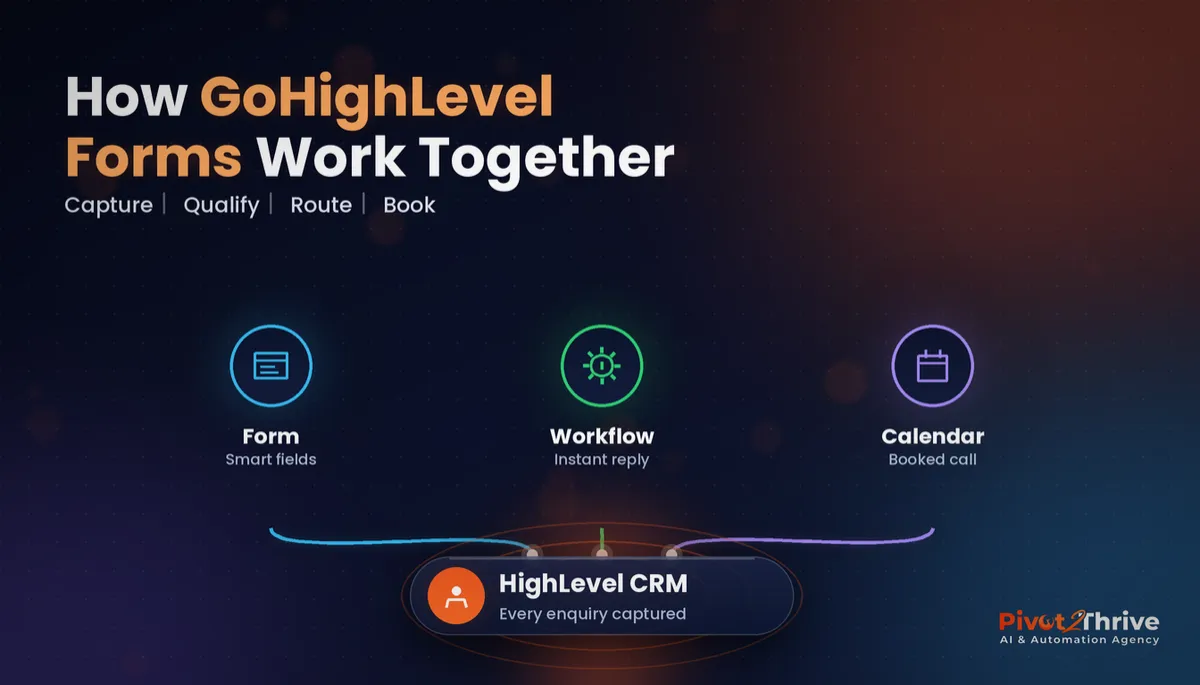 GoHighLevel Forms: Build Enquiry Forms That Qualify and Route Leads
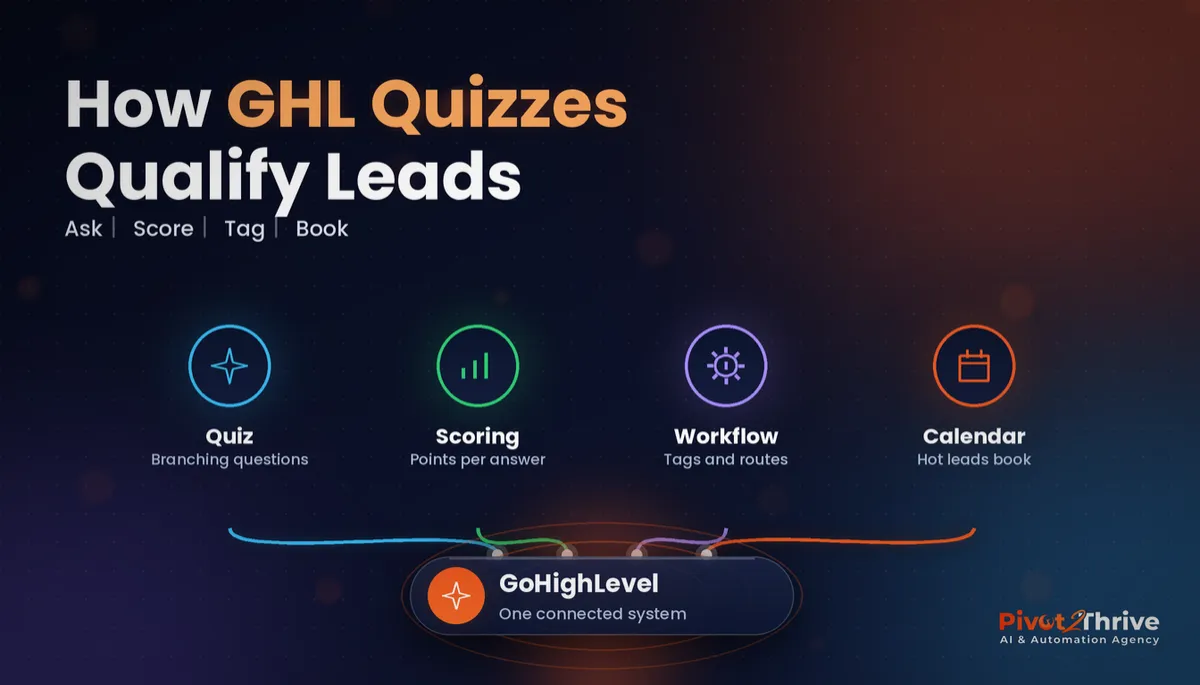 GoHighLevel Quizzes: Build a Lead-Qualifying Quiz That Books Calls
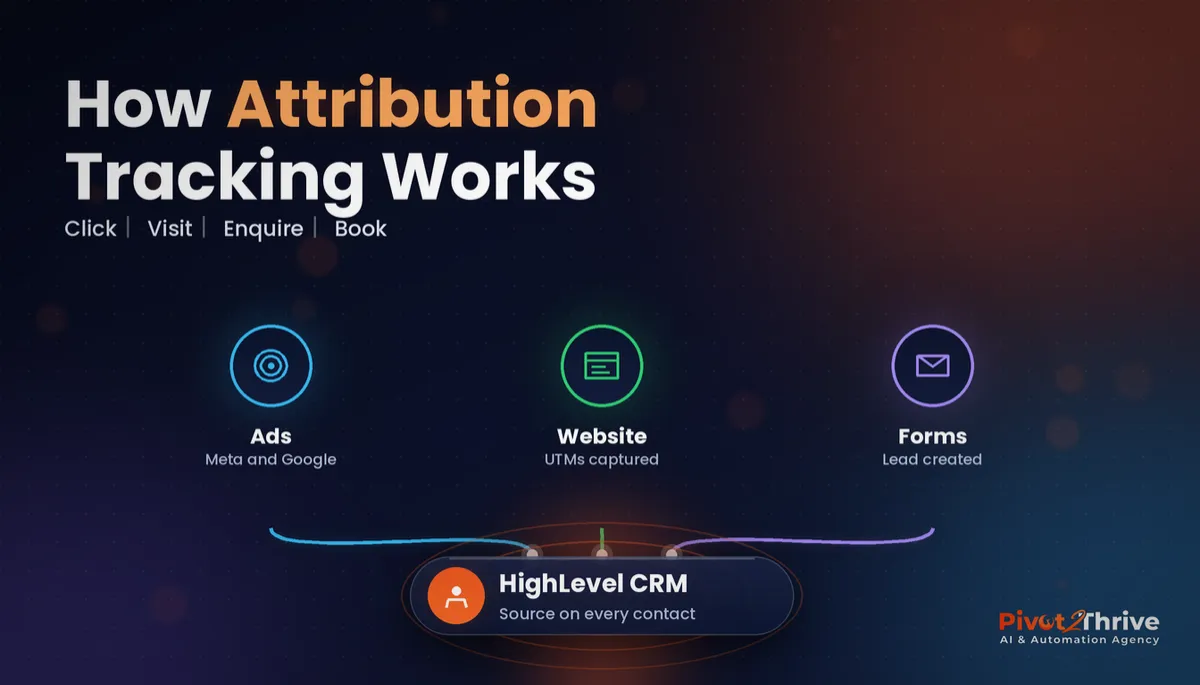 GoHighLevel Attribution Reporting: See Which Ads and Channels Actually Book Jobs
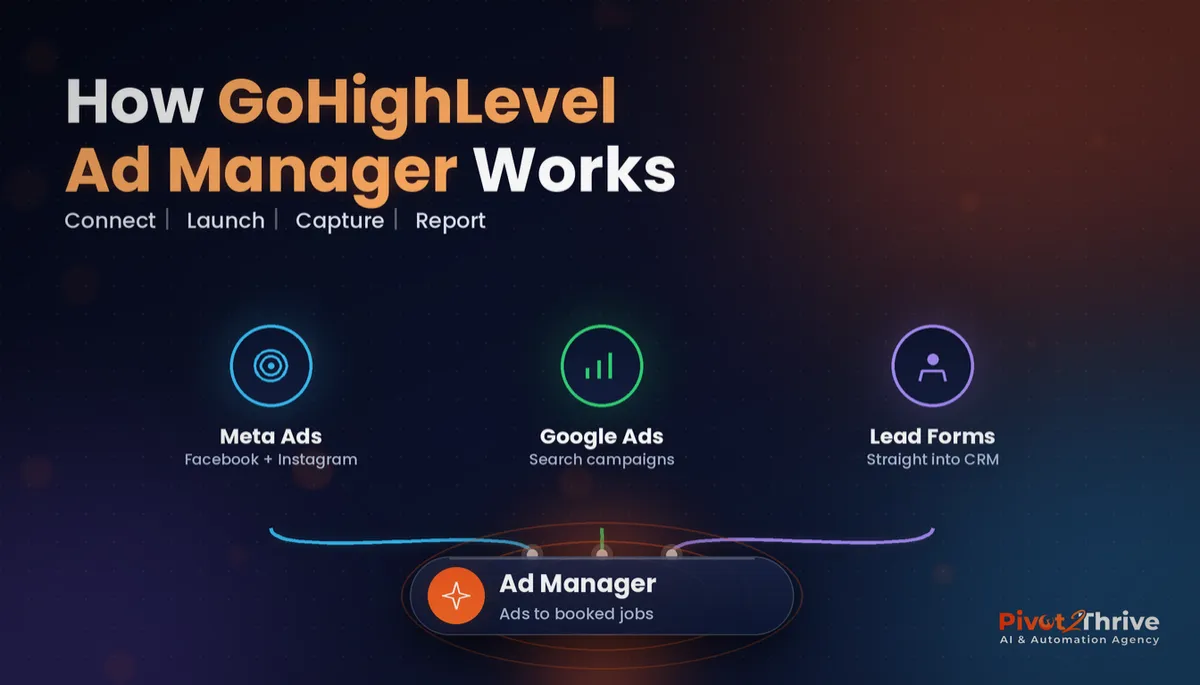 GoHighLevel Ad Manager: Run Facebook and Google Ads From Your CRM
Everything else