
GoHighLevel QR Codes: Turn Flyers, Counters and Vans Into Tracked Leads (2026 Guide)
Last updated: November 2026.
 By Dr Priya Jaganathan, Certified AI Tech Stack Consultant · Pivot 2 Thrive · Updated 7 November 2026 · 7 min read
How to create dynamic, trackable QR codes inside HighLevel that send every scan to a form, calendar or page and start your follow-up automatically.
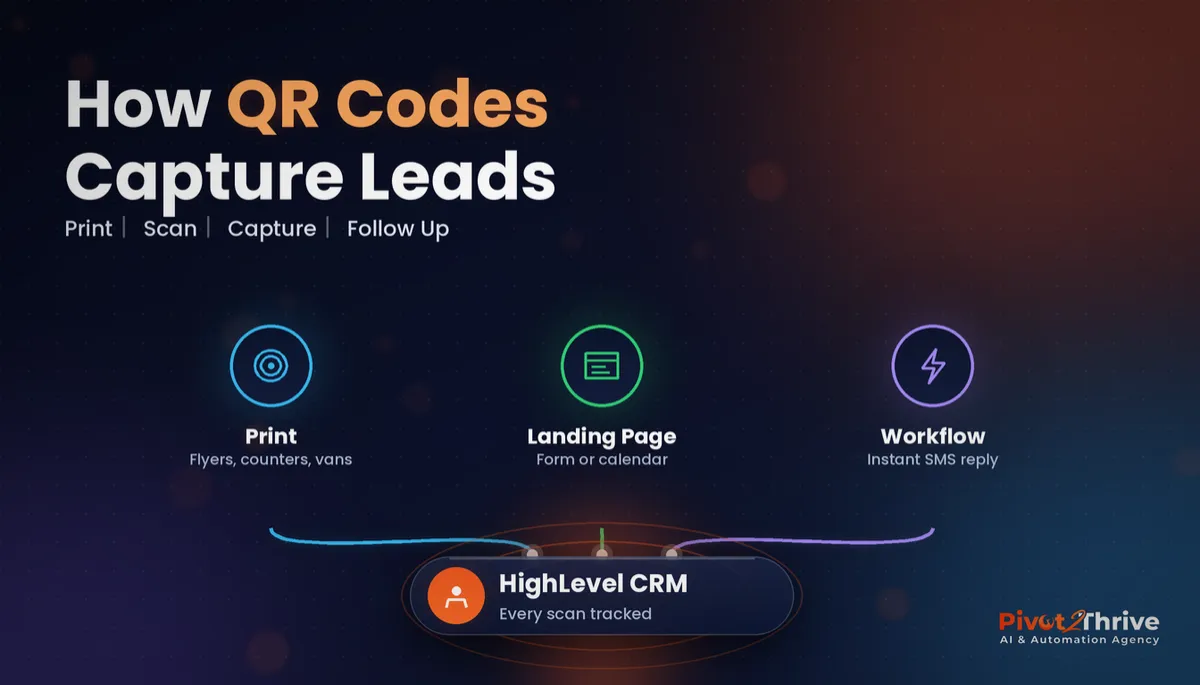
GoHighLevel QR codes turn the print and physical marketing you already pay for, such as flyers, counter cards, vehicle signage and packaging, into tracked lead sources. Most businesses print a code that opens the homepage and never find out whether anyone scanned it.
Some links below are affiliate links — if you sign up through them, Pivot 2 Thrive may earn a commission at no extra cost to you. It never changes what we recommend.
Create QR codes in HighLevel's QR Code Builder, point each one at a form, calendar or landing page rather than your homepage, and tag the source so every scan lands in the CRM with its origin. Dynamic codes mean you can change the destination later without reprinting.
I'm Dr Priya Jaganathan — Go High Level Certified Admin, Certified AI Tech Stack Consultant and keynote speaker. At Pivot 2 Thrive I build these systems for Australian businesses every week, so this guide is written from the build, not the brochure.
GoHighLevel QR codes are…
GoHighLevel QR codes are scannable codes you create inside HighLevel that open a page, funnel step, form, booking calendar or digital business card in your account.
Because they are built in the same platform as your CRM, a scan can lead straight into a form or booking, which creates a contact and fires a workflow. The code is no longer a dead end; it is the first step of your follow-up.
They work hand in hand with trigger links and custom values. If you have read our guide to custom values and trigger links, think of QR codes as the offline version of the same idea.
Why tracked QR codes beat a printed web address
A printed web address relies on someone remembering it, typing it correctly and then finding the right page. A QR code removes every one of those steps and can land the person on the exact form or calendar you want.
The bigger win is measurement. HighLevel's help centre documents scan counts and last-scanned dates for supported code types, so you can see whether the van, the shop window or the letterbox drop is actually producing scans.
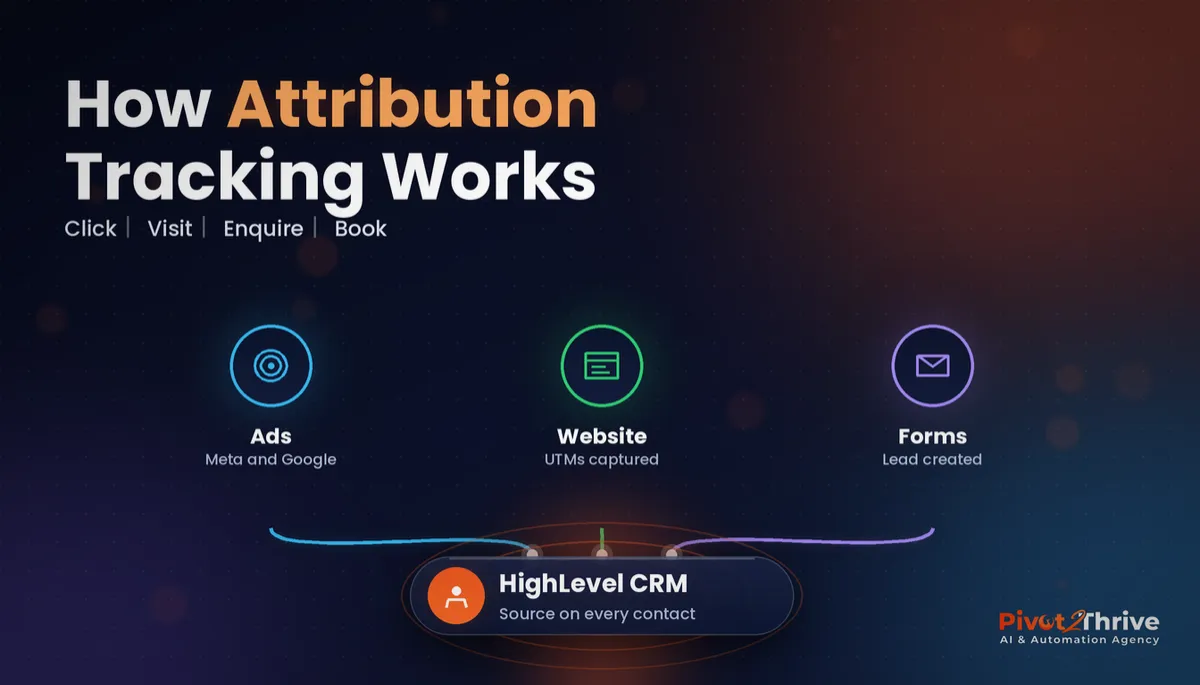
Pair that with source tagging and you can follow a scan all the way to a booked job. That is the same thinking behind GoHighLevel attribution reporting, applied to the physical world.
How to set up GoHighLevel QR codes in 6 steps
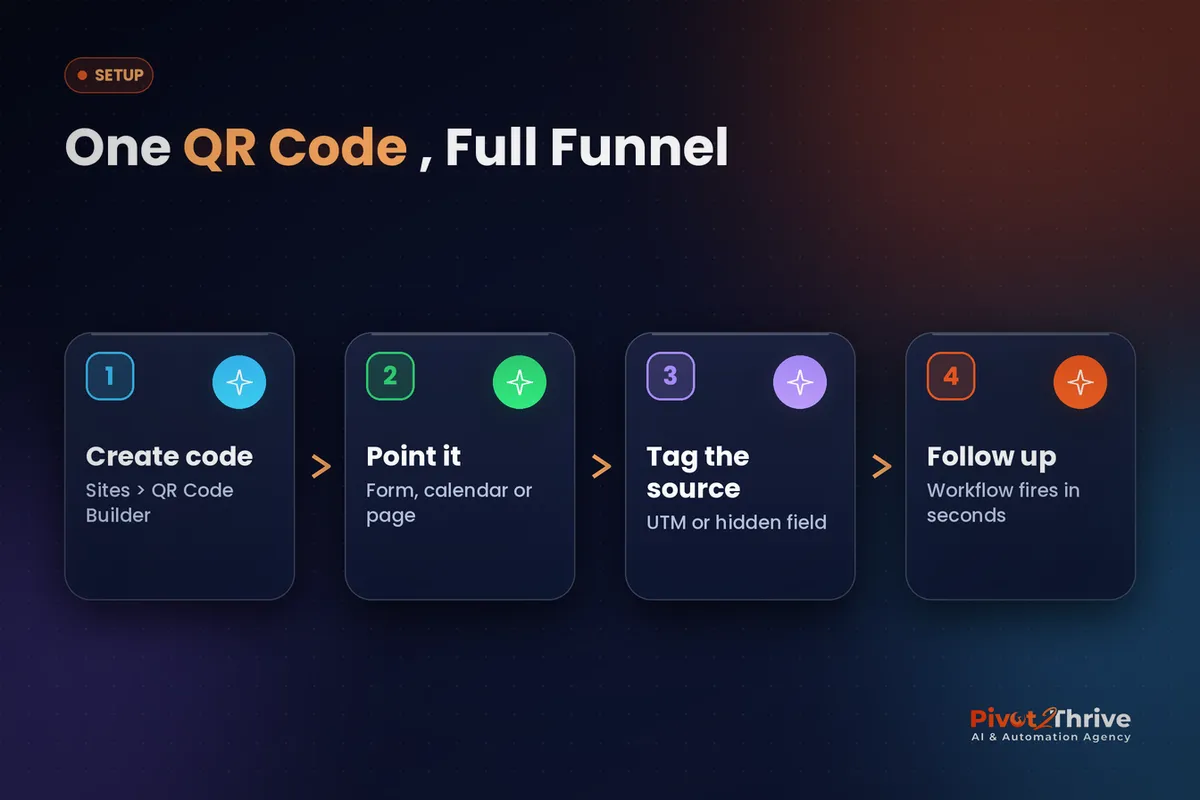
This takes about an hour for the first code and ten minutes for each one after. You need a HighLevel sub-account with a form, calendar or landing page ready to receive scans.
1. Decide the job of the code. One code, one action. A van code might book a quote, a counter card might collect a review, and a flyer might claim an offer. Write the action down before you build anything.
2. Build or pick the destination. Use a short GoHighLevel form, a booking calendar or a single-purpose landing page. Keep it mobile-first: three or four fields at most, because everyone scanning is on a phone.
3. Create the code in the QR Code Builder. HighLevel's help centre places it under Sites, then Create QR Code. Choose the destination type, give the code a clear internal name such as "Van – rear door – quote", and keep it dynamic so you can change the target later.
| Where it is printed | Best destination | Follow-up that fires |
|---|---|---|
| Vehicle signage | Quote request form | Instant SMS with booking link |
| Shop counter card | Google review page or feedback form | Thank-you text and review reminder |
| Letterbox flyer | Offer landing page | Offer email plus a call task |
| Business card | Digital business card | Contact saved and intro email |
| Event banner | Event sign-up form | Confirmation and reminder sequence |
4. Tag the source. Add UTM parameters to the destination URL or use a hidden form field so the contact record shows exactly which code they scanned. Without this you can count scans, but you cannot tie them to revenue.
5. Design and download for the medium. Use your brand colours but keep strong contrast between the code and the background. Download SVG or PDF for print and PNG for screens, and always test-scan the printed proof from a metre away before approving the print run.
6. Connect the workflow. Trigger a workflow on the form submission or booking: an instant SMS reply, a tag for the source, a pipeline stage and a task for the team. The scanner should hear from you within a minute.
Once the first code is working, copy the pattern for each placement. Separate codes per placement are what make the reporting useful.
A QR code that opens your homepage is a printed shrug. One that opens a booking form and fires a workflow is a salesperson on every flyer.
Not on HighLevel yet? Start with a free 30-day trial — enough time to build everything in this guide before you pay a cent.
An Australian example: a Perth pest control van
Here is an illustrative scenario. A Perth pest control business runs four vans and prints a phone number and web address on each, but has no idea how many enquiries the vans produce.
The owner creates one dynamic QR code per van in HighLevel, each pointing to a three-field quote form with a hidden field for the van number. A workflow texts the enquirer a booking link within a minute and creates an opportunity in the pipeline.
After a month the scan counts show two vans producing most of the scans, both parked at busy shopping centres between jobs. The owner shifts lunch-break parking for the other two vans and adds a counter card at a partner hardware store.
The same approach works in retail. Our guide to AI for jewellers in Australia shows how a counter code that books a consultation fits into a wider Christmas enquiry setup.
GoHighLevel QR code mistakes to avoid
- Pointing every code at the homepage. The scanner has to hunt for the next step. Send them straight to the form or calendar.
- One code for every placement. You will see scans but never know which placement worked. Use one code per location.
- Static codes on long-life print. If the page changes, the van is useless. Keep codes dynamic so the destination can move.
- No follow-up. A scan that lands in a form nobody watches is worse than no code. Connect the workflow before you print.
- Low-contrast design. Light-on-light codes look nice and scan badly. Test the printed proof in daylight and under shop lighting.
If agency clients ask for this, it makes a tidy quick win at renewal time. The approach in AI agency retainer renewals shows how to add it to next year's scope.
Frequently Asked Questions
Where is the QR code builder in GoHighLevel?
HighLevel's help centre places the QR Code Builder under Sites, where you click Create QR Code and choose a destination. Menu names can shift between updates, so if you cannot see it, search the help centre for "QR Code Builder" or check that the feature is enabled for your sub-account.
Are GoHighLevel QR codes dynamic?
Yes. HighLevel's QR Code Builder supports dynamic URLs, so you can change where a printed code points later without reprinting it. That makes it safe to print codes on signage, vehicles and packaging that will outlast a single campaign.
What can a GoHighLevel QR code link to?
A code can point to a website or funnel page, a specific funnel step, a form, a booking calendar or a digital business card, and HighLevel also documents codes for services and rentals. Pick the destination that gets the scanner to a booking or an enquiry in the fewest taps.
Can I track how many people scan my QR codes?
HighLevel shows scan counts and last-scanned dates for supported QR code types. For full lead attribution, add UTM parameters or a hidden source field to the destination so each contact record shows which printed code brought them in.
What file format should I download for print?
HighLevel lets you download QR codes as PNG, SVG or PDF. Use SVG or PDF for print work such as flyers, banners and vehicle signage because they stay sharp at any size, and PNG for screens and social posts.
Do I need a separate QR code generator if I use HighLevel?
For most small businesses, no. The built-in builder covers design, dynamic destinations, downloads and basic scan tracking, and keeping codes inside the CRM means the scans and the follow-up live in the same place.
Still deciding on a platform? Try HighLevel free for 30 days and build your first tracked QR code this week.
Related Articles
Our services
- PowerPivot Leads Pro — AI lead generation and follow-up
- AI Receptionist Agent — answer every call, 24/7
Keep reading
 GoHighLevel Forms: Build Enquiry Forms That Qualify and Route Leads
 GoHighLevel Custom Values and Trigger Links: Build Once, Update Everywhere
 GoHighLevel Attribution Reporting: See Which Ads and Channels Actually Book Jobs
 Missed Call Text Back: The Easiest Automation Australian Agencies Can Sell
Everything else