
GoHighLevel Webhooks: Connect Your CRM to Your Other Apps Without Copy-Paste (2026 Guide)
Last updated: November 2026.
 By Dr Priya Jaganathan, Certified AI Tech Stack Consultant · Pivot 2 Thrive · Updated 8 November 2026 · 8 min read
A plain-English guide to sending and receiving data with GoHighLevel webhooks, so your CRM talks to your job, booking and accounting apps without anyone copying and pasting.
GoHighLevel webhooks are the quiet plumbing behind the best-run Australian service businesses: a lead fills in a form, and seconds later the same details appear in the job app, the quoting tool and the team chat. Without them, someone on your team retypes every enquiry, and the retyping is where names get misspelt, phone numbers lose a digit and leads go cold.
Some links below are affiliate links — if you sign up through them, Pivot 2 Thrive may earn a commission at no extra cost to you. It never changes what we recommend.
A GoHighLevel webhook sends contact or opportunity data to another app the moment a workflow fires (outbound), or lets another app push data into HighLevel to start a workflow (inbound). Set one up by picking the event, mapping only the fields the other app needs, testing the call and alerting someone when it fails.
I'm Dr Priya Jaganathan — Go High Level Certified Admin, Certified AI Tech Stack Consultant and keynote speaker. At Pivot 2 Thrive I build these systems for Australian businesses every week, so this guide is written from the build, not the brochure.
A GoHighLevel webhook is a message one app sends another
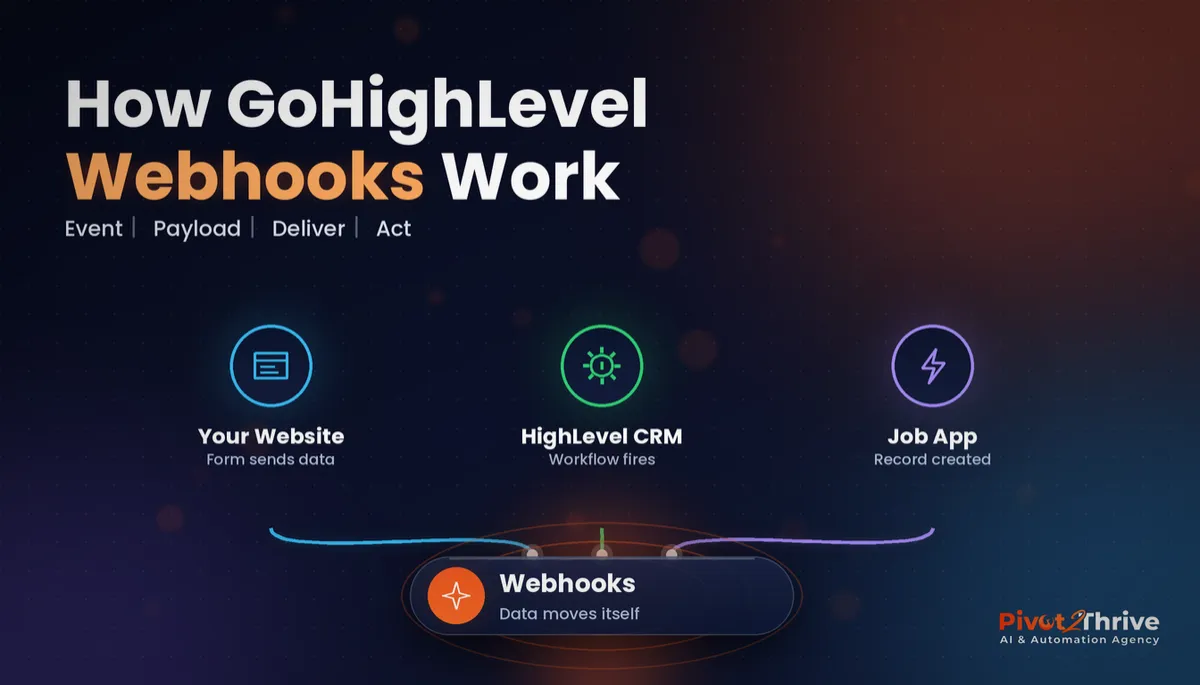
A GoHighLevel webhook is an automatic HTTP message, usually a small block of JSON, that HighLevel sends to a web address you choose when something happens, or that another app sends to HighLevel to tell it something happened.
Think of it as a text message between two pieces of software. Nobody has to log in, export a CSV or press a button: the event itself triggers the hand-off.
Webhooks sit alongside the other ways HighLevel connects to the world. Native integrations cover the big names, and tools like Zapier and Make fill the gaps; we compare those routes in our guide to Zapier vs Make vs GoHighLevel for Australian businesses. Webhooks are the direct line underneath all of them.
Why webhooks beat copy-paste (and some of your Zapier zaps)
The first reason is speed. A webhook fires in seconds, so a new enquiry can land in your job management app while the customer is still on your thank-you page, which is exactly the window our missed-call text-back guide shows matters most.
The second is accuracy. Data that is never retyped is never mistyped. Once the field mapping is right, it stays right for the thousandth lead as well as the first.
The third is cost and control. Every extra middleware step is another subscription, another login and another place for things to break quietly. A direct webhook removes a hop, and the run history in your HighLevel workflow shows you exactly what was sent and when.
How to set up GoHighLevel webhooks in 7 steps
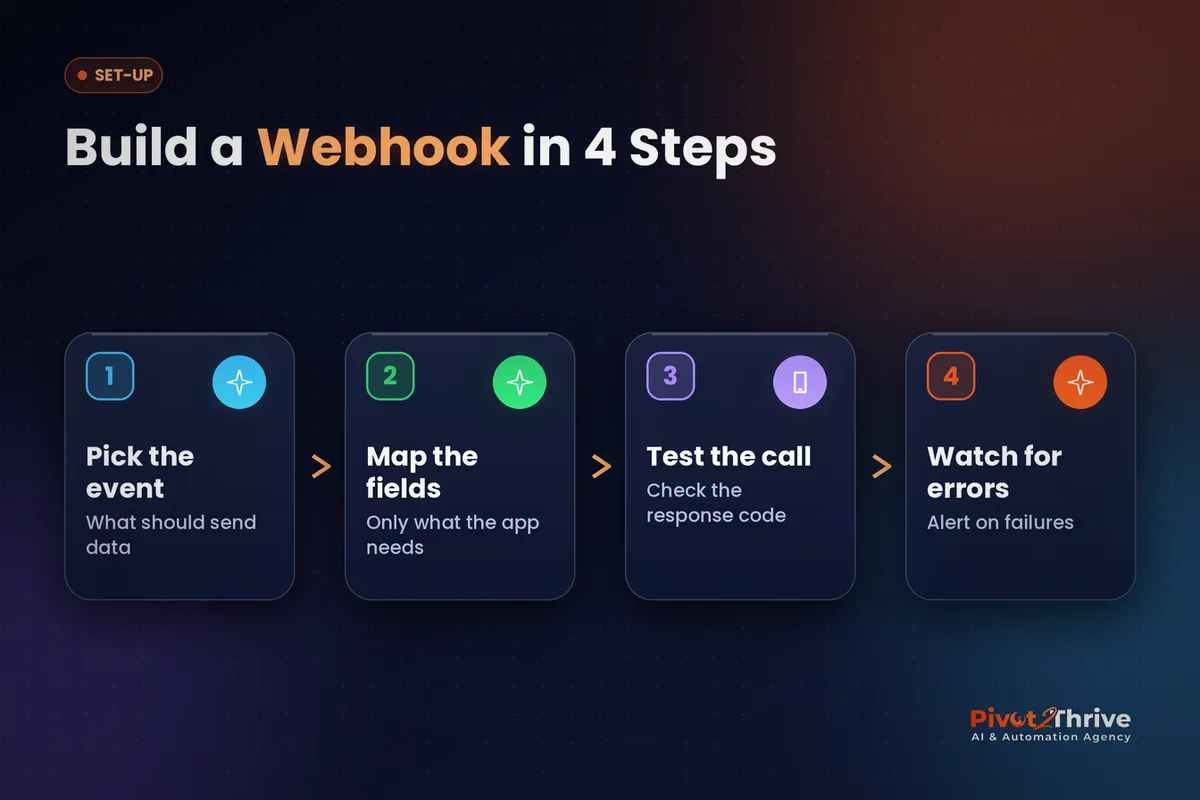
This is for owners and admins who are comfortable building a basic HighLevel workflow. Budget about an hour for your first webhook, and fifteen minutes for each one after that.
1. Write down the hand-off in one sentence. "When a form is submitted, create a job in our job app with name, phone, suburb and service." If you cannot say it in one sentence, the webhook will be messy too.
2. Find the receiving app's webhook or API details. In the other app's settings, look for "webhooks", "API" or "integrations". You need the endpoint URL, the method it expects (usually POST), any API key or header, and the field names it accepts.
3. Choose the right HighLevel tool for the job. HighLevel gives you a few ways to move data, and picking the wrong one is the most common reason a build gets complicated.
| Option | Direction | Best for | Watch out for |
|---|---|---|---|
| Webhook workflow action | HighLevel out | Simple "send this contact's details to that URL" hand-offs | Limited control over the body format |
| Custom Webhook workflow action | HighLevel out | Apps that need a specific method, headers, an API key or a custom JSON body | Can be billed as a premium workflow action; check your account's settings |
| Inbound Webhook trigger | Other app in | Starting a HighLevel workflow when something happens elsewhere (a payment, a job completed) | A premium trigger on many accounts; you must map the payload to contact fields |
| Zapier or Make in the middle | Either way | Apps with no webhook support, or multi-step logic you would rather not build | Another subscription and another failure point |
4. Build the workflow trigger. For outbound, pick the event that should send data, such as Form Submitted, Appointment Status or Opportunity Stage Changed. Add filters so only the right records fire, for example only the "Quote Request" form.
5. Map only the fields the other app needs. In the Custom Webhook action, build the JSON body with HighLevel's merge fields, such as the contact's first name, phone and any custom values you rely on. Sending less data is safer under the Privacy Act and easier to debug.
6. Test with a real record and read the response. Submit the form yourself, then open the workflow's execution log. A 200 or 201 response means the other app accepted it; a 400 usually means a field name is wrong, and a 401 or 403 means the key or header is wrong.
7. Add a failure alert. Webhooks fail silently when an API key expires or the other app changes a field. Add an internal notification or a task for your admin when the action errors, and check the log weekly for the first month.
For inbound webhooks the order flips: copy the URL HighLevel gives you into the other app, send one test event, then map the captured sample fields to a Create or Update Contact action before the rest of the workflow runs.
A webhook nobody monitors is a leak you just haven't found yet. Build the alert before you build the second webhook.
Not on HighLevel yet? Start with a free 30-day trial — enough time to build everything in this guide before you pay a cent.
An Australian example: a Brisbane electrician's quote hand-off
Here is an illustrative scenario based on the kind of build we do every month. A three-van electrical business in Brisbane's north uses HighLevel for enquiries and a separate job management app for scheduling and invoicing.
Before the webhook, the office manager copied every web enquiry into the job app by hand, usually at the end of the day. Quotes went out the next morning, after competitors had already called.
We added a Custom Webhook action to the "Quote Request" form workflow. It sends name, mobile, email, suburb, job type and the photo link straight to the job app, which creates a draft job. An inbound webhook goes the other way: when a job is marked complete, HighLevel starts the Google review request automatically.
The owner notices two things. Quotes now go out the same afternoon, and the office manager has her evenings back.
GoHighLevel webhook mistakes to avoid
- Sending the whole contact record. It exposes data the other app never needed. Map only the required fields.
- No filter on the trigger. Without one, every form or every stage change fires the webhook and floods the other app with junk records.
- Hard-coding an API key you never rotate. Store it in one place, document where it lives, and update it the day a team member with access leaves.
- Testing once and walking away. The other app will change a field name one day. A failure alert is the only way you'll hear about it before a customer does.
- Creating duplicates on inbound data. Match on email or phone with Create or Update Contact, never a plain Create Contact.
If your bot or workflow also hands conversations to staff, pair this with our AI-to-human handoff guide so data and people move in step.
Frequently Asked Questions
What is a webhook in GoHighLevel?
A webhook in GoHighLevel is an automatic message that sends data from a HighLevel workflow to another app's web address, or lets another app push data into HighLevel to start a workflow. It runs the moment the event happens, with no manual export or copy-paste.
What is the difference between the Webhook and Custom Webhook actions?
The standard Webhook action sends a contact's details to a URL in a fixed format and suits simple hand-offs. The Custom Webhook action lets you choose the method, add headers or an API key and write your own JSON body, which most modern apps require.
Do GoHighLevel webhooks cost extra?
Some webhook features, such as the Inbound Webhook trigger and the Custom Webhook action, can be billed as premium workflow features depending on your plan. Check the workflow premium settings in your HighLevel account before you build at volume.
Can I use GoHighLevel webhooks instead of Zapier?
Yes, whenever the other app accepts or sends webhooks, a direct HighLevel webhook can replace a Zapier or Make step. Keep middleware for apps without webhook support or for long multi-step logic.
How do I know if a GoHighLevel webhook failed?
Open the workflow's execution log and check the response code for the webhook action: 200 or 201 means success, 400 usually means a wrong field, and 401 or 403 means a bad key. Add an internal notification on failure so you hear about errors without checking logs.
Are webhooks safe for customer data under Australian privacy law?
Webhooks can be used safely if you send data only over HTTPS, only to apps covered by your privacy policy, and only the fields the other app genuinely needs. Sending less data reduces your risk under the Privacy Act.
Still deciding on a platform? Try HighLevel free for 30 days and build your first webhook before your trial ends.
Related Articles
Our services
- PowerPivot Leads Pro — AI lead generation and follow-up
- AI Receptionist Agent — answer every call, 24/7
Keep reading
 Zapier vs Make vs GoHighLevel for Australian Businesses
 GoHighLevel Custom Objects Guide
 GoHighLevel Forms: Build Enquiry Forms That Qualify and Route LeadsAI Agency Late Payments: How I Would Get Paid on Time
Everything else