
GoHighLevel Duplicate Contacts: Find, Merge and Prevent Double Records (2026 Guide)
Last updated: November 2026.
 By Dr Priya Jaganathan, Certified AI Tech Stack Consultant · Pivot 2 Thrive · Updated 13 November 2026 · 6 min read
How to set the right deduplication rule, merge the doubles you already have without breaking workflows, and keep your CRM at one record per person.
GoHighLevel duplicate contacts are the quiet reason your follow-up sends the same SMS twice, your reports overcount leads and your team argues about who called whom. One person fills in a form with their work email, calls from their mobile, then messages on Facebook, and suddenly they are three contacts with three conversation histories. This guide shows you how to fix the ones you have and stop new ones forming.
Some links below are affiliate links — if you sign up through them, Pivot 2 Thrive may earn a commission at no extra cost to you. It never changes what we recommend.
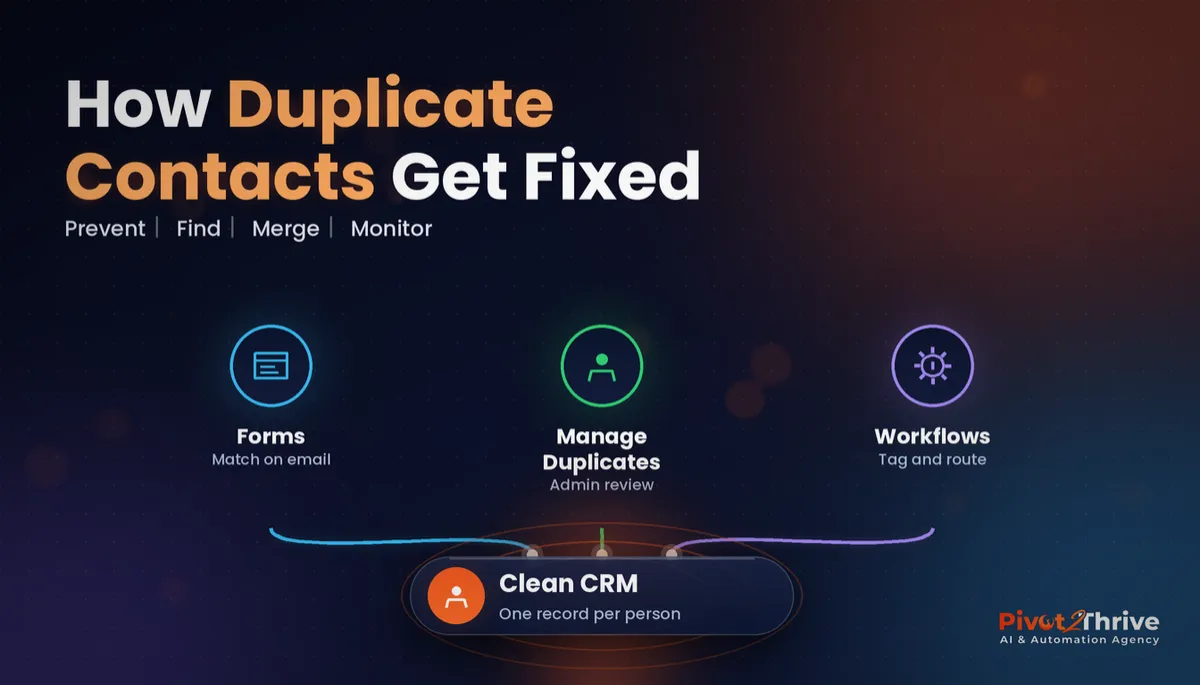
Set your account's duplicate rule first (Settings → Business Profile → Allow Duplicate Contacts, matched on email or phone), then use Manage Duplicates to review and merge the doubles you already have, keeping the oldest, richest record as the master. After that, a weekly smart-list check and clean import habits keep the CRM at one record per person.
I'm Dr Priya Jaganathan — Go High Level Certified Admin, Certified AI Tech Stack Consultant and keynote speaker. At Pivot 2 Thrive I build these systems for Australian businesses every week, so this guide is written from the build, not the brochure.
GoHighLevel duplicate contacts are… more than a messy list
Duplicate contacts in GoHighLevel are two or more contact records that belong to the same real person, usually created when they reach you through different channels or with slightly different details.
HighLevel decides whether a new submission is "the same person" using your account's deduplication preference. When duplicates are allowed, a form or integration can create a brand-new record even if that email or phone number already exists. When they are not allowed, the matching record is updated instead.
Duplicates also slip in through details that look different to a computer but not to you: a mobile written with and without +61, a Gmail and a work address, or a name typed "Sam" in one place and "Samantha" in another. If you are building your contact data model from scratch, pair this guide with our walkthrough of GoHighLevel custom fields that keep automations reliable.
Why duplicate records quietly cost you leads and money
Bad data is not a small-business-only problem. Gartner research from 2020 put the average cost of poor data quality at US$12.9 million a year for the organisations it surveyed. Your numbers are smaller, but the mechanics are the same.
In a HighLevel account, duplicates show up as real customer experience faults. A lead who already booked gets the "are you still interested?" nurture because their booking sits on the other record. A client who opted out by SMS keeps getting texts on their second record, which is a compliance risk under the Spam Act.
They also wreck your reporting. Lead counts, cost per lead and conversion rates all look better or worse than reality, so you make ad decisions on fiction. If you rely on workflow goal events to stop chasing leads who have booked, those goals only fire on the record that actually booked.
How to find, merge and prevent GoHighLevel duplicates in 6 steps
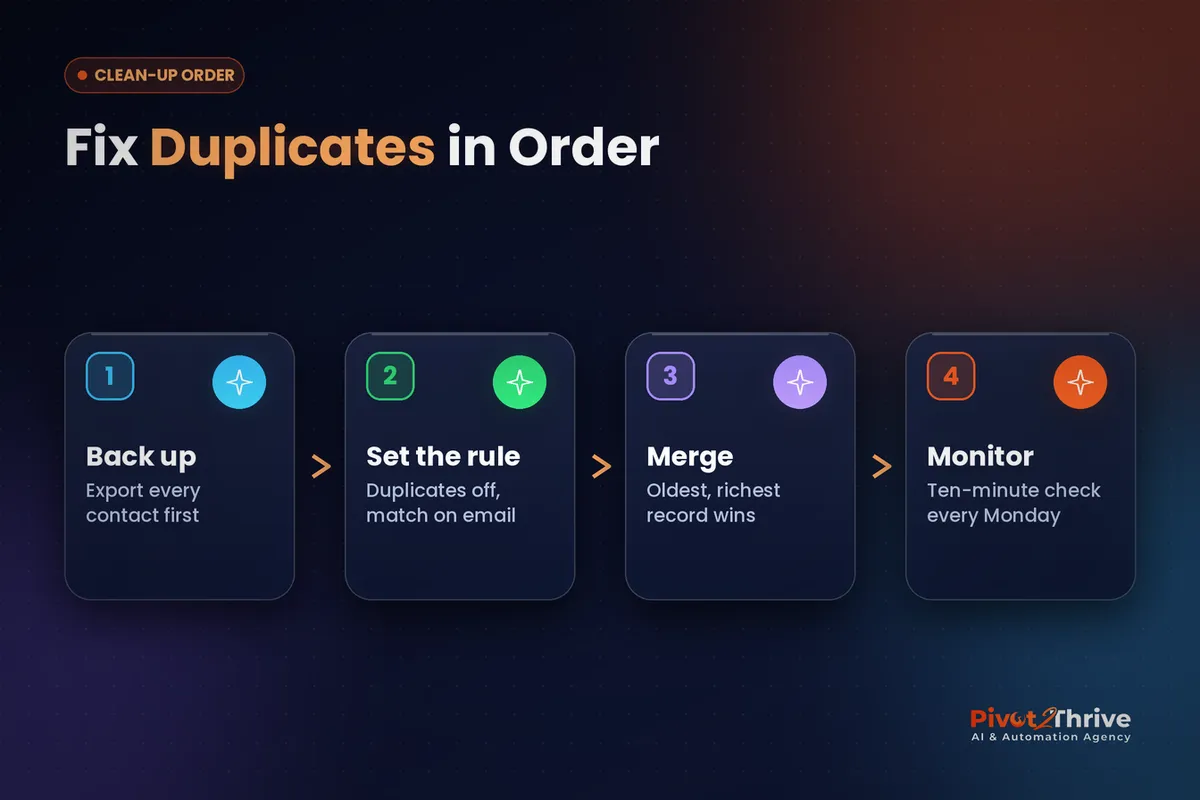
This is the order I use for client sub-accounts. Budget about two hours for a list under 5,000 contacts, and do it outside your busiest booking hours.
1. Back up before you touch anything. Export the full contact list to CSV from the Contacts tab, including custom fields and tags. A merge combines records, and you want a snapshot of what each one looked like before it happened.
2. Set the deduplication rule. Go to Settings → Business Profile and find the Allow Duplicate Contacts preference. For most service businesses I switch duplicates off and set the primary match to email, with phone as the second check, so a returning lead updates their existing record instead of creating a new one. Note that HighLevel's help documentation says CSV imports do not create duplicates of existing contacts, so the leak is usually forms, integrations and social inboxes.
| Setting | What happens when a match arrives | Best for |
|---|---|---|
| Duplicates OFF, match on email | Existing contact is updated | Most clinics, trades and agencies |
| Duplicates OFF, match on phone | Existing contact is updated | Call-heavy businesses where many leads never give an email |
| Duplicates ON | A new contact is created every time | Rare cases, such as one email shared by several family members who each need their own record |
3. Find the duplicates you already have. Open Contacts and use the Manage Duplicates view, which groups likely matches by email, phone or name. Sort by the biggest groups first: those are usually test submissions or a broken integration firing repeatedly.
4. Pick the master record carefully. The master should be the record with the booking, the opportunity, the payment history or the longest conversation thread. Select the records (HighLevel's help centre says up to 10 at a time, and only admins can merge), choose the master, and check which field values you keep before you confirm.
5. Check workflows after each batch. When a duplicate is removed, its active workflow runs move to the master; if the master is already in that same workflow, the extra run stops. After each batch, open two or three merged contacts and confirm they sit in the right pipeline stage with the right tags. Our GoHighLevel tags naming system makes this check much faster.
6. Add a weekly duplicate check. Build a saved smart list, or simply review Manage Duplicates every Monday. Ten minutes a week stops the list from drifting back to where it was, and it catches a broken form or integration within days instead of months.
Once the list is clean, your segments and campaigns finally hit the right people once. That is when tools like GoHighLevel smart lists start paying off.
A duplicate contact is not a data problem. It is a customer getting two different conversations from the same business.
Not on HighLevel yet? Start with a free 30-day trial — enough time to build everything in this guide before you pay a cent.
An Australian example: a Brisbane physio clinic with three of every patient
Here is an illustrative scenario based on the kind of account we often inherit. A two-site physio clinic in Brisbane had run Facebook lead ads, a website form and a booking widget for two years with duplicates allowed.
Patients who enquired on Facebook, then booked online, existed twice. Some who also called in existed three times. Reminder workflows fired from one record while the "lapsed patient" reactivation campaign fired from another, so active patients were being asked to "come back".
The clean-up followed the six steps above: export, switch duplicates off with email as the primary match, merge the largest groups first, then spot-check workflows. The front desk kept a sticky note of any patient who complained about double messages, which pointed straight to the last broken integration.
The owner noticed the difference within a fortnight: one conversation thread per patient, reports that matched the appointment book, and no more apologetic phone calls about confusing texts.
GoHighLevel duplicate contact mistakes to avoid
- Merging before backing up. If you choose the wrong master, you lose the field values you did not keep. Export first, every time.
- Keeping the newest record as master. The newest record is usually the thinnest. Keep the one with the booking, opportunity or payment history.
- Switching duplicates off without checking integrations. Zapier zaps and third-party tools that create contacts behave differently once matching is on. Test each source with a dummy lead.
- Merging from the mobile app. Do merges on desktop where you can see every field and workflow before you confirm.
- Never checking again. Duplicates come back the moment a new form, ad account or integration goes live. A weekly check keeps them out.
If you are about to bring a big list across from another CRM, read our GoHighLevel contact import guide first so the import does not fire the wrong automations.
Frequently Asked Questions
How do I stop GoHighLevel creating duplicate contacts?
Go to Settings → Business Profile and turn off Allow Duplicate Contacts, then choose email or phone as the primary match. New form, integration and social submissions with a matching email or phone will then update the existing contact instead of creating a new one.
Where do I find duplicate contacts in GoHighLevel?
Open the Contacts tab and use the Manage Duplicates view. It groups likely duplicates by matching email, phone or name so you can review them and merge them into one master record.
How many contacts can I merge at once in GoHighLevel?
HighLevel's help documentation says you can merge up to 10 contacts at a time, and the merge option only appears once you select two or more valid records. Only users with admin access can merge.
What happens to workflows when I merge contacts?
Active workflow runs on the removed duplicate move to the master record. If the master is already in that same workflow, the extra run is stopped and the existing run continues, so check a few merged contacts after each batch.
Do CSV imports create duplicate contacts in GoHighLevel?
According to HighLevel's help documentation, CSV imports do not create duplicates of contacts that already exist. Most duplicates come from forms, integrations, lead ads and social inboxes, so test those sources after changing your settings.
Which record should be the master when merging?
Keep the record with the most history: the booking, the opportunity, payments or the longest conversation. The newest record is usually the thinnest and makes a poor master.
Still deciding on a platform? Try HighLevel free for 30 days and run this whole clean-up in a fresh account before you move your real list across.
Related Articles
Our services
- PowerPivot Leads Pro — AI lead generation and follow-up
- AI Receptionist Agent — answer every call, 24/7
Keep reading
 GoHighLevel Contact Import: Move Your Customer List In Without Firing the Wrong Automations
 GoHighLevel Tags: A Naming System That Keeps Automations Tidy
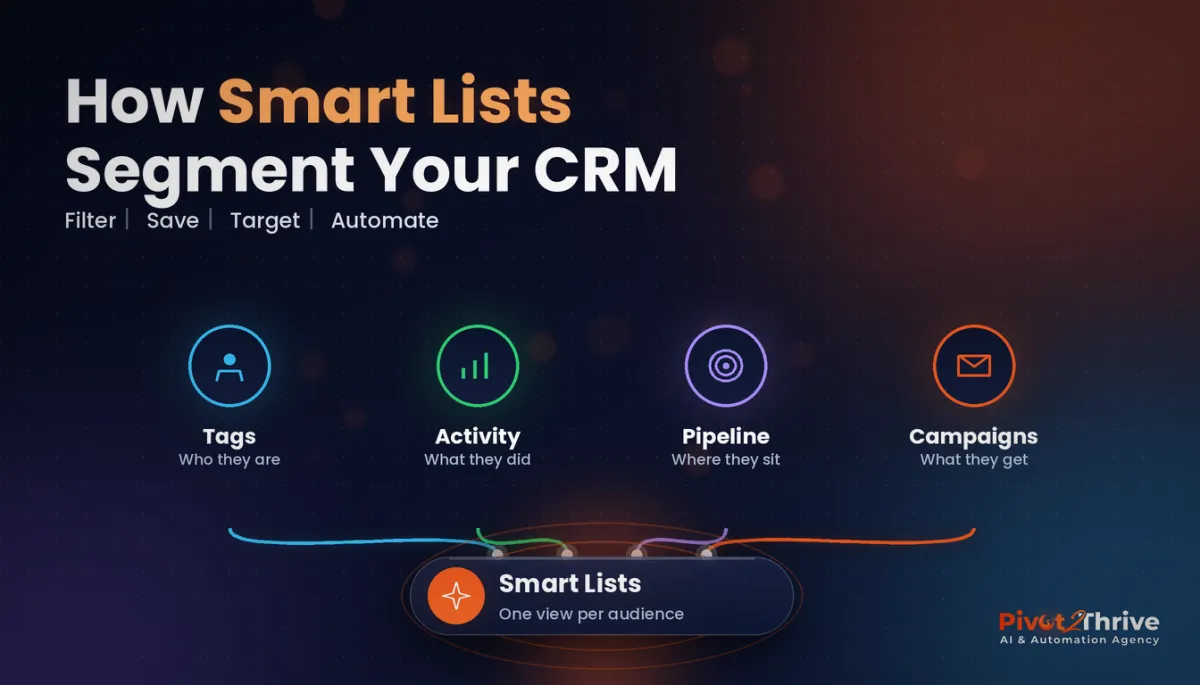 GoHighLevel Smart Lists: Segment Your Contacts So Every Campaign LandsAI for Christmas Light Installers in Australia
Everything else