
GoHighLevel Workflow Drip Mode: Send to Big Lists Without Flooding Your Team or the Carriers (2026 Guide)
Last updated: November 2026.
 By Dr Priya Jaganathan, Certified AI Tech Stack Consultant · Pivot 2 Thrive · Updated 21 November 2026 · 8 min read
How to use the Drip action in GoHighLevel workflows to pace large sends, protect your sender reputation and keep replies at a volume your team can actually handle.
GoHighLevel workflow drip mode is the setting most Australian businesses skip right up until the day they import 3,000 old leads, hit publish on a reactivation campaign and watch 400 replies land in the inbox in ten minutes. Drip mode fixes that by releasing contacts through your workflow in small, timed batches instead of all at once.
With Christmas promos and January reactivation campaigns about to go out, now is the right time to get it set up properly.
Some links below are affiliate links — if you sign up through them, Pivot 2 Thrive may earn a commission at no extra cost to you. It never changes what we recommend.
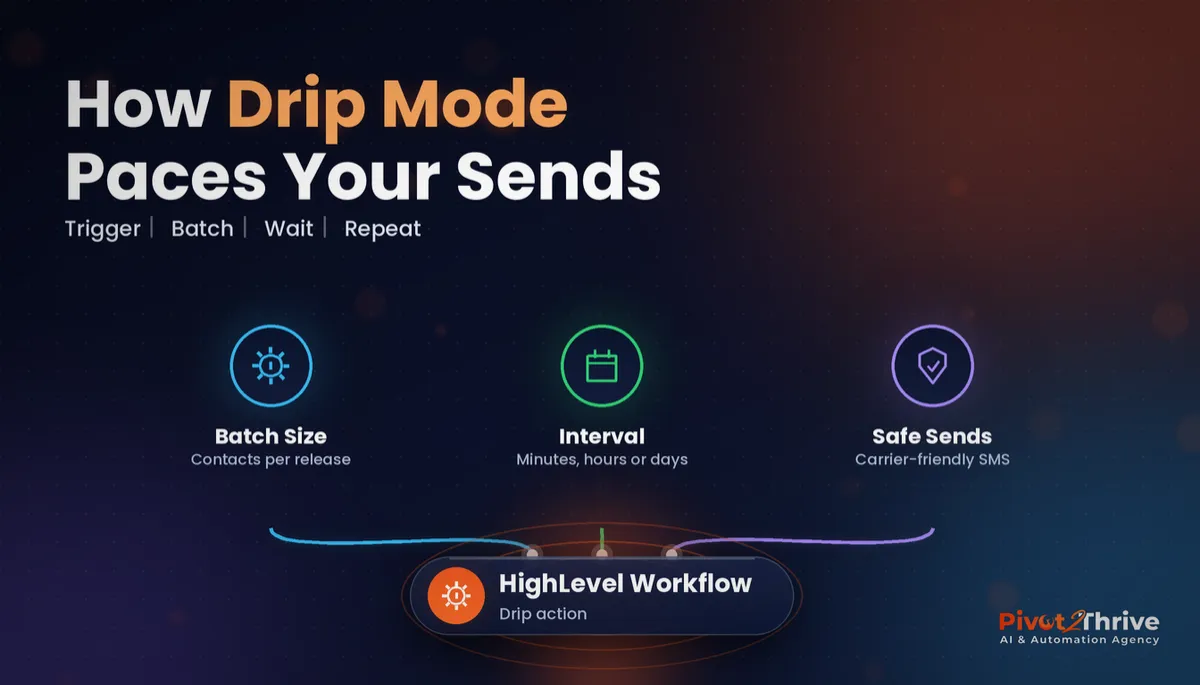
GoHighLevel's Drip action holds contacts in a queue and releases a set batch (anywhere from 1 to 10,000 contacts) every interval you choose, in minutes, hours or days. Use it in front of any SMS, email or call step that goes to a large list, so carriers see steady volume and your team can answer every reply.
I'm Dr Priya Jaganathan — Go High Level Certified Admin, Certified AI Tech Stack Consultant and keynote speaker. At Pivot 2 Thrive I build these systems for Australian businesses every week, so this guide is written from the build, not the brochure.
GoHighLevel workflow drip mode is…
GoHighLevel workflow drip mode is the Drip action: a workflow step that queues contacts and lets them through to the next step in batches, on a timer. Everything after the Drip step only runs for the contacts in the current batch.
According to HighLevel's own Drip action help article, the batch size can be anything from 1 to 10,000 contacts, and the drip interval can be set in minutes, hours or days. Change the settings later and only contacts who enter the Drip step after the change use the new numbers; anyone already queued keeps the old batch size.
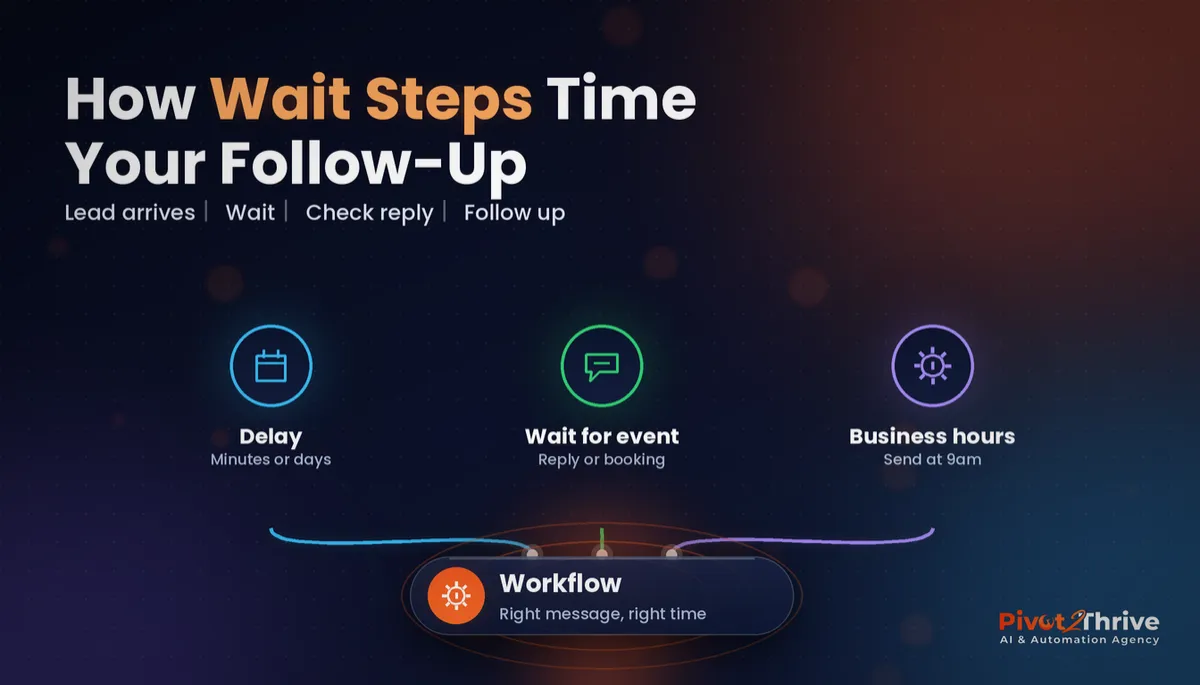
It sits alongside the other timing tools. A GoHighLevel workflow wait step pauses each contact for a set time; drip mode controls how many contacts move at once. Most good campaigns use both.
Why drip mode protects your sender reputation and your replies
The first reason is deliverability. Mobile carriers and email providers watch for sudden spikes from one sender. A steady trickle looks like a real business talking to real customers; 3,000 identical texts in a minute looks like spam.
HighLevel's help documentation on its newer drip mode for bulk actions notes that carrier-level and platform safety limits still apply no matter what you choose, so pacing is something you plan for, not something the platform quietly fixes for you.
The second reason is your team. Every batch creates replies, booking requests and missed calls. If you send to the whole list at 9am, your receptionist spends the day apologising for slow answers. If you send 100 contacts every 30 minutes, every reply gets a fast, human response, which matters because speed to lead is where most of the bookings are won or lost.
The third reason is compliance. The Spam Act still applies to every batch, so your consent, sender identification and unsubscribe rules need to be right before any drip goes live. Our SMS marketing and Spam Act guide covers the checklist.
How to set up GoHighLevel drip mode in 4 steps
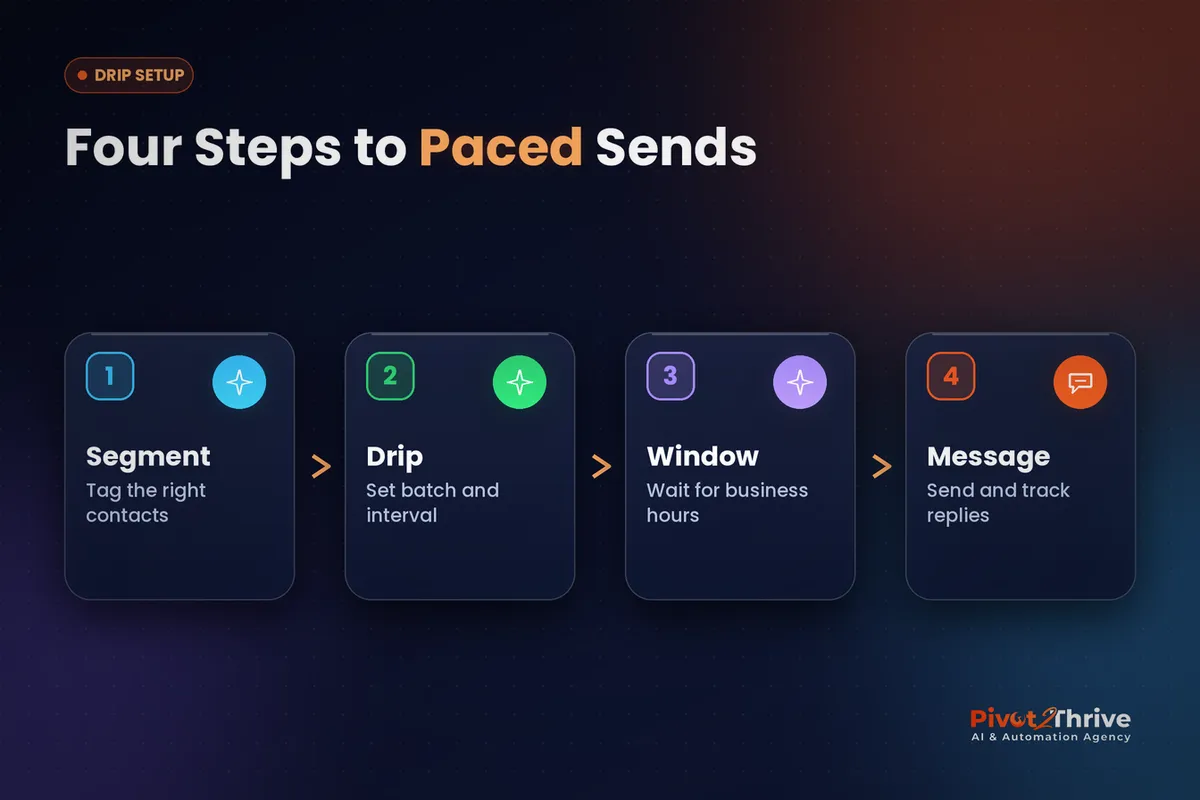
This setup suits any business sending to more than a few hundred contacts at once: reactivation lists, holiday promos, event invites or a newly imported database. Allow about 30 minutes to build and test it.
1. Segment the list before it reaches the workflow. Start with a tag or smart list so only the right contacts enter. Pull out anyone without SMS consent, anyone marked do-not-disturb and anyone already booked. Our GoHighLevel smart lists guide shows how to build the filter, and the contact import guide covers tagging an imported list without firing other automations.
2. Add the Drip action as the first step after the trigger. Open the workflow, add the Drip action straight after the trigger and set a batch size and interval. Start conservative: a batch your team can personally respond to inside the interval. You can always speed it up for the next campaign.
| List size | Suggested batch | Suggested interval | Why |
|---|---|---|---|
| Under 300 contacts | 50 | 15 minutes | Finishes in about 90 minutes; one person can handle replies |
| 300 to 2,000 | 100 | 30 minutes | Spreads the send across a working day |
| 2,000 to 10,000 | 200 to 250 | 1 hour | Keeps carrier volume steady over two or three days |
| Cold or old data (12+ months) | 50 | 1 hour | Lets you watch bounce and opt-out rates before scaling up |
These are our starting points, not HighLevel rules. Adjust them to your team's capacity and the reply rate you see in the first few batches.
3. Hold each batch to business hours. A drip that releases a batch at 11pm on a Sunday creates complaints. Put a wait step after the Drip action that holds contacts until your sending window (for example, weekdays 9am to 5pm in the contact's time zone) before the first message goes out. Set your business hours and Christmas closures as well, so nothing lands while the office is shut.
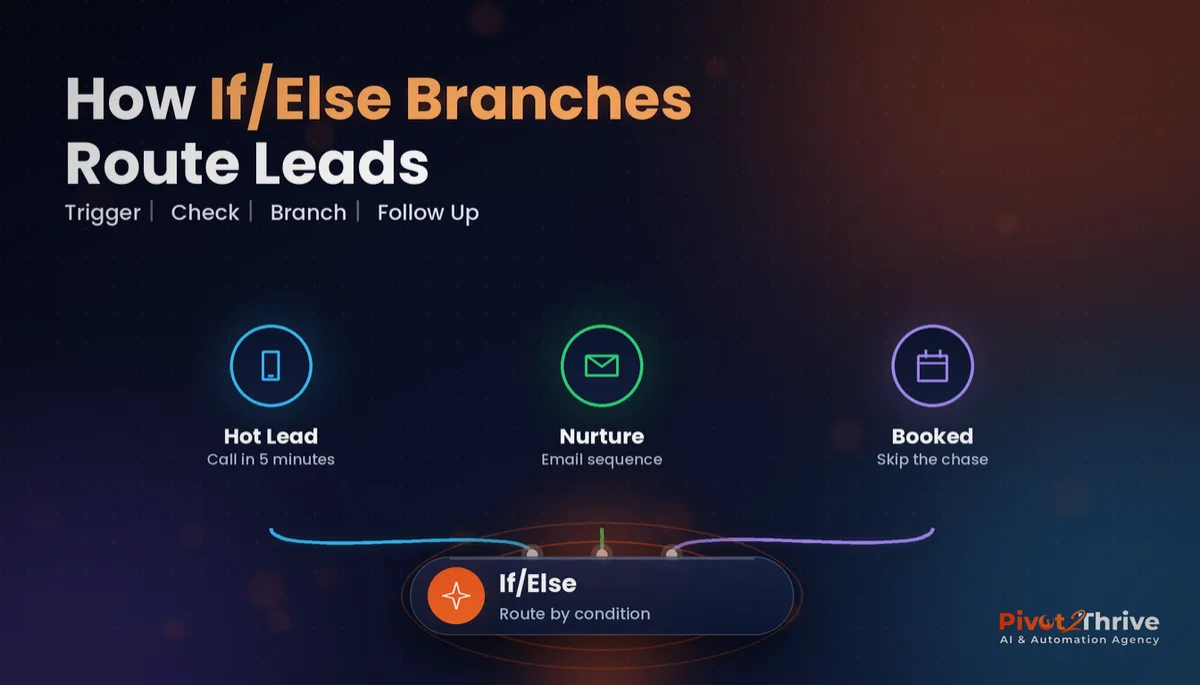
4. Send, branch and track. After the window comes the message itself, then an if/else branch that splits repliers from non-repliers. Repliers go to a human task or straight to booking; non-repliers get one follow-up two or three days later. Add a goal event so anyone who books drops out of the sequence immediately.
Test the whole thing with a list of five internal contacts and a batch size of 1 before you switch the real campaign on. You should see each test contact released one at a time on schedule.
A campaign that sends to everyone at once doesn't save you time. It just moves the work to the inbox, where the slowest reply loses the booking.
Not on HighLevel yet? Start with a free 30-day trial — enough time to build everything in this guide before you pay a cent.
An Australian example: a Brisbane physio clinic reactivates 2,400 patients
Here is an illustrative scenario based on the setups we build. A Brisbane physiotherapy clinic has 2,400 past patients who haven't booked in over a year and wants to fill its December and January diary.
Their first plan was one SMS blast on a Monday morning. Instead, they tag the list, strip out anyone without SMS consent and put a Drip action in front of the message: 100 contacts every 30 minutes, held to weekdays between 9am and 4pm.
Day to day, the two front-desk staff get a manageable stream of replies. Anyone who answers "yes" gets a booking link within minutes, and anyone who books leaves the sequence through the goal event. The send runs over about two working days.
The owner notices two things: replies were never left waiting, and there was no wave of opt-outs or carrier filtering. The same workflow now runs every quarter with a fresh tag.
The same pattern works outside health. Our sibling guide on AI for end-of-lease cleaners uses a paced reminder sequence for past customers, and agencies running voice campaigns should pair drip mode with the weekly checks in our AI voice agent call review guide.
GoHighLevel drip mode mistakes to avoid
- Putting the Drip action after the message. Drip only paces the steps that come after it. Put it straight after the trigger, or the first message still goes to everyone at once.
- Changing the batch size mid-campaign and expecting it to apply. New settings only apply to contacts who enter the Drip step after the change. Plan the numbers before you publish.
- Choosing a batch size your team can't answer. If 300 people reply in 15 minutes and one person is on the desk, you've recreated the blast problem. Size each batch to your response capacity.
- Forgetting the sending window. Without a business-hours hold, batches keep releasing overnight and on weekends.
- No goal event. Contacts who book should leave the workflow immediately, otherwise they get a "still keen?" follow-up after they've already paid.
If the follow-up messages themselves need work, our GoHighLevel email campaigns guide covers what to send once the pacing is right.
Frequently Asked Questions
What does drip mode do in a GoHighLevel workflow?
Drip mode, the Drip action, queues contacts in a workflow and releases them to the next step in batches on a timer. You choose the batch size and the interval, and only the contacts in the current batch run the steps after it. It is used to pace large SMS, email and call campaigns.
What batch sizes and intervals can I use in the GoHighLevel Drip action?
HighLevel's help documentation says the batch size can be from 1 to 10,000 contacts, and the interval can be set in minutes, hours or days. Most Australian small businesses start with 50 to 100 contacts every 15 to 30 minutes and adjust after watching the first few batches.
If I change the drip settings, do contacts already waiting use the new settings?
No. According to HighLevel, changes to the Drip action only apply to contacts who enter the step after the update. Contacts already queued keep the earlier batch size, so set the numbers before the campaign goes live.
Where should the Drip action go in a workflow?
Put the Drip action straight after the trigger and before any message, call or task step. Drip only paces the actions that come after it, so placing it after the first SMS means that SMS still goes to everyone at once.
Is drip mode the same as a wait step in GoHighLevel?
No. A wait step pauses each contact for a period of time, while drip mode limits how many contacts move through the workflow at once. Most reactivation and promo workflows use a Drip action to pace volume and a wait step to hold sends to business hours.
Does drip mode make my SMS campaign compliant with the Spam Act?
No. Drip mode only controls the pace of sending. You still need consent, clear sender identification and a working unsubscribe option in every message under Australia's Spam Act 2003, whatever batch size you use.
Still deciding on a platform? Try HighLevel free for 30 days and build your first drip-paced campaign on a test list before the holidays.
Related Articles
Our services
- PowerPivot Leads Pro — AI lead generation and follow-up
- AI Receptionist Agent — answer every call, 24/7
Keep reading
 GoHighLevel Workflow Wait Steps: Time Every Follow-Up So Leads Actually Reply
 GoHighLevel Workflow If/Else: Route Every Lead to the Right Follow-Up
 SMS Marketing and the Spam Act: Compliance Rules for GoHighLevel Automations
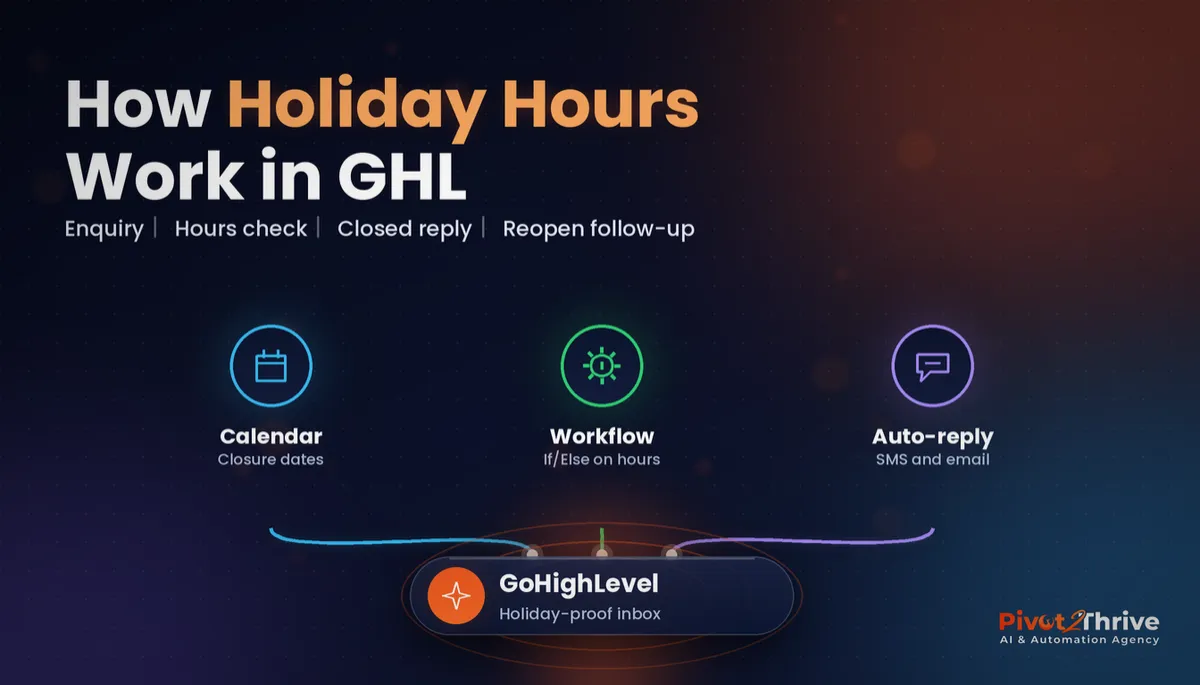 GoHighLevel Business Hours: Christmas Closure Auto-Replies That Still Capture Every Lead
Everything else